
What is online menu management? Guide for restaurants


TL;DR:
Digital menu management allows instant updates, reducing costs and enhancing visual appeal.
Key features include visual editors, real-time sync, POS integration, analytics, and allergen info.
Implementing online menus boosts guest engagement, increases revenue, and reduces food waste.
Paper menus are quietly becoming relics of a pre-digital era. Online orders now account for 20-65% of restaurant sales, and guests increasingly expect the kind of visual, interactive browsing experience that only digital platforms can deliver. Online menu management sits at the center of this shift, touching everything from how you price a dish to how quickly a guest decides to order. This guide explains exactly what online menu management is, which features matter most, and how you can put it to work in your restaurant, café, or bar starting today.
Table of Contents
Key Takeaways
Point | Details |
Time-saving automation | Digital menus allow managers to update offerings instantly and save hours weekly. |
Boosted engagement | Visual online menus drive up guest conversions and satisfaction. |
Cost and waste reduction | Direct ordering systems save money on commissions and help cut food waste by up to 15%. |
Future-proof operations | Online menu tools position restaurants to adapt to industry trends and guest expectations. |
Defining online menu management
Online menu management is the practice of creating, editing, publishing, and syncing your menu across digital channels through a single cloud-based platform. Instead of reprinting laminated cards every time a price changes or a seasonal dish sells out, you update one dashboard and every screen, QR code, and tablet reflects the change instantly. That shift sounds simple, but it rewires how your entire operation communicates with guests.
At its core, a digital menu platform gives you control over four key areas:
Content: Add or remove items, update descriptions, and swap photos or videos without touching a printer.
Availability: Toggle items on or off in real time when ingredients run low or a special sells out.
Customization: Tailor layouts, colors, and branding so your menu feels like an extension of your restaurant’s personality.
Analytics: Track which items guests view most, which they skip, and where they drop off before ordering.
To understand the operational gap between old and new, consider this side-by-side comparison:
Factor | Traditional paper menu | Digital menu platform |
Update speed | Days to weeks (reprint cycle) | Seconds (live dashboard) |
Cost per update | $50-$500+ per reprint run | $0 per change |
Visual richness | Static text and photos | HD images, video, animations |
Guest data | None | Real-time analytics |
Error risk | High (outdated pricing) | Low (instant sync) |
“Menu software can save 7+ hours weekly on updates compared to manual methods, freeing managers to focus on service and strategy rather than administrative tasks.”
That recovered time is not trivial. Seven hours a week is nearly a full workday returned to your schedule. Managers who understand online ordering systems quickly recognize that menu management is not a back-office chore. It is the engine powering guest-facing experiences. Pairing it with capable digital menu technology means your menu becomes a living, breathing sales tool rather than a static list of dishes.
Core features of online menu management platforms
Not every platform is built equally, and knowing which features deliver the most value helps you choose wisely. The right system should feel intuitive to your staff and invisible to your guests, letting the food take center stage.
Here are the top five must-have features for restaurants, cafés, and bars of any size:
Visual menu editor: Drag-and-drop tools that let you upload mouthwatering photos and short food videos without needing a developer. Visual online menus boost conversions by 30%, making image quality a direct revenue lever.
Real-time multi-device sync: Any change you make in the dashboard should push instantly to your website, QR codes, and in-house tablets simultaneously, with zero lag.
Ordering system integration: A menu that connects directly to your menu design strategies and point-of-sale system eliminates manual ticket entry and reduces costly errors.
Reporting and analytics: Dashboards that surface your top-selling items, peak ordering hours, and guest browsing patterns so you can engineer your menu around what actually drives revenue.
Allergen and nutritional management: Built-in fields for dietary flags, calorie counts, and ingredient lists that keep you compliant and build guest trust.
Feature | Impact on operations | Impact on guest experience |
Visual editor | Faster updates, less outsourcing | Higher appetite appeal |
Real-time sync | No outdated menus in circulation | Accurate, reliable information |
POS integration | Fewer order errors | Faster service |
Analytics dashboard | Smarter menu engineering | More relevant offerings |
Allergen management | Reduced liability | Greater confidence ordering |
Pro Tip: Start by uploading short, well-lit videos of your three best-selling dishes. Guests who watch a food video are significantly more likely to order that item, turning your menu into an active upselling tool rather than a passive list.
Business benefits: Why online menu management matters
The numbers behind digital menu adoption are hard to argue with, and the benefits stretch well beyond saving a few hours on updates. They reshape your cost structure, your guest relationships, and your ability to compete.
Guest engagement and revenue lift
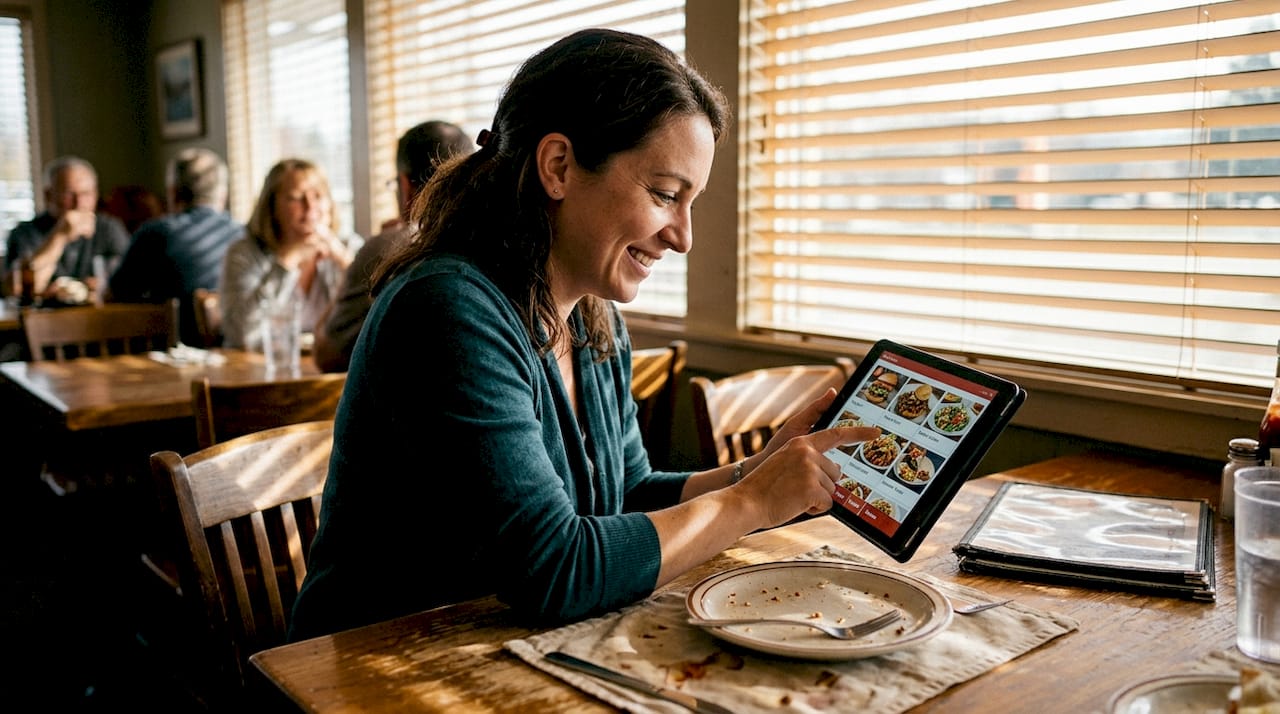
Visual, interactive menus make browsing feel like an adventure rather than a chore. When guests can see a beautifully plated dish alongside its story and ingredients, they linger longer and spend more. The 30% conversion boost from visual menus translates directly to higher average check sizes. Platforms that support digital table ordering take this further by letting guests browse, customize, and order at their own pace, reducing pressure and increasing satisfaction.
Cost savings that compound over time
Consider what you currently spend on third-party delivery platforms. Direct online ordering saves businesses 90% on third-party commissions, a staggering figure for any operator paying 15-30% per order to aggregators. Add the elimination of printing costs and the reduction in ordering errors, and the financial case becomes compelling fast.
Key savings areas include:
Eliminated or drastically reduced printing and design fees
Fewer comped meals from incorrect orders
Lower commission exposure through direct ordering channels
Reduced labor hours spent on manual menu updates
Operational efficiency and sustainability
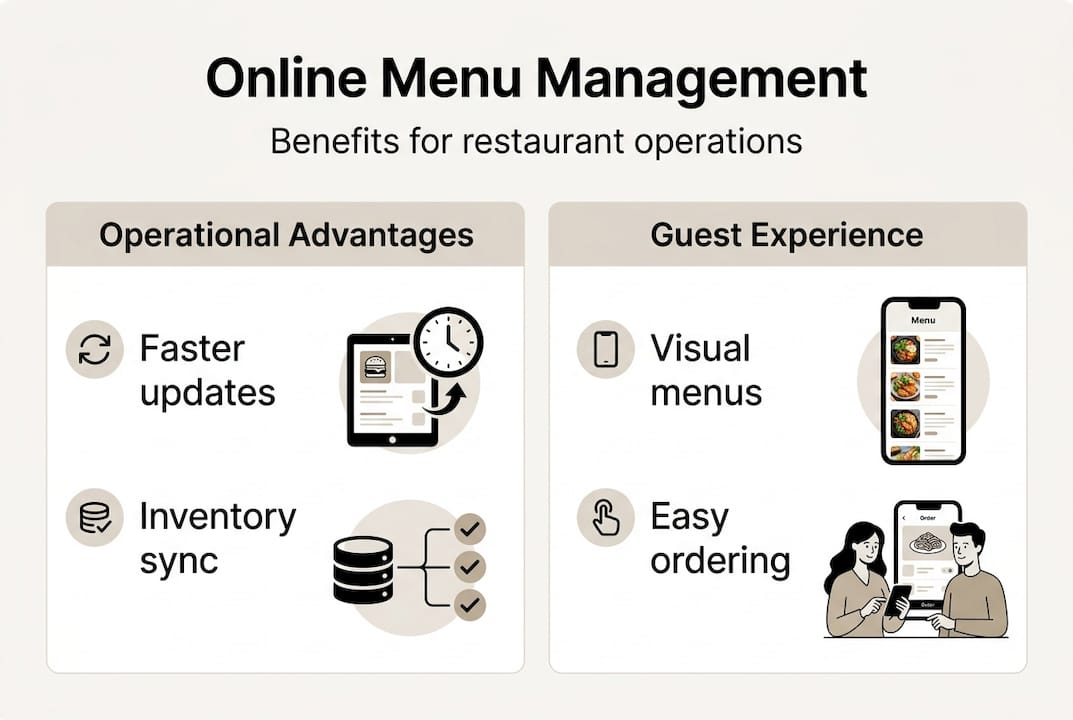
Integrating your menu platform with inventory tools produces a quieter but equally important benefit. Food waste is reduced 4-15% when operators use integrated systems, because real-time inventory visibility means you stop selling dishes you cannot fulfill and start 86-ing items before they become waste. Pair this with online reservation efficiency and you gain a cleaner picture of demand before service even begins.
Pro Tip: Connect your menu platform to your inventory system and set automatic alerts when key ingredients drop below a threshold. This single integration can meaningfully cut food waste while protecting your kitchen from last-minute scrambles.
Implementing online menu management: Steps and best practices
The menu management market is growing at 15.8% CAGR through 2030, which means the window for competitive advantage is narrowing. Operators who implement thoughtfully now will be years ahead of those who wait.
Follow these steps to get started on solid footing:
Research and shortlist platforms. Look for solutions built specifically for hospitality, with QR code support, tablet compatibility, and direct ordering built in. Generic software rarely fits the pace of a restaurant floor.
Assess compatibility. Confirm the platform integrates with your existing POS, payment processor, and any delivery tools you already use. Gaps here create friction that staff and guests will feel immediately.
Build and customize your menu. Upload high-quality images, write compelling item descriptions, and organize sections logically. Think like a guest browsing for the first time.
Train your team. A system is only as good as the people using it. Run short, hands-on sessions so front-of-house staff can answer guest questions confidently and back-of-house teams understand how updates flow.
Promote digital access to guests. Place QR codes prominently on tables, at the host stand, and in your email communications. Make it easy and obvious.
Best practices for ongoing management include:
Schedule seasonal menu reviews at least four times a year
Act on analytics monthly, not just when revenue dips
Collect guest feedback through the platform and respond visibly
Keep item photography fresh, especially for hero dishes
For a deeper look at rollout strategy, the digital menu implementation guide and digital menu adoption strategies offer practical frameworks shaped by real hospitality operators.
The most common pitfall is treating implementation as a one-time project. Menus are living documents, and the operators who treat them that way consistently outperform those who set it and forget it.
The surprising truth: Online menu management is more than tech
Here is what most managers miss when they adopt a digital menu platform: they optimize for efficiency and stop there. They fix the update process, reduce printing costs, and call it done. But that approach leaves the most valuable half of the system completely untouched.
Your digital menu is your restaurant’s digital front door. It is often the first detailed impression a guest forms, and it shapes every expectation they carry to the table. The restaurants that truly win with digital menus treat them as a branding and storytelling canvas, not a software module. They use menu innovation strategies to guide guests toward high-margin items, build emotional connection through dish narratives, and create upsell moments that feel helpful rather than pushy.
Most operators are using roughly 50% of their platform’s guest engagement potential. The other half, including loyalty touchpoints, targeted promotions, and personalized recommendations, sits idle. Treating your digital menu as a marketing asset rather than a tech upgrade is the mindset shift that separates thriving operators from those simply keeping pace.
Ready to transform your menu management?
If the numbers and strategies in this guide have sparked a clear picture of what your operation could look like, the next step is putting the right platform behind that vision.

MyDigiMenu is built specifically for restaurants, cafés, and bars that want to move beyond static menus and into a fully connected guest experience. From restaurant digital menu solutions and a powerful QR menu generator to flexible menu plans and pricing designed to scale with your business, everything you need is in one place. Start a free trial or book a personalized demo to see how a dash of digital can turn everyday service into extraordinary memories.
Frequently asked questions
How does online menu management improve guest engagement?
It delivers visual, interactive menus that guests can browse at their own pace, making ordering more enjoyable and intentional. Visual menus boost conversions by 30%, which means higher satisfaction and stronger sales in the same service window.
Can online menu management reduce restaurant costs?
Yes, significantly. Direct online ordering saves 90% on commissions, menu software saves 7+ hours weekly, and integrated inventory tools reduce food waste by 4-15%, creating savings across multiple cost lines simultaneously.
Is online menu management suitable for small businesses?
Absolutely. Most modern platforms are designed to scale, offering core features to independent operators and small chains without requiring enterprise-level budgets or technical expertise.
How do you set up an online menu management system?
Choose a platform that fits your existing tech stack, upload and customize your menu with quality images and descriptions, train your team on the dashboard, and then promote QR code or digital access points to your guests from day one.
Recommended
Comments