
SMS Order Notifications for Ecommerce Stores: A Setup Guide
- Abhi Bose
- 4 minutes ago
- 8 min read


Yes, use SMS order notifications. Transactional texts for order confirmation and shipping updates consistently get opened faster than email, and they cut “where’s my order” support tickets. Your first move: enable transactional SMS natively (Shopify) or install a dedicated app (WooCommerce, Ecwid), then configure two triggers on day one: order confirmation and shipping update.
Before you send a single message, confirm:
The customer opted in specifically for order updates, not just marketing
Your phone number field captures a valid, correctly formatted number
Only one system (platform or app, never both) is sending each message stage
Key Takeaways
SMS order notifications work best when triggered by order-status events, built from metadata-rich templates, and limited to a handful of high-value stages like confirmation and shipping.
Point | Details |
Start with two stages | Enable order confirmation and shipping updates first, before adding delivery or feedback texts. |
Avoid duplicate sends | Disable native platform SMS if you install a third-party app, per Shopify’s own guidance. |
Use metadata, not generic text | Auto-filled order numbers, tracking links, and names outperform static messages. |
Separate consent types | Transactional and marketing opt-ins often need different consent handling by platform. |
Mydigimenu ties ordering to messaging | Its guest profile capture and CRM integration let phone numbers collected at ordering power both SMS updates and loyalty follow-up. |
Table of Contents
How SMS Order Notifications Work and What Each Stage Should Say
SMS order notifications run on event triggers, not timers. When an order’s status changes in your system, that event fires a webhook, and your SMS provider or app sends the matching text within seconds. Twilio’s documentation on order notifications describes this event-driven model as the standard architecture behind transactional messaging.
Most stores need six message stages:
Order confirmation (immediately after checkout)
Shipped/dispatched (with carrier and tracking link)
Out for delivery or “ready for pickup”
Delivered
Delivery exception or cancellation
Optional feedback or receipt follow-up
Each message works better with specifics. A confirmation should include the order number and a one-line item summary. A shipped notice needs a tracking link and estimated delivery window, not just “your order has shipped.” Plivo’s ecommerce SMS guide shows this pattern across dozens of real templates: short, metadata-heavy, and specific.
Statistic Callout: A 2026 consumer texting report found that 89% of consumers now expect every message to earn its place. A generic “your order is on the way” no longer clears that bar.
Which Ecommerce Platforms Support Native SMS Notifications?
Not every platform handles this the same way, and mixing native SMS with a third-party app is the single most common cause of duplicate texts.
Shopify offers native SMS notifications in a limited set of countries. The Shopify Help Center documents exactly which markets are supported and, importantly, walks through how to deactivate Shopify’s built-in SMS before installing a third-party app. Skip that step and customers get the same shipping update twice.
WooCommerce has no native SMS layer at all. You need a plugin. SMS Alert for WooCommerce is a common choice, adding order notifications, OTP verification, abandoned cart recovery, and stock alerts on top of the core order-status triggers.
Ecwid takes an app-market approach similar to Shopify’s third-party route. Ecwid Support’s SMS notifications guide explains that you install an app from the Ecwid App Market, connect a supported gateway, and enable templates per order status individually.
Shopify: check country support, disable native SMS if adding an app
WooCommerce: plugin required, no native option
Ecwid: app-market install, gateway selection required
Pro Tip: Check whether your platform treats transactional and marketing opt-ins as separate consent records. Shopify and Ecwid generally do, but a poorly configured plugin can lump them together, and that mistake either blocks legitimate order updates or sends promotional texts to people who never agreed to them.
What Should You Look for in an SMS Provider or Integration?
Picking between a direct API integration and a middleware app comes down to how much engineering time you have and how much control you want over routing.
Run through this checklist before committing:
Deliverability and carrier routes. Does the provider maintain direct carrier relationships, or does it resell through a third party with less predictable delivery?
Sender ID and A2P 10DLC support. In the US, unregistered senders get throttled or filtered. Confirm the provider handles registration for you.
Pricing model. Per-message, per-recipient, or flat monthly, and whether international sends cost more.
Coverage. Global reach matters if you ship internationally; a domestic-only gateway will silently fail on foreign numbers.
Integration paths range from a plugin’s one-click setup to a direct API build (Twilio being the most common developer-first choice) to middleware platforms like Omnisend or AfterShip that bundle SMS with email and tracking pages. Vonage is another direct-API option worth evaluating on the same criteria. Whichever you pick, confirm it supports delivery receipts (DLRs) and webhook events so you can see what actually reached the customer, not just what you sent.
Native app/plugin: fastest setup, least flexibility
Direct API (Twilio, Vonage): most control, requires developer time
Middleware (Omnisend, AfterShip): balances setup speed with multi-channel reporting
How Do You Write SMS Templates That Customers Actually Read?
A good order text has six parts: brand name, order number, a short product descriptor, an action link, a delivery window, and a way to reach support. Miss the order number and every follow-up question turns into a longer support conversation than it needed to be.
Metadata-driven templates, where the system auto-fills tags like customer name, order number, or pickup time, consistently outperform generic blasts. Practitioners tracking this pattern report noticeably higher satisfaction with tag-filled messages than with static text.
Quick examples:
Pro Tip: Every link you add eats into your 160-character budget and can push a single message into a second (billable) segment. Use a short link, and only include a link on stages where the customer actually needs to click through, like shipped and out-for-delivery.
What Are the Compliance Rules for Sending Order Text Alerts?
Transactional messages, meaning order confirmations and shipping updates tied to a purchase someone already made, generally don’t require the same explicit marketing opt-in that promotional texts do. But that distinction lives at the provider and platform level, not in a universal rule, so configure consent checks separately for transactional versus marketing message types.
Every SMS program needs STOP and HELP keyword handling. UPS’s SMS program terms and USPS Text Tracking both show how major carriers structure this: consent language, a STOP keyword that immediately unsubscribes, and a HELP keyword that returns support contact info.

In the US, unregistered senders face A2P 10DLC throttling, so register your sender ID with your provider before going live. Content that looks spammy (excessive links, ALL CAPS, no clear sender) triggers carrier filtering regardless of registration status.
Regulatory Callout: Message rates, coverage, and opt-in rules vary by country and carrier. Confirm your provider’s local coverage and consent requirements for every market you ship to, not just your home market.
Get explicit consent, separate from marketing opt-in
Register your sender ID for A2P 10DLC before launch
Use short, trusted-domain links to avoid spam filters
Monitor delivery receipts weekly, not just at setup
One survey found 28% of shoppers prefer SMS for delivery updates while 82% prefer email for order confirmations, which argues for starting your SMS program at the shipping and delivery stages rather than trying to replace every email touchpoint at once.
How Do You Test SMS Order Notifications Before Launch?
Run test orders through every path your real customers will take: domestic numbers, international numbers, orders with no tracking number, and refunded or canceled orders. Each edge case tends to expose a different bug.
When reviewing delivery reports, check DLR (delivery receipt) codes for failure reasons, scan webhook logs for timeouts, and look specifically for duplicate sends, which usually mean two systems are both watching the same order-status event.
Debug checklist:
Confirm phone numbers are stored in E.164 format
Verify only one system triggers each message stage
Test a refund and confirm it doesn’t also fire a “shipped” text
Check webhook response times for timeouts
Send to at least one international number
Confirm STOP replies actually suppress future sends
Review DLR failure codes weekly
Test a no-tracking order (digital goods, pickup)
What’s the Fastest Path to Launching SMS Order Updates?
Choose your integration path: native (Shopify), plugin (WooCommerce), or app-market gateway (Ecwid)
Map each order-status event to its matching message trigger
Build templates for confirmation, shipped, and delivered at minimum
Configure opt-in consent capture at checkout
Set up STOP/HELP keyword handling
Run test orders across domestic and international numbers
Go live with confirmation and shipping stages first
After launch, check delivery reporting and opt-out rates daily for the first week, then weekly after that. Watch message costs against order volume, and read any early customer feedback about timing or frequency before adding more stages.
Why SMS Complements a Digital Ordering Setup
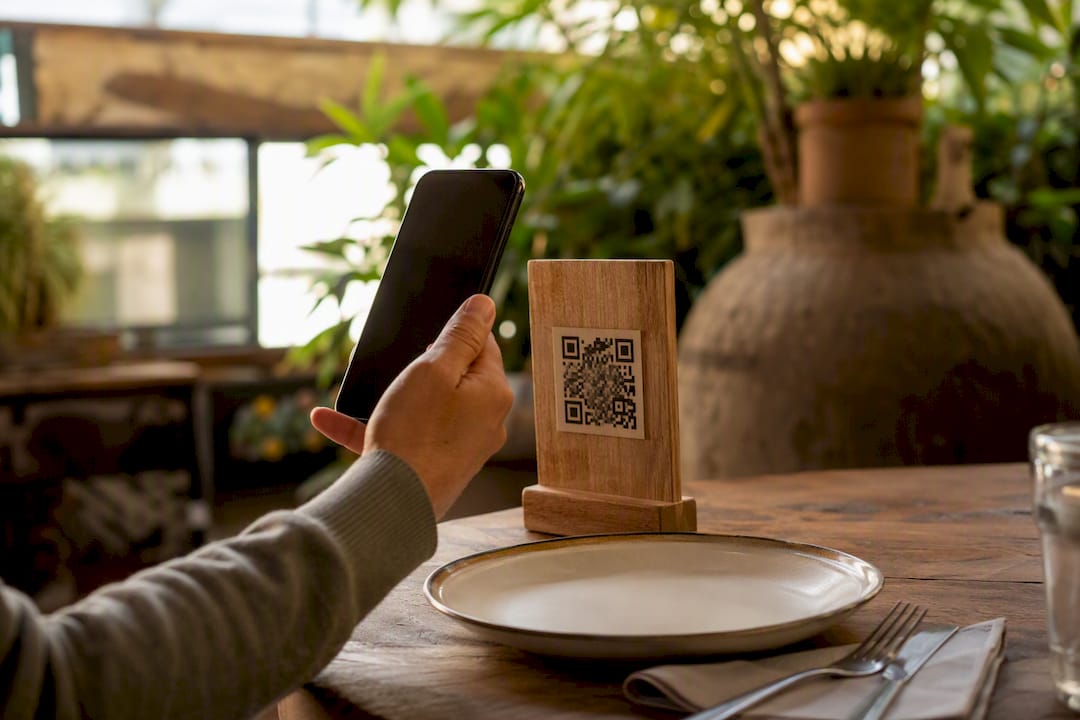
Order notifications and digital ordering solve the same underlying problem: keeping guests informed without extra staff effort, as explained in The Role of Online Food Ordering for Restaurants and Customers – Wild Foodz by Hotel Entree Brugge. In hospitality, that connection is direct, since a diner who orders through a QR menu or tablet has already handed over a phone number that a well-built system can put straight to work for pickup and delivery updates.
How Mydigimenu Connects Ordering to Order Updates
If your ordering system captures a guest’s phone number at the point of sale, SMS notifications stop being a separate project and become a natural extension of checkout. Mydigimenu’s digital menu and ordering platform is built around exactly that: guest profile capture through social login feeds directly into CRM tools and targeted follow-up, so the phone number a customer gives you for one order confirmation can also power loyalty campaigns and repeat-visit reminders.

For restaurants and cafes running QR code ordering, that means one scan can trigger a kitchen ticket, a POS update, and a guest-facing confirmation text, all from a single data capture point. The platform integrates with third-party POS, payment, and delivery systems, so order-status changes on the back end line up with what the guest sees on their phone.
Check the pricing plans to see which tier fits your ordering volume, and request a demo to see how guest capture and notifications work together in practice.
Where to Check Platform-Specific Setup Details
Shopify SMS notifications setup
Ecwid SMS notifications guide
Review your SMS provider’s sender ID and A2P registration terms before launch
Frequently Asked Questions
What are SMS order notifications? They’re automated text messages triggered by changes in an order’s status, covering confirmation, shipping, delivery, and exceptions, sent through a platform’s native feature or a connected app.
How do I check SMS delivery status? Check your provider’s delivery receipt (DLR) reports for each message, which show whether a text was delivered, failed, or is pending, along with a carrier-level error code if it failed.
Do I need a third-party app for SMS on WooCommerce? Yes. WooCommerce has no native SMS notification feature, so a plugin like SMS Alert is required to send order and shipping texts.
Can I use SMS and email order notifications together? Yes, and many stores should. Data suggests customers prefer email for confirmations but lean toward SMS for delivery updates, so combining both channels by stage often works better than picking one.
How do I send order updates without violating opt-out rules? Always honor STOP replies immediately, include a HELP keyword for support, and separate transactional consent from marketing consent so opting out of promotions doesn’t accidentally block delivery updates.
Sources
Recommended
Comments