
QR Code Menu Benefits: Efficiency and Profit for Restaurants

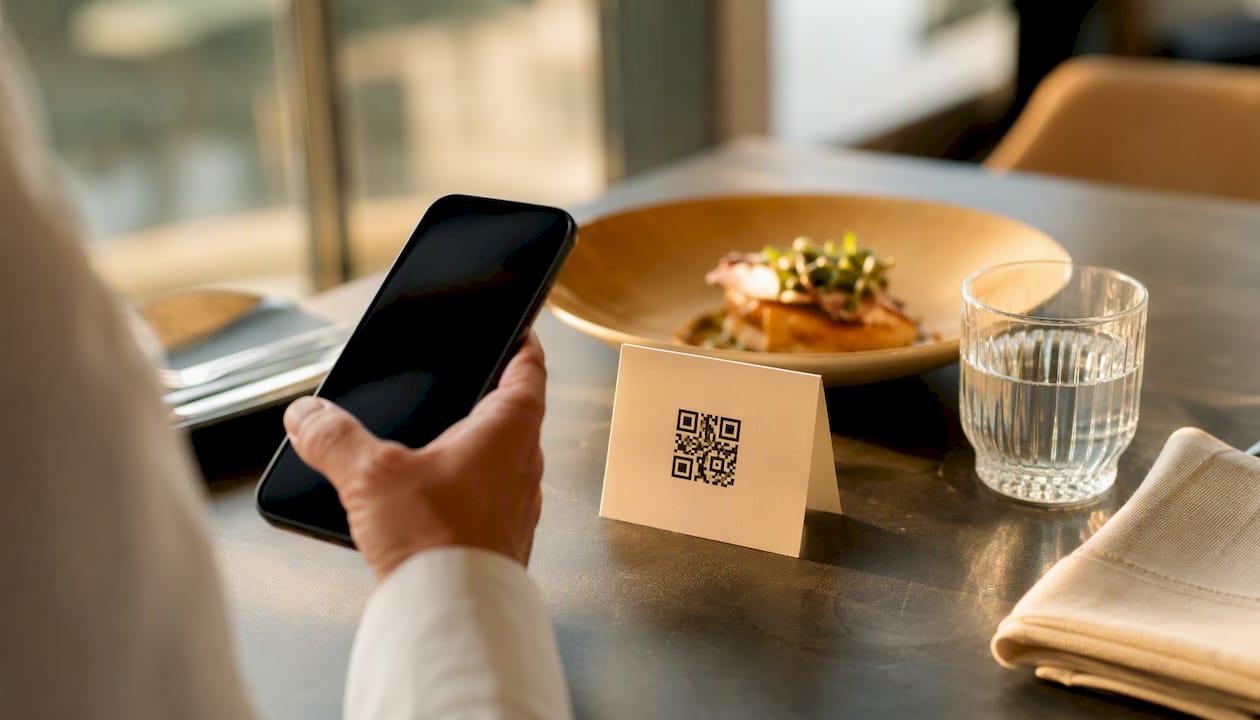
Yes. QR code menus deliver measurable efficiency and profitability gains, and the evidence is no longer anecdotal. Restaurant365 documents 12 distinct operational and financial benefits tied to this shift, and native scanning on iPhones removed the last real friction point for guests years ago. Here’s what moves the needle:
Faster table turns during peak hours
Lower printing costs and zero reprint delays
Fewer order errors reaching the kitchen
Higher average checks through digital upsell prompts
Real-time analytics on what guests actually view and order
Better labor allocation during rushes
Contactless payment options guests now expect
Key Takeaways
QR code menus improve restaurant efficiency and profitability by speeding up table turns, cutting printing costs, reducing order errors, and surfacing real-time data that drives upsells and staffing decisions.
Point | Details |
Start with a pilot | Test QR menus on a small section for one to two weeks before full rollout. |
Choose dynamic QR codes | Dynamic codes let you update menus instantly without reprinting signage. |
Track three core metrics | Monitor table-turn time, average check, and order-error rate first. |
Use analytics for upsells | Review view-to-order data weekly to reposition high-margin items. |
Pick a full platform | Mydigimenu combines dynamic QR menus, POS integration, and analytics in one dashboard. |
Table of Contents
What Are the Efficiency and Profitability Benefits of QR Code Menus?
A QR code menu works in three steps: a guest scans, the menu opens on their phone, and they browse, order, or pay without waiting for a server. That simplicity is the entire point.
Behind the scan, you’re choosing between static and dynamic QR codes. A static code points to one fixed file forever. A dynamic code redirects to a URL you control, so you can swap the destination page, change prices, or push a new special without printing anything new. Most guests never touch a scanner app either, since Apple built QR reading directly into the iPhone camera, and Android has followed the same path.
The mechanics matter less than what they connect to. Common integration points include:
POS systems for order routing and ticket creation
Payment gateways for in-app checkout
Analytics dashboards tracking scans, views, and time-on-menu
Loyalty and CRM tools for repeat-guest recognition
Pro Tip: Always use dynamic QR codes, and label each one by table number in your dashboard. That single habit turns raw scan data into a heat map of your dining room, showing you which tables order fastest and which sections need more staff attention.
12 Ways QR Code Menus Improve Service and Profit
Every benefit below ties to a number you can track weekly. Pick three to monitor first; don’t try to measure all twelve on day one.
Reduced printing costs. Menu reprints for seasonal items, price changes, or 86’d dishes add up fast, especially for multi-page or laminated menus. Track your annual printing spend and compare it against a quarter with digital-only updates. Implementation tip: cancel your next print order and route that spec sheet straight into your menu platform instead.
Instant menu updates. Change a price, swap a special, or pull a sold-out item across every table in seconds, with no lag between kitchen reality and what guests see. Metric to watch: time between a menu decision and it going live. Tip: assign one manager per shift as the sole editor to avoid version confusion.
Faster ordering and table turns. Guests browse and decide while waiting for a server rather than after one arrives, which shortens the whole dining cycle. Metric: minutes per table turn during peak service. Tip: pilot this at your busiest four tables first and compare turn times against your slowest four.
Improved order accuracy. Orders typed by the guest and routed straight to the POS skip the verbal relay that causes mishearing and rewritten tickets. Metric: order-error rate or comped-item count per week. Tip: require photo confirmation on customizable items to cut ambiguity further.
Increased check size via upsells. Digital menus can surface add-ons, premium pours, or dessert prompts at the exact moment a guest is deciding, something a rushed server often skips. Metric: average check value before and after rollout. Restaurant365’s benefits summary lists upselling opportunities among the clearest profit levers of digital menus. Tip: place your highest-margin item, not your cheapest, in the top upsell slot.
Real-time analytics. You see which dishes get viewed but never ordered, which is a signal to reprice, reposition, or cut them. Metric: view-to-order ratio per item. Tip: review this weekly, not monthly. Trends shift faster than most owners expect.
Labor optimization. Servers spend less time reciting specials and re-explaining prices, freeing them for table visits that actually drive tips and repeat visits. Metric: covers served per server per shift. Tip: reassign freed-up minutes to proactive check-ins rather than cutting staff outright.
Contactless payment integration. Pay-at-table through the same QR flow shortens the final step of the meal, the one most guests find most annoying. Metric: time from bill request to payment completion. Tip: enable split-check options from day one; group dining is where this feature earns its keep.
Limited-time offer promotion. A digital menu can push a happy-hour special or weekend brunch item without new signage or laminated inserts. Metric: sales lift on the promoted item during its window. Tip: rotate promos weekly and track which formats (banner vs. featured card) convert best.
Accessibility and multilingual support. Guests can adjust text size on their own device and switch languages instantly, something no laminated menu offers. Metric: bounce rate on the menu page by language setting. Tip: prioritize your top three guest languages based on local demographics, not guesswork.
Hygiene perception. A scan-your-own-menu model eliminates a shared, handled object at the table, which still influences guest comfort. Metric: guest feedback mentions of cleanliness or safety. Tip: pair the QR code with a small “no shared surfaces” note on signage.
Marketing and retention. Guest data captured at the point of scan feeds loyalty programs and targeted campaigns instead of disappearing after the meal. Metric: repeat-visit rate among guests who joined a loyalty program via the menu. Tip: offer a small first-visit incentive to get guests to opt in during that first scan.
Pro Tip: Menu engineering still applies to digital layouts. Put your best-margin dishes in the top-left and top-right corners of the screen, since eye-tracking habits from print menus carry over almost exactly to mobile scrolling.
How to Roll Out QR Code Menus Without Disrupting Service
Implementation is genuinely low-friction, but it still requires upfront decisions on QR type, signage placement, and which systems need to talk to each other before launch day.
Pre-launch checklist:
Finalize menu content, photos, and allergen tags
Confirm POS and payment gateway integration
Print and place QR signage at eye level on tables or stands
Brief staff on how to explain the flow to hesitant guests
Test the full scan-to-order-to-pay sequence yourself, on your own phone
Rollout sequence: start with a pilot section, maybe the patio or bar area, run it for a week, gather feedback from both guests and servers, then expand once you’ve adjusted. Watch your metrics daily during the pilot, not just at the end.
Keep font sizes large enough to read outdoors in sunlight
Add alt text to menu images for screen-reader guests
Always offer a printed menu on request; some guests simply prefer paper
Not All QR Menu Platforms Deliver the Same Results
A basic QR code that links to a static PDF gives you almost none of the benefits above. The gains come from the platform behind the code, not the code itself.
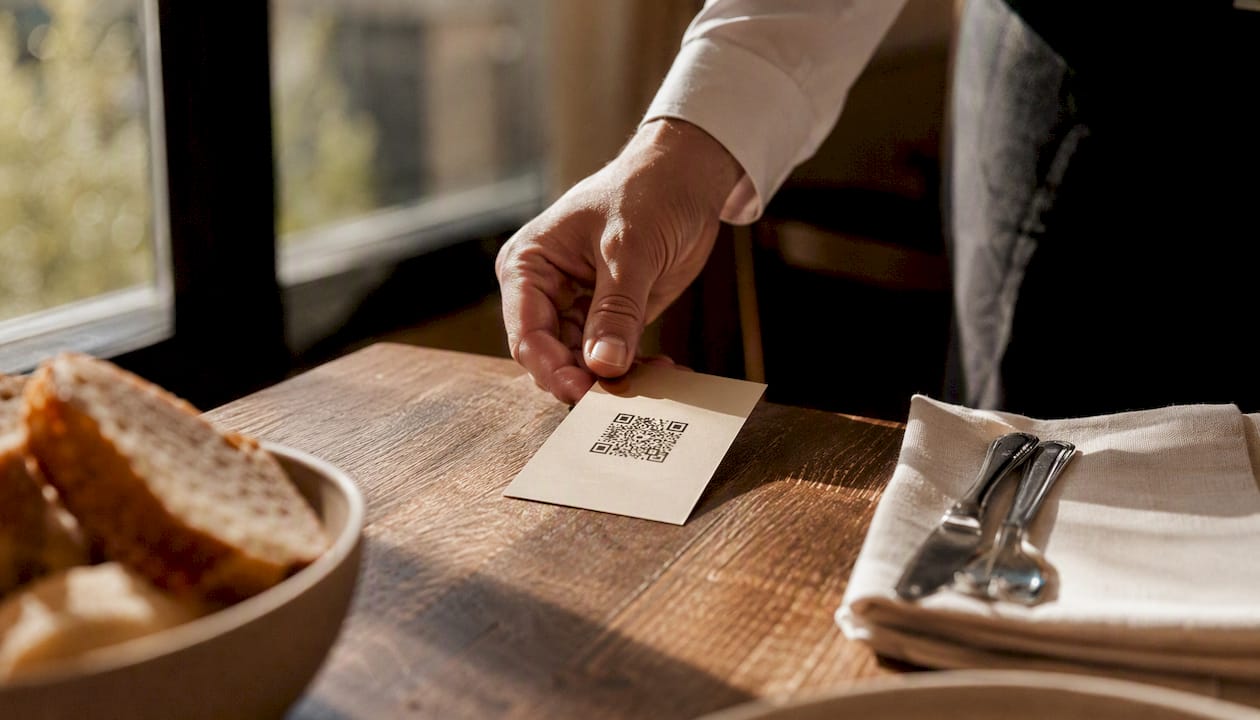
The features that separate a real return from a marginal one include dynamic QR management, direct POS and payment integration, built-in analytics dashboards, and on-menu upsell widgets that surface automatically rather than requiring manual edits. Deliverect’s implementation guide notes that the strongest setups route guests straight from scan to an integrated ordering system, cutting out manual re-entry entirely.
Consider a mid-sized restaurant shaving even 90 seconds off average table turn time during a two-hour dinner rush. Across a 40-table dining room doing three seatings a night, that alone can translate into several additional covers served without adding a single staff member.
A full-featured digital menu platform typically shows its clearest wins in two places: faster turns during peak hours and a measurable bump in average check from on-screen upsell prompts, both trackable within the first month of rollout.
Why We Recommend Testing QR Menus in Your Own Dining Room
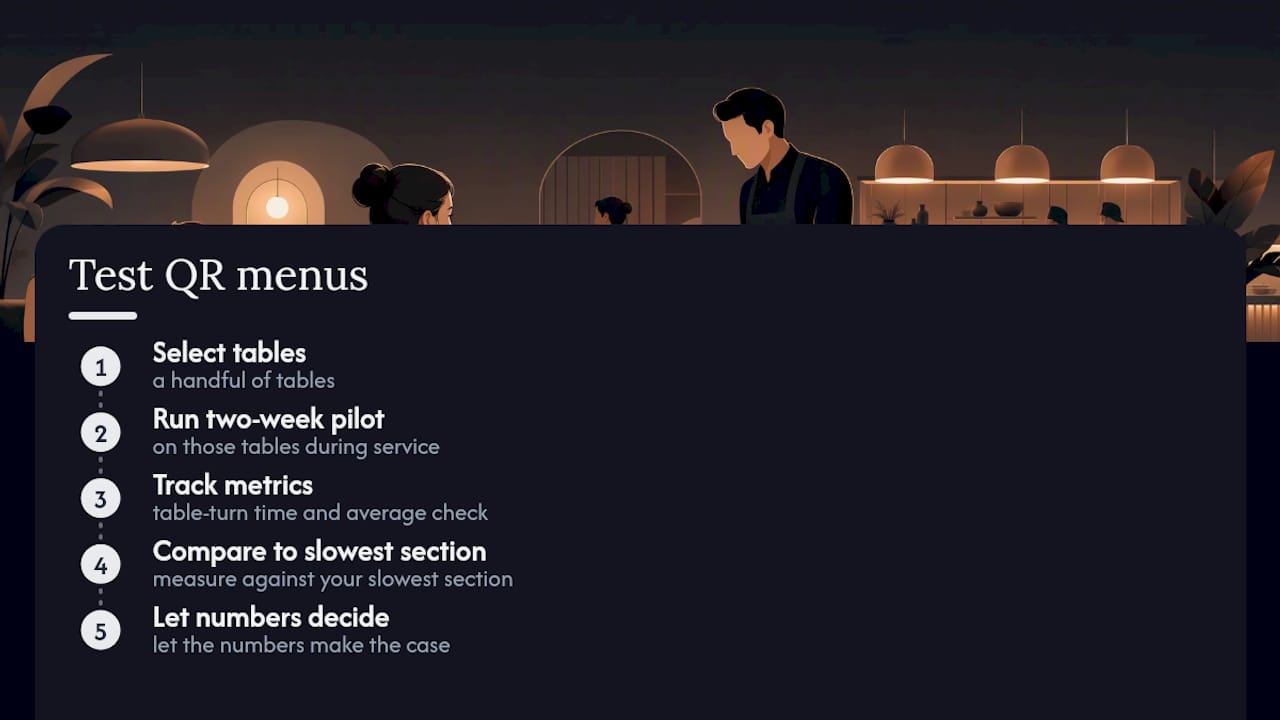
Watching operators hesitate over QR adoption, the resistance usually isn’t about the technology. It’s about not trusting the data until they see it themselves. Run a two-week pilot on a handful of tables, track your table-turn time and average check against your slowest section, and let the numbers make the case your gut instinct won’t.
Get the Platform Behind These Benefits
Mydigimenu is built to deliver every benefit covered above from one dashboard instead of stitching together a static QR generator, a separate POS plugin, and a third analytics tool.

The platform includes:
Dynamic QR menus you can edit instantly without reprinting anything
Direct POS, payment gateway, and delivery platform integration
Built-in menu analytics showing view-to-order ratios by dish
On-menu upsell tools and loyalty programs that capture repeat guests automatically
If you’re also running iPads or tablets at the host stand or bar, Mydigimenu supports tablet and iPad menu deployments alongside your QR rollout, so you’re not managing two disconnected systems. Check the plans and pricing page to see which tier fits your table count, and start a trial this week to see your own scan and order data inside your first service.
Sources
Recommended
Comments