
Streamline menu optimization for 15% better engagement
- Abhi Bose
- 12 minutes ago
- 8 min read


TL;DR:
Effective menu optimization boosts profits and guest experience through strategic restructuring and data analysis.
Digital menus enable real-time updates, detailed analytics, and improved guest engagement, streamlining the process.
Continuous review and iteration of the menu are essential to adapt to changing guest preferences and maximize revenue.
A bloated, confusing menu is one of the quietest profit killers in the restaurant industry. Guests stall at the table, servers field the same questions on repeat, and high-margin dishes get buried under a wall of text. The result is slower table turns, frustrated staff, and missed revenue. But menu optimization, done with intention and the right digital tools, can transform that friction into a seamless, engaging guest experience. This guide walks you through a clear, step-by-step process to audit, rebuild, and continuously refine your menu so it works harder for your business every single day.
Table of Contents
Key Takeaways
Point | Details |
Assess and set goals | Start by objectively evaluating your menu and defining clear business goals before making changes. |
Leverage digital tools | Digital menu platforms streamline updates, increase efficiency, and provide rich guest engagement data. |
Follow a structured process | Implement a step-by-step approach for menu redesign, item selection, and pricing for optimal results. |
Monitor and adapt | Continuously track key metrics and update your menu based on performance and guest feedback. |
Assess your current menu and set clear goals
Now that you understand why menu optimization is crucial, the first step is a clear-eyed look at your existing menu and the objectives you want to achieve. Most managers are surprised by what a structured audit reveals. Items that feel like crowd favorites often underperform on profit, while overlooked dishes quietly generate strong margins.
Common menu inefficiencies include:
Too many items: Research consistently shows that menus with more than seven categories overwhelm guests and slow decision-making.
Unclear category labels: Vague names like “Chef’s Picks” without context confuse rather than entice.
Pricing inconsistencies: Random price jumps between similar items erode guest trust.
Poor digital compatibility: PDFs and static images break the mobile experience and block analytics.
Missing allergen or dietary info: This creates friction and liability.
Start by pulling your point-of-sale (POS) data for the past 90 days. Sort every item by order frequency and gross profit. You’ll quickly identify your stars (high popularity, high profit), plowhorses (popular but low margin), puzzles (high margin, low orders), and dogs (low on both). This classic menu engineering framework gives you a data-backed foundation for every decision ahead.
Use this audit checklist to organize your findings:
Menu element | What to check | Priority |
Category structure | Logical flow, number of sections | High |
Item popularity | Orders per week from POS data | High |
Item profitability | Gross margin per dish | High |
Digital compatibility | Mobile rendering, QR readiness | Medium |
Allergen information | Accuracy, visibility | High |
Photography/visuals | Quality, coverage of key items | Medium |
With your audit complete, set SMART goals for what you want to achieve. SMART stands for Specific, Measurable, Achievable, Relevant, and Time-bound. For example: “Increase upsell attachment rate on appetizers by 20% within 60 days” or “Reduce average guest ordering time by 90 seconds within 30 days.”
It’s worth noting that digital menus have an 85% adoption rate post-COVID, meaning your guests already expect a digital-first experience. Explore menu layout examples to see how leading restaurants structure their offerings for clarity and conversion.
Pro Tip: Don’t try to fix everything at once. Prioritize the top three changes that will have the biggest impact on profit and guest experience, then build from there.
Prepare your team and tools for the optimization process
With clear goals in mind, the next step is assembling the right resources and technologies. Menu optimization is not a solo project. It requires coordination across your front-of-house manager, head chef, and whoever handles your digital systems.
Assign clear roles from the start:
Manager: Owns the project timeline, communicates changes to staff, and monitors guest feedback.
Head chef: Validates item descriptions, flags seasonal availability, and approves any recipe or presentation changes.
Digital menu coordinator: Handles platform setup, uploads assets, and ensures the menu renders correctly across all devices.
When selecting a digital menu system, look for these core features:
Multi-device support (tablets, smartphones, QR codes)
Real-time update capability without needing a developer
Built-in analytics for tracking item performance
Allergen and nutritional information fields
Integration with your existing POS system
Multilingual and multi-currency support for international guests
The contrast between manual and digital menu processes is significant. Digitalizing restaurant operations leads to measurable improvements in both efficiency and guest satisfaction. Here’s a quick comparison:
Process | Manual menu | Digital menu |
Update speed | Days to reprint | Minutes to publish |
Error rate | High (print errors) | Low (live editing) |
Guest experience | Static, limited info | Interactive, rich content |
Analytics | None | Real-time data |
Cost over time | High (reprinting) | Low (subscription) |
Preparing your visual assets is equally important. Invest in high-quality photography for your top 10 to 15 items. Write descriptions that are sensory and specific, “slow-braised short rib with roasted garlic mash” outperforms “beef with potatoes” every time. Confirm allergen data with your kitchen team and build it into the menu structure from day one. Boosting digital menu engagement starts with content that is both accurate and irresistible.
Execute a step-by-step menu optimization process
Once resources are ready, you’re set to start the hands-on optimization work. This is where strategy becomes action, and where the biggest gains are made.
Follow these steps in order:
Reorganize categories: Group items logically (appetizers, mains, desserts, drinks) and limit each category to five to seven items where possible. Fewer choices reduce decision fatigue.
Apply strategic item placement: Place your highest-margin items at the top and bottom of each category. Guests naturally scan these positions first, a principle called the “primacy and recency effect.”
Use price anchoring: Feature one premium item near the top of a category. It makes mid-range items feel like smart value, nudging guests toward your target price point.
Build upsell pathways: Add suggested pairings or “goes well with” prompts next to key items. On digital platforms, these can be automated and personalized.
Highlight specials digitally: Use badges, color accents, or short video clips to draw attention to high-margin or seasonal items. This is where digital menus genuinely outshine printed ones.
Data should drive every placement decision. Review your sales trends weekly and cross-reference with guest feedback to spot patterns. If a dish is frequently ordered but generates complaints about portion size, that’s a signal to refine before it becomes a negative review.
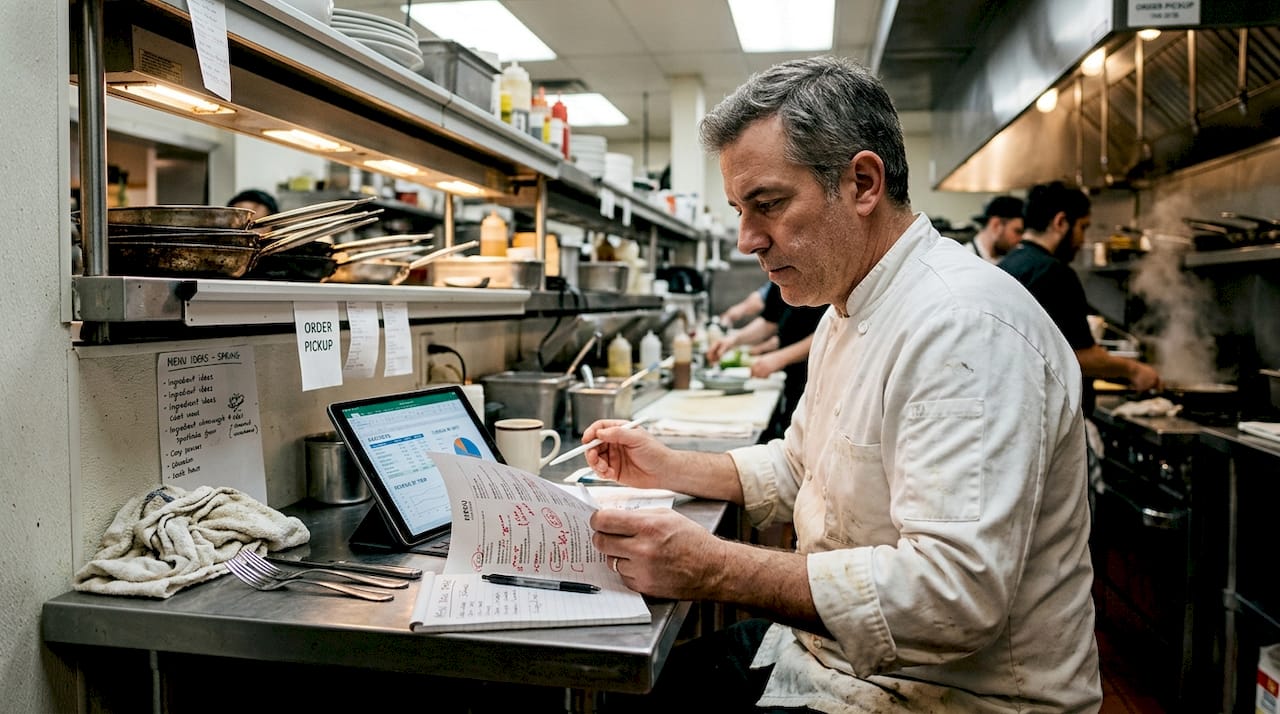
Optimized menu layouts boost engagement and profits by up to 15%, which means the visual and structural choices you make are directly tied to your bottom line. Pair your layout work with a streamlined digital ordering workflow to reduce friction from browse to checkout.
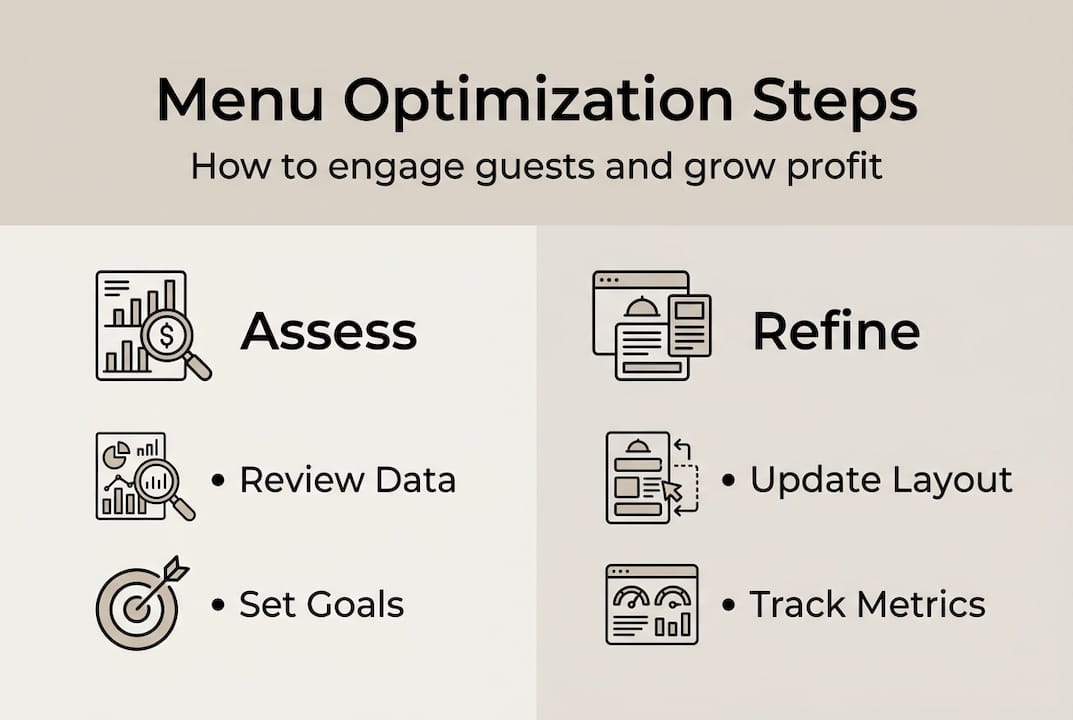
Pro Tip: Use your digital platform’s analytics to A/B test item placement. Move a high-margin item from position five to position one in a category for two weeks and measure the order lift. The data will tell you exactly what works.
Monitor, measure, and refine your optimized menu
With your new menu live, effective follow-through will ensure sustained improvement. Launching an optimized menu is not the finish line. It’s the starting point for a continuous feedback loop that keeps your offering sharp and profitable.
Track these key performance indicators (KPIs) consistently:
KPI | Why it matters | How to track |
Order frequency by item | Reveals popularity trends | POS reports |
Average order value | Measures upsell effectiveness | POS + digital menu analytics |
Time spent on menu | Indicates ease of navigation | Digital menu platform data |
Profit margin by item | Tracks financial health | Cost accounting + POS |
Guest satisfaction score | Reflects overall experience | Feedback forms, reviews |
Signs your menu still needs refinement:
Guests frequently ask staff for recommendations (navigation is unclear)
High-margin items are rarely ordered (placement or description needs work)
Average order value is flat or declining (upsell prompts aren’t landing)
Negative reviews mention confusion or limited choices
Seasonal items are still listed after their season ends
“Menus are living documents. The restaurants that treat them as such, reviewing analytics monthly and iterating based on real data, consistently outperform those that update once a year and hope for the best.”
Regular review of menu analytics is the single most reliable driver of long-term menu success. Schedule a monthly menu review meeting with your manager and chef. Bring the data, discuss what’s working, and make incremental adjustments rather than sweeping overhauls.
Our perspective: What most restaurants miss about menu optimization
Beyond following the steps, let’s re-examine how to maximize value from your menu long-term. Most restaurants treat menu changes as a reactive fix, something triggered by a slow quarter or a new competitor opening nearby. That mindset leaves enormous value on the table.
The restaurants that consistently outperform their peers treat their menu as a living, breathing business tool. They don’t wait for problems to surface. They use ongoing digital engagement data to spot micro-trends before they become macro-problems. A dip in appetizer orders two weeks in a row is a signal, not a coincidence.
Digital platforms don’t just display your menu. They generate a continuous stream of behavioral data that most managers never fully use. Every tap, every scroll, every abandoned order is a data point. When you learn to read those signals, your menu becomes a precision instrument rather than a printed guess.
The uncomfortable truth is that a one-time optimization project, however thorough, has a shelf life of about three months before guest preferences and market conditions shift. Build the habit of monthly reviews, small experiments, and data-driven iteration. That’s what separates thriving restaurants from those perpetually chasing their last quarter’s numbers.
Ready to optimize? Let digital menus do the heavy lifting
If you’re inspired to overhaul your menu, here’s exactly how MyDigiMenu can help you make it seamless and effective.

MyDigiMenu empowers restaurant and hospitality managers to move through every stage of menu optimization with confidence and speed. From building a stunning restaurant digital tablet menu that showcases your dishes with mouthwatering visuals, to deploying a frictionless QR menu generator that guests can access instantly without downloading an app, the platform puts powerful tools in your hands. Built-in analytics, real-time updates, and CRM integration mean your menu keeps evolving alongside your guests’ preferences. Explore flexible pricing options and take the first step toward a menu that works as hard as you do.
Frequently asked questions
What is the main goal of restaurant menu optimization?
The main goal is to increase guest engagement and profitability by making your menu more appealing, easier to navigate, and data-driven. Optimized menus boost engagement and profits by as much as 15% when layout and item placement are applied strategically.
How long does the restaurant menu optimization process typically take?
With the right tools and team, most restaurants see meaningful menu improvements in 2 to 4 weeks. Digital menu adoption streamlines the update and publishing process significantly compared to traditional print menus.
Do I need digital solutions to optimize my menu?
Digital tools make optimization faster and provide better analytics and guest engagement features, but manual improvements are possible too. Digitalization improves efficiency and guest satisfaction in ways that manual processes simply cannot replicate at scale.
What metrics should I track after optimizing my menu?
Track guest order frequency, time spent on the menu, best-selling and least-selling items, and profit margins per dish. Menu analytics are critical for identifying what’s working and where to make your next round of improvements.
Recommended
Comments