
Restaurant Marketing Campaign Workflow for Operators


TL;DR:
Restaurant marketing campaigns rely on automated workflows, clean guest data, and measurement to increase revenue. Building five core workflows first helps generate measurable results and connects guest data from multiple sources for effective automation. Consistent review requests, visual content, and local search optimization significantly amplify campaign impact over time.
A restaurant marketing campaign workflow is a structured, repeatable process that connects guest data, automation triggers, and multi-channel messaging to drive repeat visits and measurable revenue growth. The industry term for this approach is marketing automation orchestration, and it works best when built on five foundational workflows that restaurant marketing experts identify as capable of generating 12–20% of annual revenue. That figure is not a ceiling. It is the baseline for operators who replace scattered, manual promotions with a connected system. This article walks you through every stage: prerequisites, workflow builds, visual content strategy, and measurement discipline.
What does a restaurant marketing campaign workflow require?
Before you send a single automated message, you need three things working together: clean guest data, the right tech stack, and a clear segmentation model. Most operators skip this foundation and wonder why their campaigns underperform.
The orchestration layer is the most overlooked piece. It is the integration that unifies your POS, reservation system, loyalty program, and email or SMS platform so that marketing triggers fire automatically based on real guest behavior. Without it, you are manually exporting spreadsheets and guessing at timing. With it, a guest who skips their usual Tuesday visit triggers a reactivation message without anyone touching a keyboard.
Guest segmentation defines who receives what offer. Four core segments cover most restaurant needs: regulars (guests who visit weekly or biweekly), lapsing guests (no visit in 30–60 days), VIPs (top 10% by spend), and occasion guests (birthdays and anniversaries). Each segment needs a different offer ladder. Regulars respond to loyalty rewards. Lapsing guests need a reason to return. VIPs expect exclusivity, not discounts.
Data hygiene and consent management are non-negotiable. Every contact in your system needs a valid opt-in for email or SMS. Unverified lists inflate your costs and tank your deliverability rates.
Data source | What it feeds | Why it matters |
POS system | Visit frequency, spend, items ordered | Triggers lapsed and VIP workflows |
Reservation platform | Occasion data, party size | Powers birthday and anniversary campaigns |
Loyalty program | Points balance, redemption history | Identifies regulars and VIPs |
Email or SMS platform | Open rates, click rates, opt-outs | Measures campaign health |
Google Business Profile | Review volume, photo count | Feeds local SEO and review workflows |
How to build the five foundational automated workflows
Operators who try to run ten campaigns at once rarely see results from any of them. The better path is to build five workflows first and ignore everything else for 60 days. Validate the return on investment, then expand.
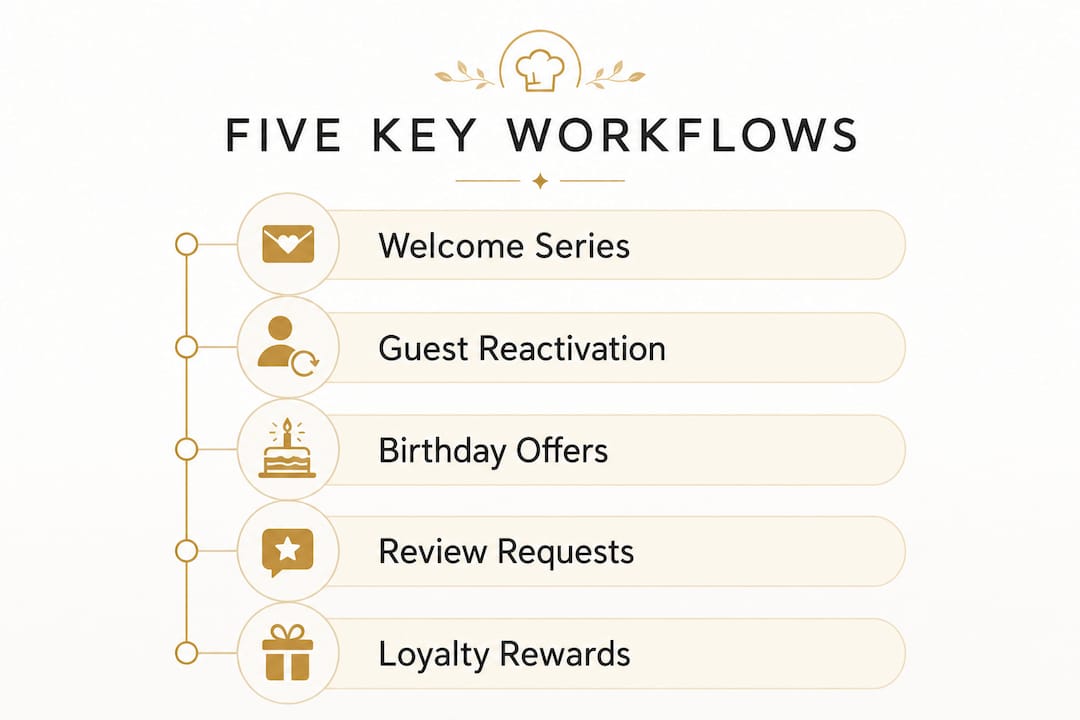
Welcome series. Trigger: new guest joins your loyalty program or makes a first online order. Send a warm, brand-forward email within one hour. Follow up on day three with a menu highlight or chef story. On day seven, offer a small incentive for a second visit. The goal is to make the first visit feel like the beginning of a relationship, not a transaction.
Lapsed-guest reactivation. Trigger: no visit in 45 days for regulars, or 75 days for occasional guests. Send a personalized email referencing their last visit or favorite item. A simple, genuine message outperforms a generic discount. Visit-gap campaigns recover 8–15% of lapsing guests. Combine email with a follow-up SMS on day three for maximum reach.
Birthday and anniversary offers. Trigger: occasion date from your reservation or loyalty data. Send the offer seven days before the occasion so guests can plan. A free dessert or complimentary appetizer outperforms a percentage discount because it feels like a gift, not a coupon.
Post-visit review requests. Trigger: visit confirmed via POS or reservation check-out. Send a review request within 24 hours. Review nudges sent within 24 hours increase review velocity 3–5x and improve local search rankings. Keep the message short: thank the guest, then link directly to your Google Business Profile.
Online-order follow-ups. Trigger: completed delivery or pickup order. Send a follow-up 48 hours later with a reason to order again, such as a new menu item or a loyalty points reminder. Post-visit follow-ups that focus on securing a second visit increase long-term customer value by 20–30%.
Pro Tip: Start with the lapsed-guest reactivation workflow first. It produces the fastest measurable return because you are recovering revenue from guests who already know and like your restaurant.
Combining email and SMS in win-back campaigns produces 2.3x more revenue than either channel alone. Use email as the primary message and SMS as the follow-up nudge, not the other way around.
Workflow | Trigger | Channel | Typical impact |
Welcome series | First visit or signup | Increases second-visit rate | |
Lapsed reactivation | 45–75 day gap | Email + SMS | Recovers 8–15% of lapsed guests |
Birthday or anniversary | Occasion date minus 7 days | High redemption, strong loyalty signal | |
Post-visit review request | Visit confirmed | 3–5x review velocity lift | |
Online-order follow-up | Order completed | 20–30% lift in long-term value |
How do photos and local search amplify your campaigns?
Your automated workflows generate review requests and drive guests to search for you online. What they find when they search determines whether they book or bounce. This is where your Google Business Profile becomes a core marketing asset, not an afterthought.
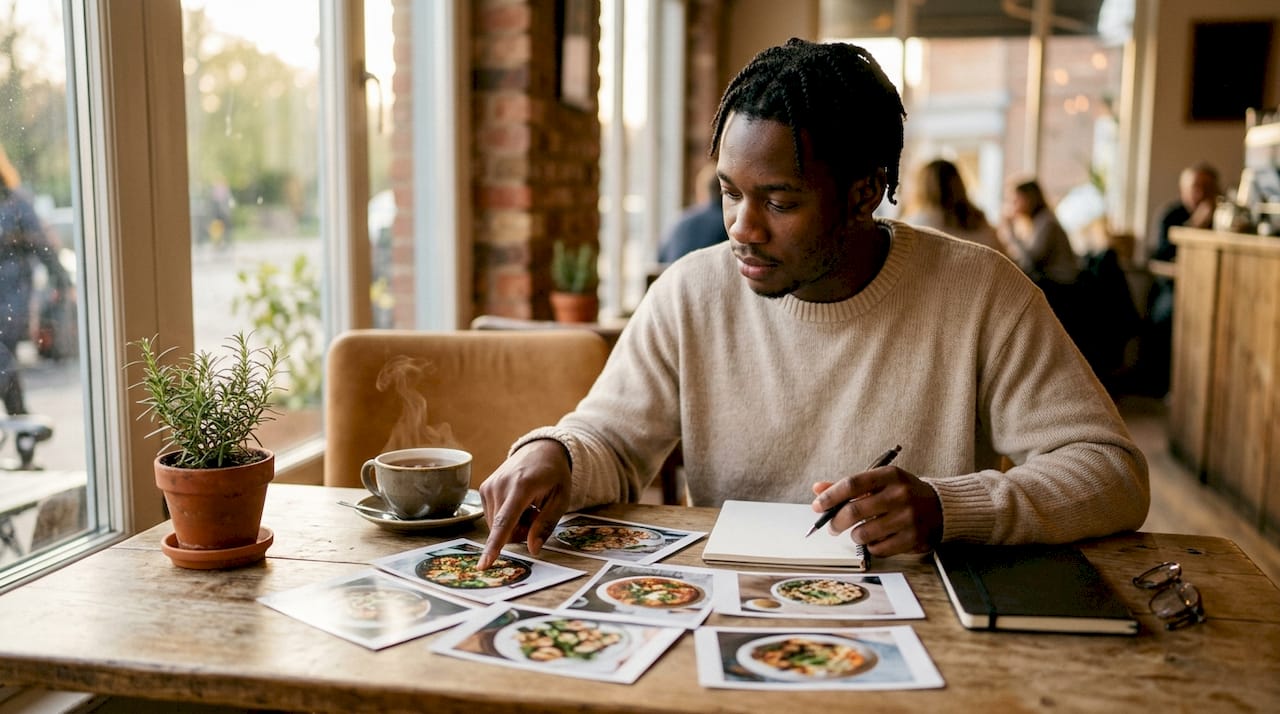
Restaurants with 100 or more Google Business Profile photos receive 520% more calls than those with fewer than 10 photos. That gap is enormous. It means your photo library is doing more conversion work than most paid ads.
A strong photo strategy covers four categories:
Food and drinks: shoot hero dishes in natural light, update monthly with seasonal items
Ambiance: capture the dining room at different times of day and during events
Team and kitchen: behind-the-scenes content builds trust and personality
User-generated content: repost guest photos with permission and tag them on your profile
Review management feeds directly into your workflow system. Thoughtful responses to negative reviews are among the highest-converting content pieces a restaurant can publish. A calm, specific reply to a one-star review shows prospective guests that you take quality seriously. Respond to every review within 48 hours, positive or negative.
The connection between your post-visit review workflow and your Google Business Profile is direct. More review requests mean more reviews. More recent reviews mean higher local search rankings. Higher rankings mean more guests finding you organically, which feeds back into your workflow system as new contacts. For more on how visual content drives sales, the relationship between photo quality and guest decisions is well documented.
Pro Tip: Add structured data markup (schema.org/Restaurant) to your website. Search engines and AI assistants use schema to surface your hours, menu, and location in rich results, which increases visibility without additional ad spend.
You can also explore how visual content builds engagement across digital channels, a principle that applies directly to your Google Business Profile and social feeds.
What are best practices for measuring and iterating campaigns?
Measurement is where most restaurant advertising strategies fall apart. Operators send campaigns, see a busy weekend, and assume the campaign worked. That assumption is often wrong.
Holdout groups are the most reliable way to measure true campaign impact. Set aside 10–20% of your guest list as a control group that receives no campaign message. Compare visit rates and revenue between the campaign group and the holdout group. The difference is your incremental lift. Without a holdout group, you are measuring correlation, not causation.
Frequency capping protects your list health. SMS marketing carries a 98% open rate but sending promotions more than twice monthly causes opt-outs. Email campaigns that exceed four touches in 30 days spike unsubscribe rates significantly. Set hard limits in your platform before you launch.
The metrics that matter most for campaign management in eateries are:
Incremental visits: visits from the campaign group minus visits from the holdout group
Revenue per touch: total campaign-attributed revenue divided by messages sent
Opt-out rate: anything above 0.5% per campaign signals a frequency or relevance problem
Review velocity: new reviews per week, tracked against your post-visit workflow launch date
UTM click-through rate: use UTM parameters on every email and SMS link to track which messages drive online orders or reservations
“Marketing plans succeed when they connect existing activities like social posts and review management to clear goals and routine measurement. Campaigns that run without a measurement routine are just spending, not marketing.”
Paid advertising fits into this system as an adjustable tap. Dynamic budget allocation toward quiet shifts or off-peak hours fills gaps that organic and automated campaigns cannot cover. Run organic content first, then put paid spend behind posts that already show strong engagement. That sequence reduces wasted budget.
Key Takeaways
A connected restaurant marketing campaign workflow built on five automated workflows, clean guest data, and disciplined measurement consistently outperforms any collection of manual, one-off promotions.
Point | Details |
Build five workflows first | Welcome, reactivation, birthday, review request, and order follow-up cover the highest-value guest moments. |
Unify your data sources | POS, reservation, loyalty, and email data must connect before automation can fire correctly. |
Photo volume drives calls | Restaurants with 100+ Google Business Profile photos receive 520% more calls than low-photo competitors. |
Cap message frequency | SMS over twice monthly and email over four times monthly both cause measurable opt-out spikes. |
Measure incremental lift | Use a 10–20% holdout group to separate true campaign impact from natural visit patterns. |
Why I think most restaurants are one workflow away from a real revenue shift
Most operators I talk to are not failing at marketing because they lack creativity. They are failing because they treat every campaign as a standalone event. A Valentine’s Day email goes out. A summer special gets posted. A loyalty push happens in december. None of these connect to each other, and none of them feed data back into the next decision.
The five-workflow model changes that. When your welcome series, reactivation flow, and review request all run simultaneously, they create a compounding effect. Guests who receive a timely review request become your best source of new guests through organic search. Lapsed guests who return through a reactivation campaign enter the welcome series logic for their next gap. The system builds on itself.
What excites me most about where this is heading in 2026 is the role of wallet passes and push notifications. Apple Wallet and Google Wallet passes let you send a push notification to a guest’s lock screen without email or SMS. That channel has near-zero competition right now, and restaurants that adopt it early will have a significant advantage. Pair that with a customer retention strategy built on real visit data, and you have a system that compounds over time.
The restaurants winning at marketing right now are not the ones with the biggest budgets. They are the ones treating marketing as a connected system, not a series of disconnected tasks.
— Abhi
How Mydigimenu fits into your marketing workflow

Mydigimenu gives restaurant owners and marketing managers a digital foundation that feeds directly into every workflow described here. The platform’s restaurant digital menu captures guest data at the table through social login and QR code interactions, creating the contact records your automation system needs to fire correctly. High-quality food visuals built into the menu influence ordering decisions and supply the photo content your Google Business Profile needs. Mydigimenu also integrates with POS and CRM systems, so guest visit data flows into your segmentation model automatically. Explore the QR menu options and available pricing plans to see how the platform scales with your campaign ambitions.
FAQ
What is a restaurant marketing campaign workflow?
A restaurant marketing campaign workflow is a structured sequence of automated messages and triggers, connected to guest data from your POS, loyalty, and reservation systems, designed to drive repeat visits and measurable revenue.
How many automated workflows should a restaurant start with?
Start with exactly five: welcome series, lapsed-guest reactivation, birthday or anniversary offers, post-visit review requests, and online-order follow-ups. Run only these for 60 days before adding new campaigns.
How often should restaurants send SMS marketing messages?
Send SMS promotions no more than twice per month. Higher frequency causes opt-outs and damages your list health, which undermines every future campaign you run.
What metrics should I track for restaurant campaign performance?
Track incremental visits, revenue per touch, opt-out rate, review velocity, and UTM click-through rate. Use a 10–20% holdout group to measure true incremental lift rather than total campaign reach.
How does Google Business Profile management connect to marketing workflows?
Your post-visit review request workflow feeds your Google Business Profile with fresh reviews, which improves local search rankings and drives more organic guest discovery, creating a self-reinforcing growth loop.
Recommended
Comments