
Launch a Mobile Bar Tab Pilot in 2–3 Weeks and Keep Paper Service

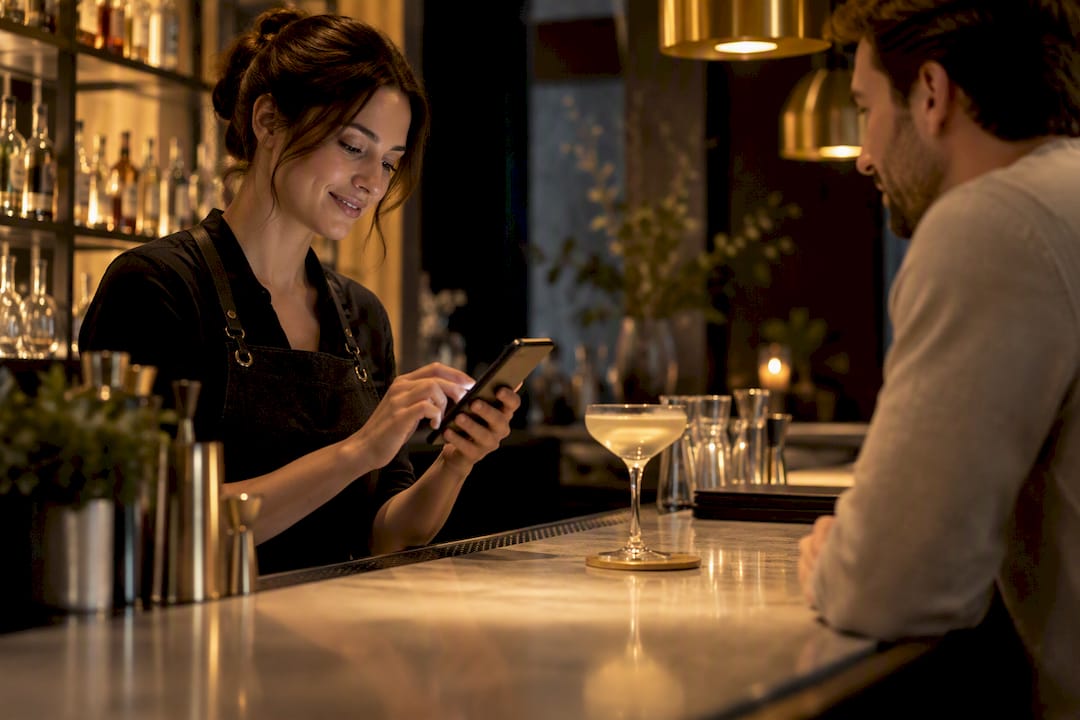
A mobile bar tab is achievable and, in most cases, an operator-friendly upgrade when built as a mobile-first web menu (accessed by QR code or a table link) tied to POS-tokenized payments. Guests open a tab from their phone, staff add drinks throughout the visit, and closeout happens through the same tokenized card, no fresh authorization needed. Done right, it speeds up turns, cuts walkouts, and lets you update taps and specials the moment a keg blows.
TL;DR:
A mobile bar tab speeds up service by allowing guests to add drinks via a QR code or link, with all charges linked to a tokenized card stored securely by the processor.
Implementing a pilot in a single bar section over two to three weeks helps identify potential issues like declined cards or delays in closing tabs before full deployment.
Cost considerations include a setup fee, monthly platform charges, and savings from eliminating printed menus, with most programs offsetting expenses through increased upselling and review capture.
Staff training must clearly define permissions and procedures for opening, closing, and overriding mobile tabs to prevent operational bottlenecks and inaccuracies.
A hybrid approach combining paper menus for high-traffic or special occasions with digital tabs for speed-sensitive situations yields the best customer experience.
Table of Contents
How Does a Mobile Bar Tab Work From Open to Close?
A mobile bar tab replaces the “give the bartender your card and hope for the best” model with a digital thread connecting the guest’s phone to your point-of-sale system. Guests find it through a QR code on a coaster or table tent, a short link texted at seating, or a pay-at-table prompt on a tablet handoff. Once scanned, the guest’s card gets tokenized, meaning your payment processor stores an encrypted reference instead of raw card data, and either authorizes an initial hold or keeps the card on file for continuous charges as the tab grows.
Here’s the flow in practice:
Guest scans a QR code or taps a table link and lands on a mobile-native menu.
The guest opens a tab by tokenizing a card, often with a small pre-authorization.
Staff or the guest add drinks throughout the visit, each order syncing to the same POS check.
The bartender or server closes the tab, applying tips and adjustments before final capture.
Edge cases (a declined card, a walked-out guest, a split check) route to a manager override.
The trick is making sure every mobile-opened tab still shows up as one continuous check in your POS, not a scattering of disconnected mini-orders your staff has to reconcile by hand.
What Do Bars Actually Gain From Going Mobile?
Table-turn speed is the obvious win: guests who can add a round without waving down a bartender order more often and wait less between drinks. That matters more in a packed Friday-night bar than almost anywhere else in hospitality.
The upside stacks up in a few concrete places:
Fewer walkouts. A tokenized card on file removes the “dine and dash” risk that comes with handing a card to a stranger and hoping they come back for it.
Smarter upselling. Mobile menus increase upsell opportunities through contextual prompts, like suggesting a bigger pour or a food pairing right as the guest is ordering.
Live inventory control. When a tap blows or a seasonal cocktail sells out, you edit the digital menu once instead of waiting on a reprint.
Passive review capture. Point the QR code at a landing page you control and add a one-tap review prompt after closeout.
Pro Tip: A bar running 200 covers a week with a 4% prompt-to-review conversion rate can generate roughly 8 new Google reviews weekly, which adds up to real local search visibility over a year without a dedicated marketing spend.
What’s the Rollout Checklist for a Mobile Bar Tab Pilot?
Most operators overcomplicate the launch. A pilot works best when it’s scoped tight, tested hard, and measured honestly before you roll it across the whole floor.
Pick a pilot zone. Choose one bar section or shift, not the whole venue, so mistakes stay contained.
Confirm technical readiness. Verify your POS supports tokenized payments, your processor handles card-on-file authorizations, and your Wi-Fi or cellular coverage reaches every seat in the pilot zone.
Prep the menu data. Build a mobile-native page (not a scanned PDF) with accurate pricing, modifiers, and availability flags for rotating taps.
QA the guest path. Walk through the scan-to-close flow yourself on both iOS and Android before staff ever touch it.
Train the team. Run a short session covering how to add items to an open mobile tab, how to close it, and how to override when something breaks.
Run the pilot for two to three weeks. Track tab-open time, average spend, and any card-decline or walkout incidents.
A structured QR setup guide can compress this into days rather than weeks if you follow its menu prep and QA steps in order.
Pro Tip: Build in a “no-phone” fallback path before launch day. Keep a small stack of paper menus behind the bar and brief staff on how to manually open a tab for guests who can’t or won’t use their phone; this single habit prevents most of the friction that sinks a first pilot.
What Should You Require From a Payment Provider?
Not every POS and payment integration is built the same, and the gap shows up fast once real money is moving through it. Before you sign with a provider, get clear answers on how tokenization, compliance, and reconciliation actually work.
Tokenized card-on-file, not raw storage. The provider should tokenize card data at the point of entry; your system should never see or store actual card numbers.
PCI DSS compliance clarity. Confirm who carries PCI liability, the processor or your venue, and get it in writing before launch.
Clean reconciliation mapping. Every mobile-opened tab needs to land as a single, traceable check in your POS reporting, not a stray line item your bookkeeper has to chase down.
Staff permission controls. Set who can void, comp, or override a tab, and make sure every action logs to a named staff member for audit purposes.
Authorization vs. ephemeral holds. Understand whether the system re-authorizes the card with each add-on or holds a single running tab, since that affects both fraud exposure and guest experience.
Get these five points nailed down in the sales conversation, not after your first chargeback dispute.
How Should a Mobile Bar Menu Be Designed?
The single biggest UX mistake bars make is uploading a PDF of their printed menu and calling it a mobile experience. Mobile-native pages load faster, scale to any screen, and let guests tap through modifiers without the pinch-zoom struggle a PDF forces on a crowded, dim room.
Build the menu as a real web page, not a scanned image, so it loads in under two seconds on a bar’s typically shaky Wi-Fi.
Use large tap targets. Fingers are clumsier at 11 p.m. than they are at 11 a.m.
Organize by drink category with visible, tappable modifiers (size, mixer, garnish) rather than burying them in text.
Design for low light. High-contrast text and a dark-mode-friendly palette read far better under bar lighting than a bright white background.
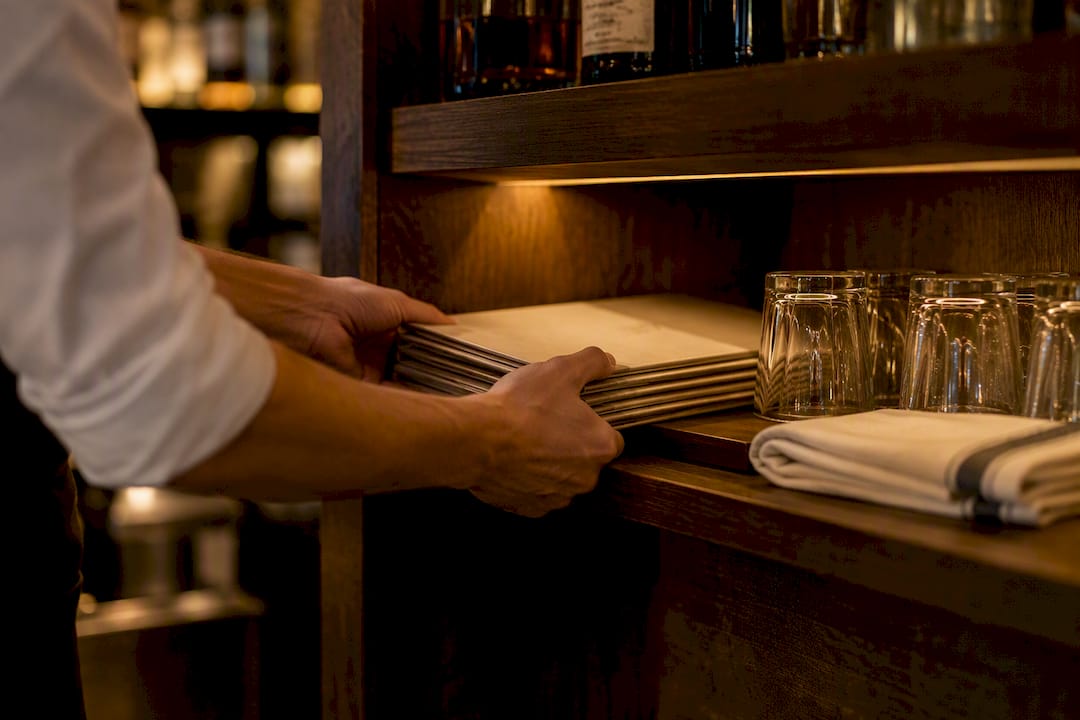
Keep a paper menu path available at hospitality-forward tables, like anniversary dinners or VIP sections, where a phone on the table breaks the mood.
Pro Tip: A 15% engagement lift from better menu layout usually comes from simple hierarchy fixes, bigger photos on high-margin cocktails, clearer modifier buttons, not a full redesign.
How Do Staff Roles and Training Change?
Rolling out mobile tabs shifts what your bartenders and servers actually do during a shift, and skipping the training step is where most pilots stall.
Give every staff member a clear permission tier: who opens tabs, who closes them, who can override a decline.
Set a rule for peak-service routing, if the mobile queue backs up, staff redirect new guests to a paper tab rather than let the app become a bottleneck.
Track three numbers weekly: average tab-open time, average spend per mobile tab versus paper, and walkout incidents.
Watch for the most common pitfall: staff forgetting to close mobile tabs promptly, which quietly inflates your outstanding-tab count and confuses end-of-night reconciliation.
The operational playbook for mobile ordering rollouts recommends a tight monitoring cadence for the first four shifts specifically because that’s when edge cases surface fastest.
What Does a Mobile Bar Tab Pilot Actually Cost?
Budget for setup, a recurring platform fee, and either transaction fees or hardware, then weigh that against printing and labor savings.
Cost or savings item | Typical range | Notes |
Platform setup fee | One-time, varies by provider | Covers menu build and QR configuration |
Monthly SaaS/platform fee | Recurring monthly | Scales with plan tier and feature set |
Dynamic menu printing (avoided) | $1,500 to $4,000 a year | Applies to bars with frequent tap or special changes |
Review capture value | Ongoing, compounding | Roughly 8 reviews weekly at 200 covers and a 4% conversion rate |
Measure payback over 90 days using tab-open speed, upsell rate, and reprint costs avoided; most dynamic bar programs see the printing savings alone offset a meaningful share of the monthly platform cost.
How Does MyDigiMenu Support a Mobile Bar Tab Rollout?
MyDigiMenu’s feature set lines up closely with the checklist above, which is exactly what you want from a platform you’re trusting with live payments and a busy bar floor.
QR Menu for the mobile-first, scan-to-order entry point guests use to open a tab.
Tablet Menu for venues that want a hybrid in-house option alongside mobile, particularly useful at high-touch tables.
Pay-at-table and POS integration to keep tokenized payments flowing into your existing reconciliation.
Restaurant Reservations Module for venues that combine bar seating with reserved tables and need both systems talking to each other.
Guest profile capture and CRM integration to turn a one-time tab into a returning customer through loyalty prompts and targeted campaigns.
Menu videos and customizable layouts to make high-margin cocktails and rotating taps visually compelling rather than just listed.
The platform’s own menu design guidance and setup documentation give managers a practical starting point rather than a blank slate.
The Hospitality Trade-off Nobody Talks About Enough
Most operators treat mobile bar tabs as a binary choice: go fully digital or stay fully analog. That framing misses what actually works. The bars getting real results are the ones running paper where hospitality matters most, a birthday table, a first date, a regular who likes chatting with the bartender, and mobile tabs where speed matters most, the packed rail during a game, the patio on a Friday. Pilot small, watch your walkout and tab-open numbers for a few weeks, and let the data tell you where to expand rather than assuming every seat in the house wants the same experience.
— Abhi
Ready to Pilot a Mobile Bar Tab? Here’s Where to Start
Most bars trying to build this in-house end up stitching together a QR generator, a separate payment gateway, and a spreadsheet to reconcile it all, which is slower and riskier than starting with one platform built for the job. Platforms offering integrated QR and tablet menus let you run a hybrid rollout without juggling multiple vendors.

Plans start with the StartUp Menu at $39 a month, with a one-time $99 setup fee, scaling up through Gold, Platinum, and Diamond tiers as your feature needs grow. If reservations and bar seating overlap at your venue, the Restaurant Reservations Module at $189 a month keeps both systems in sync. Check the full pricing breakdown and pick the tier that matches your pilot zone size, then reach out to get your QR Menu configured this week.
Sources
FAQ
What Is a Mobile Bar Tab?
A mobile bar tab lets a guest open, track, and pay their bar bill from their phone, usually through a QR-scanned menu tied to your POS. Staff still add drinks and close out the tab; the guest just skips handing over a physical card repeatedly.
Is a Mobile Bar Tab Safe From a Payment Standpoint?
Yes, when the provider tokenizes card data instead of storing raw numbers and carries clear PCI DSS compliance for your venue. Confirm liability terms with your processor before launch, since that detail varies by provider.
Does a Mobile Bar Tab Replace Paper Menus Entirely?
No. A hybrid approach, paper for the main menu and mobile for specials or fast-changing drink lists, works better for most full-service bars than going fully digital.
How Much Does MyDigiMenu Cost for a Bar Running a Mobile Tab Pilot?
Plans start at $39 a month for the StartUp Menu, with a $99 one-time setup fee, and scale up through Gold, Platinum, and Diamond tiers depending on feature needs. Full plan details are on the pricing page.
How Long Does It Take to Launch a Mobile Bar Tab Pilot?
A focused pilot in one bar zone can launch in days once menu data is prepped and QA’d, following a structured QR setup process. Most operators run the pilot for two to three weeks before deciding whether to expand it.
Recommended
Comments