
Top 6 menutech.com Alternatives 2026

Choosing the right menu management tool can make all the difference for any restaurant or catering business. New solutions appear every year, each with unique features and designs. Some focus on fast setup, while others put customization and easy updates first. With so many options, it is easy to miss a few hidden gems. Curiosity often leads to surprising discoveries, and you might find something that changes how you run your operation.
Table of Contents
mydigimenu
At a Glance
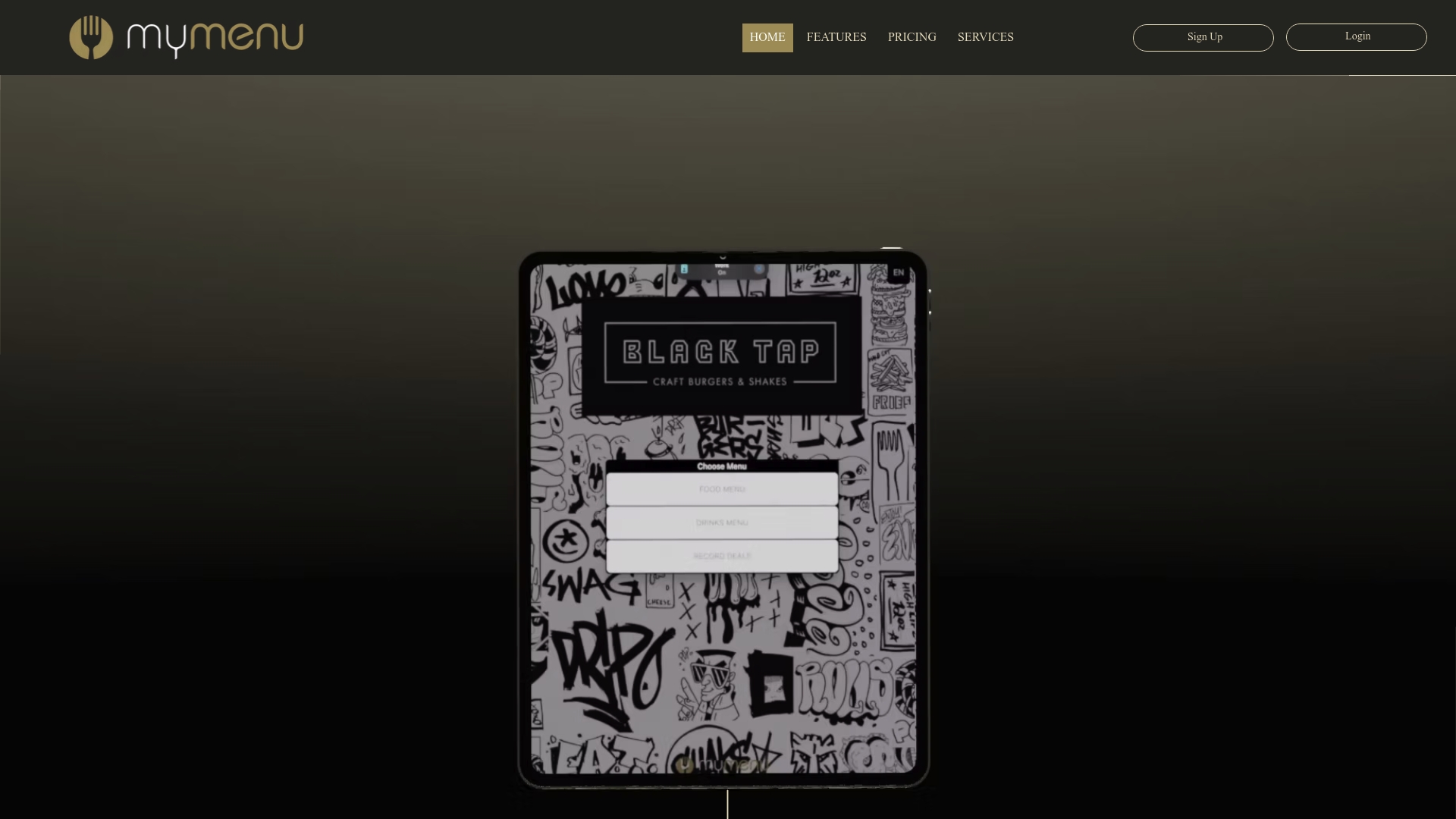
My DigiMenu is the leading full service digital menu platform built for restaurants, cafes, bars, and hotels. It combines contactless ordering, rich visual menus, and advanced marketing tools into a single, industry leading solution that drives sales and improves guest satisfaction.
Core Features
My DigiMenu delivers Tablet Menu apps for iOS and Android, a QR Code Menu that requires no app download, and online ordering with 0% commission to protect margins. The platform also offers reservation and table management, multilingual and multi currency support across 50 plus languages and 70 plus currencies, food photography and menu translation, nutritional information, and crypto payments.
Pros
Multiple menu formats supported. The platform supports tablet, mobile, and QR code menus so you can match guest behavior without extra development.
Comprehensive front of house tools. Reservation, table management, and guest feedback features help reduce no shows and shorten service cycles.
Zero commission online ordering. You keep more revenue because online orders do not incur platform commission.
Deep integrations available. The platform connects with third party POS and delivery systems for unified order and reporting flows.
Global, accessible design. Support for accessibility standards, multi language and multi currency options makes it suitable for international properties.
Who It’s For
Restaurants and hospitality managers who want a single platform to manage menus, orders, reservations, and guest engagement will find My DigiMenu ideal. It suits small cafés that need quick digital menus and large hotels or multi location restaurants that require enterprise grade integrations.
Unique Value Proposition
My DigiMenu bundles visual merchandising, ordering, loyalty, and guest data capture into one product so operators do not stitch together multiple vendors. The platform emphasizes guest profile capture via social login and CRM integration which enables targeted marketing campaigns and measurable repeat business. That combination of marketing tools, reservation management, and 0% commission ordering makes it uniquely revenue focused for operators.
Real World Use Case
A mid sized restaurant deploys QR code menus and tablet ordering to reduce table turnover time and improve order accuracy. The team uses targeted campaigns and digital stamp cards to convert one time visitors into repeat guests while the POS integration keeps kitchen flow and reporting centralized.
Pricing
Plans start from $39 per month for the StartUp tier. Pricing scales with additional locations and enterprise features and may include setup fees or optional managed services. My DigiMenu often advertises discounts for annual payments and occasional free limited time offers.
Website: https://mydigimenu.com
MenuTech
At a Glance
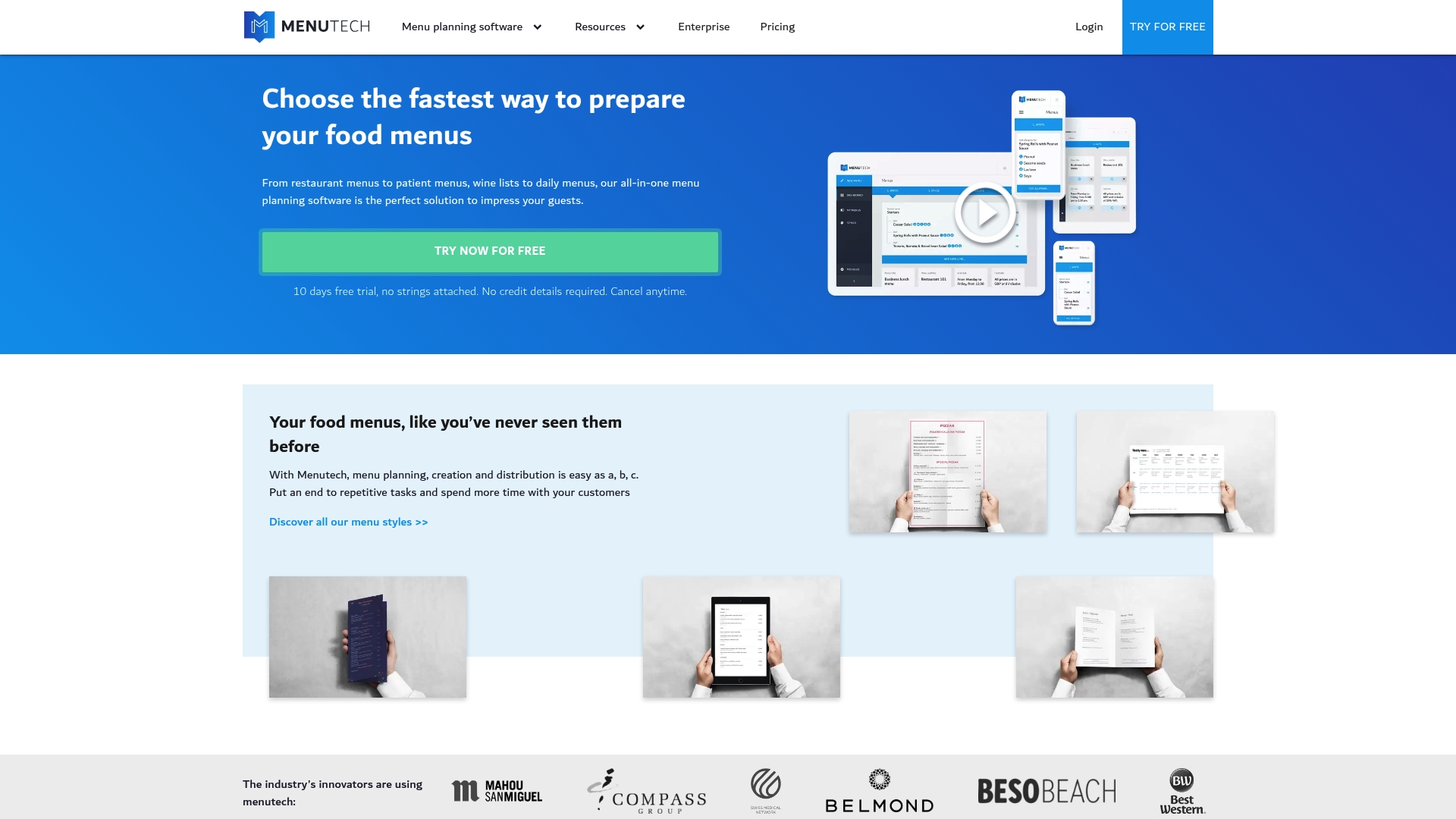
MenuTech focuses on digital menus and menu creation for the food service industry, but the public site is currently behind a Cloudflare verification page so full details are unavailable. This review uses only the provided product data and flags gaps you should check before committing.
Core Features
MenuTech advertises three core capabilities based on the available information. It supports menu creation and management so staff can build and organize offerings. It enables efficient menu updates to keep pricing and descriptions current. It provides digital menu solutions suited for tablets and screens.
Pros
Potentially simplifies menu management for busy kitchens by centralizing menu edits into a single system.
Facilitates easy updates and customization so specials and allergy notes can be changed without printing costs.
Supports digital menus which modern guests expect and which reduce physical contact at point of service.
Enhances operational efficiency in menu handling by reducing manual reprints and easing version control.
May improve customer experience through clearer displays and faster menu revisions that reflect availability.
Cons
Limited information is available without accessing the full website, which makes feature confirmation and vetting difficult.
Requires checking compatibility with your existing point of sale and screen hardware to avoid integration gaps.
Potential learning curve for new users because training needs and admin workflows are not described publicly.
Who It’s For
MenuTech fits restaurants, cafes, and bars that want a focused menu management tool and are ready to adopt tablet or screen based menus. Operations with frequent menu changes or seasonal dishes will find the concept attractive. Smaller teams without heavy technical support should evaluate onboarding requirements.
Unique Value Proposition
MenuTech aims to provide a concentrated solution for menu tasks rather than a broad all in one restaurant system. Its value is in reducing menu update friction and presenting menus digitally. If your priority is simple, centralized menu control the product appears relevant.
Real World Use Case
A neighborhood restaurant uses MenuTech to publish daily specials to in dining tablets and a lobby screen. Kitchen staff update dish availability in one interface and front of house sees the change immediately, cutting errors on sold out items and speeding table service.
Pricing
Pricing information is not available from the current public data. You will need to request a quote or contact MenuTech directly to learn about plans, licensing, and any per month or per seat fees.
Website: https://menutech.com
TouchBistro
At a Glance
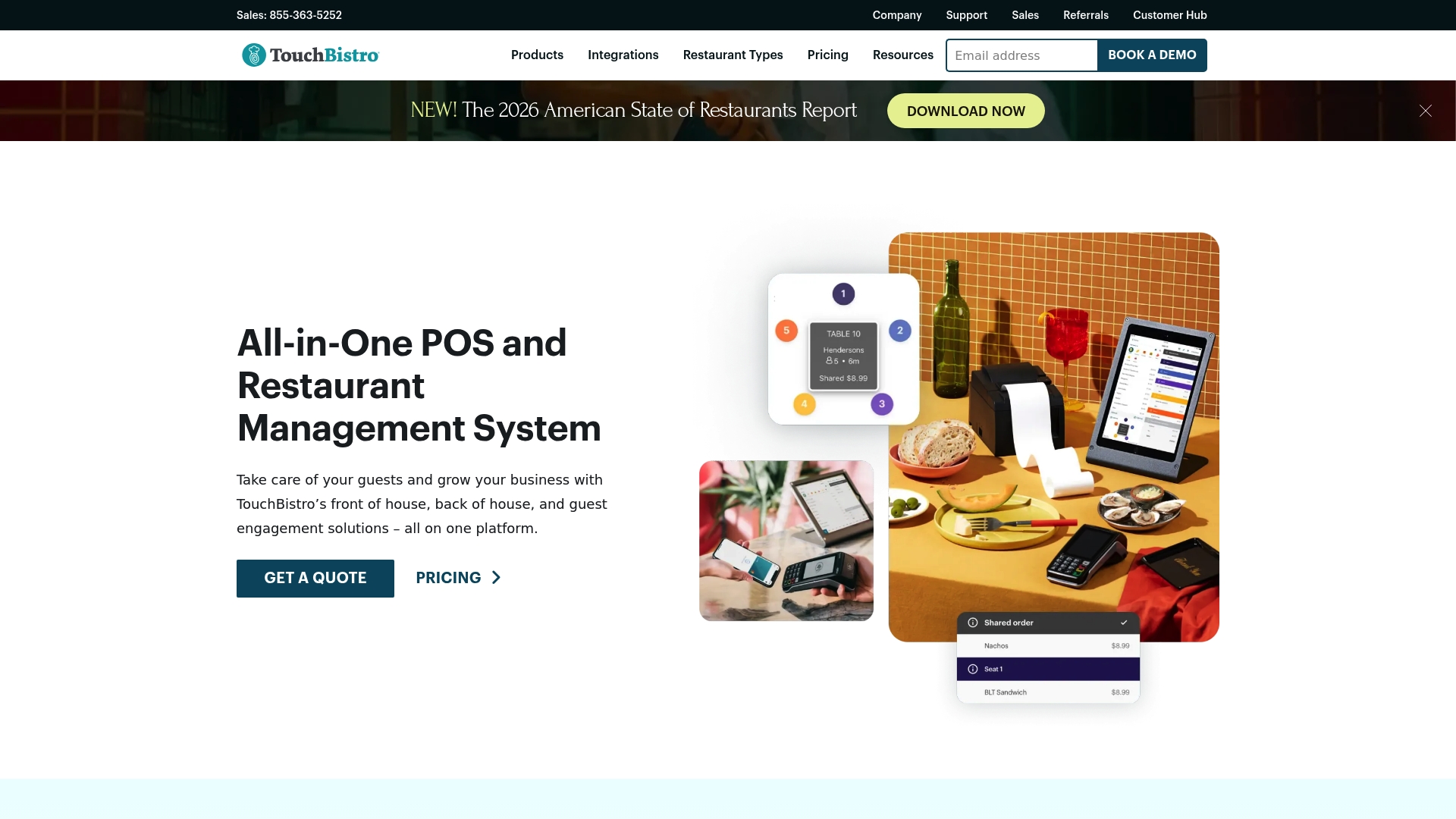
TouchBistro is an all-in-one POS and restaurant management platform that consolidates front of house, back of house, and guest engagement on a single cloud system. It fits restaurants that want a customizable, user friendly solution with strong reporting and integrations.
Core Features
The platform centers on a robust Point of Sale (POS) with reporting and analytics, integrated payment processing, and staff management with scheduling tools. Other capabilities include tableside ordering, kitchen display systems, inventory and labor management, menu updates in real time, reservations, online ordering, loyalty programs, and third party integrations.
Pros
Consolidated platform: TouchBistro brings POS, inventory, staff scheduling, and guest engagement together so you reduce the number of separate systems to manage.
Cloud based access: Remote reporting and offsite management let you check sales and staff schedules from anywhere with internet access.
Customizable solutions: The system adapts to different restaurant types so independents and multi outlet businesses can tailor workflows and menus.
Payment and integration support: Built in payment processing and support for third party services mean fewer integration headaches during setup.
Detailed reporting: Analytics and reporting tools provide actionable sales, inventory, and labor insight to support operational decisions.
Cons
Pricing details are not specified upfront and you may need to request a quote to get final costs.
Implementation and setup might require training or additional support for staff to use advanced features effectively.
Cloud features depend on internet connectivity which can affect service continuity if connections are unstable.
Who It’s For
TouchBistro suits restaurant owners and managers who want an easy to use, cloud based POS that covers ordering, payments, inventory, and guest programs. It works for single site independents and growing chains that need centralized control without juggling multiple vendors.
Unique Value Proposition
TouchBistro combines front of house and back of house management with built in guest engagement tools in one platform. That combination reduces vendor complexity while providing menu management, loyalty, and reservation features alongside POS reporting.
Real World Use Case
A neighborhood restaurant uses TouchBistro tablets for tableside ordering and payments, runs inventory and labor planning from the same dashboard, and launches a loyalty program to encourage repeat visits. Management monitors sales and staff schedules remotely to adjust shifts quickly.
Pricing
Pricing starts at $69 per month for POS software and bundles with hardware are available starting at $119 per month. For multi location or enterprise deployments you will likely receive a custom quote based on modules and hardware requirements.
Website: https://touchbistro.com
UpMenu
At a Glance
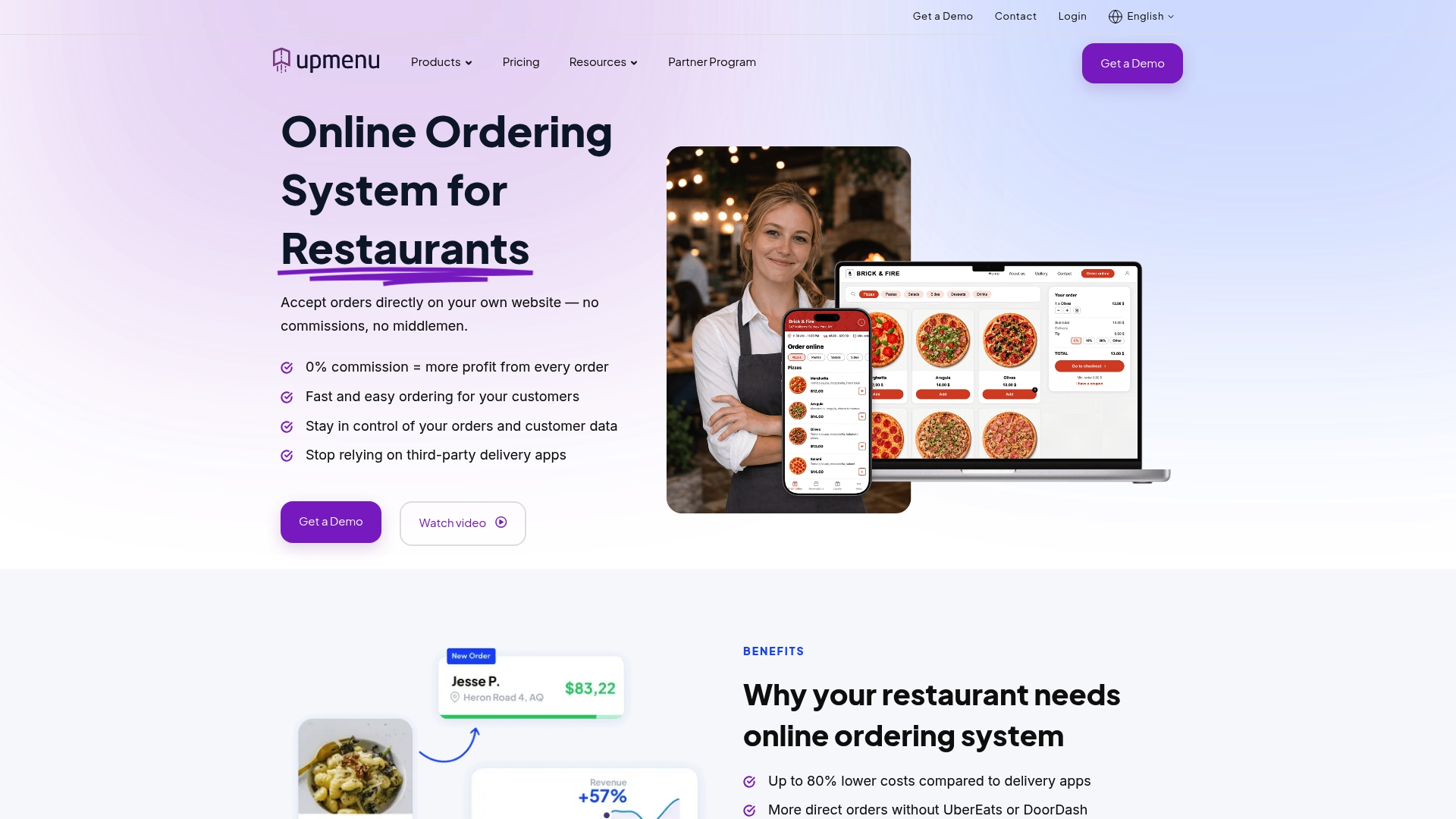
UpMenu is an all-in-one online software platform for restaurants that helps boost their digital presence and manage online sales independently from third-party marketplaces. It centers on online ordering and branded mobile app support to drive more direct revenue.
Core Features
UpMenu bundles a restaurant website builder, POS integration, QR code digital menu creation, delivery management, and a courier app into a single dashboard. The platform also offers order aggregation from third-party services, loyalty programs, email marketing, analytics, and customizable templates.
Pros
Reduces reliance on third parties: It helps restaurants lower commissions by increasing direct orders from their own website and apps.
Comprehensive toolset: The combination of web, mobile, ordering, delivery, and marketing tools gives restaurants a single place to manage digital sales.
User friendly editor: Templates and a drag and drop editor make it faster to build a branded website and menu without waiting for a developer.
Multi channel order management: The system supports orders from the restaurant site, branded app, QR menus, and third-party aggregators in one feed.
Support and migration services: UpMenu offers setup help and migration, which reduces the work required to move from another provider.
Cons
Pricing starts at $49 per month per location and can become costly for small restaurants with low online volume.
The breadth of features creates complexity that may overwhelm teams new to digital restaurant systems.
Full functionality requires reliable internet access and device compatibility, which may be a challenge in some locations.
Who It’s For
Restaurants that want an all-in-one digital solution for online ordering, website presence, mobile apps, delivery, and marketing will get the most from UpMenu. Independent restaurants and small chains focused on reducing third-party commissions benefit most.
Unique Value Proposition
UpMenu’s strongest claim is giving restaurants control over their digital sales channel so they keep more revenue. By combining ordering, delivery management, loyalty, and marketing, it helps restaurants convert visitors into repeat customers while lowering dependence on marketplaces.
Real World Use Case
Michelangelo used UpMenu to generate nearly $1,000,000 from online orders, showing the platform can scale for high-volume online sales. That example highlights how direct ordering and targeted promotions translate into measurable revenue.
Pricing
Plans start at $49 per month for the Basic plan per location with extra charges for add ons like a branded mobile app and driver app. Final cost varies by selected features and the number of locations.
Website: https://upmenu.com
Flipdish
At a Glance
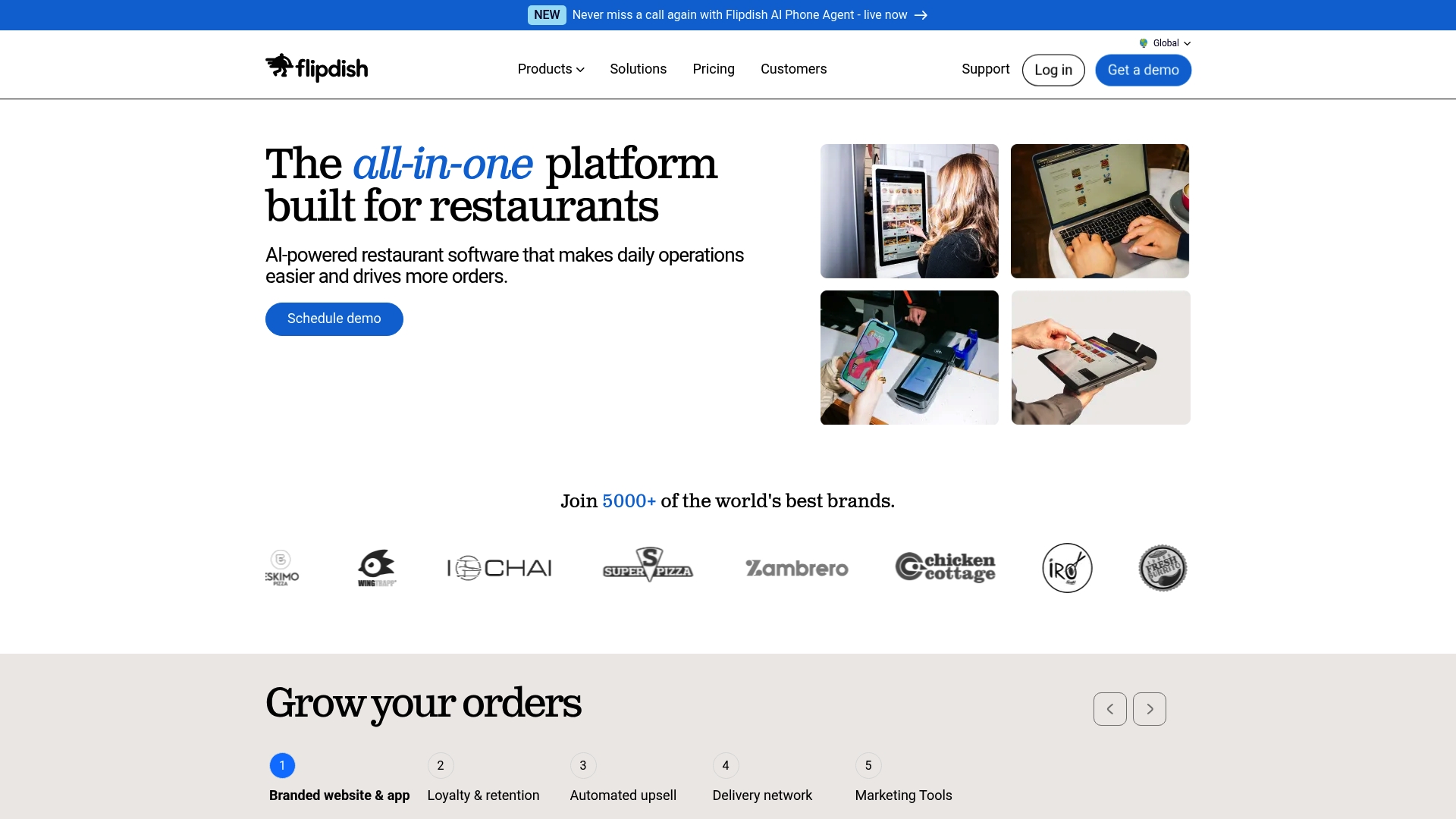
Flipdish is an all-in-one restaurant management platform built to help restaurants and takeaways manage orders, marketing, and operations from a single dashboard. It combines online ordering, Point of Sale, delivery integrations, and analytics to give operators centralized control and visibility.
Flipdish works well for teams that want a single vendor for ordering, in-store tech, and customer retention tools. Tradeoffs include a learning curve and reported variability in support responsiveness.
Core Features
Flipdish bundles online ordering, Point of Sale, and real-time analytics into one platform so staff do not hop between tools. It also provides websites, mobile apps, self service kiosks, kitchen display units, and delivery network integration with partners such as Uber Direct.
Key operational features include AI powered demand prediction, inventory management, marketing tools with loyalty programs, and dedicated onboarding plus customer success support.
Pros
Comprehensive platform: Flipdish brings ordering, POS, delivery, and marketing under one roof so you manage the whole customer journey from one admin console.
Multiple sales channels: It supports online, mobile app, kiosk, and in-store sales which helps capture guests wherever they prefer to order.
Marketing and loyalty tools: Built in loyalty programs and targeted campaigns help increase repeat visits without wiring disparate marketing tools together.
Customizable and scalable: Templates and configurable modules let small cafes and larger multi site restaurants tailor the system to their needs.
Actionable analytics: Real time reporting and demand prediction give you data to adjust staffing, inventory, and promotions quickly.
Cons
Support can be slow: Some users report slow resolution times which creates friction when restaurants need urgent fixes during service hours.
Ongoing issues reported: A subset of reviews mention persistent operational problems that require repeated follow up from support teams.
Learning curve for staff: The breadth of features means initial training takes time and managers must plan rollout carefully to avoid confusion.
Who It’s For
Flipdish suits restaurants and takeaways that want a single vendor to handle ordering, POS, delivery, and guest retention. It fits independent shops scaling to multi site groups that need configurable workflows and centralized reporting.
It is especially useful for teams ready to invest in onboarding and procedure change to get full value from the platform.
Unique Value Proposition
Flipdish stands out by offering an integrated stack that covers both front of house and back of house needs plus marketing. The combination of native apps, kiosks, and delivery integrations reduces the number of third party contracts a manager must juggle.
The platform’s AI powered forecasting and real time data focus on operational decisions like staffing and promotions.
Real World Use Case
A neighborhood restaurant uses Flipdish to accept website and app orders, route tickets to kitchen display units, and manage in house sales through the POS. The manager runs targeted email campaigns and a loyalty program to convert occasional guests into repeat diners.
After three months the restaurant reports clearer order flow and improved insight into peak demand patterns.
Pricing
Pricing starts from 99 €/month billed annually, with additional options for POS bundles and enterprise configurations listed on the vendor site. Contact Flipdish for exact quotes based on modules and number of sites.
Website: https://flipdish.com
Square
At a Glance
Square is an all-purpose business platform that combines payment processing with tools for inventory, staff, and customer management. It fits businesses that need both in-person and online sales capabilities without stitching together multiple vendors.
Core Features
Square delivers integrated tools for accepting contactless and chip payments, building websites and online ordering, managing inventory and employees, and offering financial services such as banking and loans. The platform includes industry-specific workflows for restaurants, retail, beauty, and service providers.
Pros
Versatile platform: Square serves multiple industries by combining hardware and software into a single system that reduces vendor complexity for managers.
Comprehensive business tools: The suite covers payments, inventory, employee scheduling, customer management, and analytics so teams can run daily operations from one place.
Flexible pricing: Plans start with a free basic tier and allow cancellation at any time, which helps businesses experiment without long commitments.
Strong integrations: Square connects with third-party services and offers industry-specific features that adapt to restaurants, retail shops, and appointment businesses.
Reliable support and updates: Square provides ongoing product updates and customer support that help managers resolve issues and adopt new features.
Cons
Processing fees can add up for high-volume businesses, which increases overall operating costs when transaction volume grows.
Some capabilities require additional add-ons or hardware purchases, which raises the total cost of ownership beyond base plan pricing.
There is a learning curve for new users because the platform covers many distinct functions that require setup and training.
Who It’s For
Square suits small to medium-sized businesses that want an integrated solution for payments, sales, inventory, and customer management across both physical and online channels. It works well for restaurant managers, retail owners, salon operators, and independent service providers.
Unique Value Proposition
Square stands out by offering a single ecosystem that pairs payment terminals and POS hardware with software for online ordering, staff management, and financial services. That integration reduces setup time and gives managers clearer operational visibility.
Real World Use Case
A local restaurant uses Square to take in-person and online orders, manage table assignments and staff schedules, run targeted marketing campaigns to repeat customers, and analyze daily sales trends to adjust menus and staffing.
Pricing
Square offers variable plans that range from a free basic tier to paid plans with expanded capabilities. Specific pricing depends on the features and hardware selected and is available on the vendor website.
Website: https://squareup.com
Restaurant Management and Ordering Tools Comparison
This table provides a detailed comparison of several restaurant management and digital menu solutions, outlining their key offerings, advantages, drawbacks, and pricing to help businesses make informed decisions.
Product | Key Features | Pros | Cons | Starting Price |
My DigiMenu | Tablet Menu apps, QR Code Menu, online ordering with 0% commission, multilingual/currency support, marketing tools | Multiple menu formats, comprehensive tools, 0% commission, integrations, global design | Potential setup and subscription costs depending on scale and features utilized | $39/month |
MenuTech | Menu creation, management, digital menus for tablets and screens | Simplifies menu management, allows easy updates, supports digital menus | Limited public information; potential compatibility and training challenges | Pricing not disclosed |
TouchBistro | All-in-one POS, tableside ordering, loyalty programs, inventory and staff management | Comprehensive system, cloud-based access, customizable, integrated payments | Required training, dependency on internet, and specified costs on request | $69/month |
UpMenu | Online ordering, website builder, QR menus, delivery app, order aggregation, marketing | Reduces reliance on third-parties, simple editor, comprehensive features | Costs increase with add-ons, beginner complexity, internet connectivity required | $49/month/location |
Flipdish | Online ordering, PJOS, analytics, self-service kiosks, marketing, demand forecasting | Integrated system with multiple sales channels and marketing tools | Support packages and pricing information not readily available; noted learning curve | 99 €/month |
Square | Payment processing, inventory, staff management, customer solutions | Free base option, comprehensive tools, reliable support | Transaction fees may add up, additional feature add-ons | Free base plan |
Discover a Superior Alternative for Seamless Digital Menus
In the search for the best MenuTech alternatives, many restaurants face challenges around integrating digital menus, contactless ordering, and guest engagement into a single streamlined platform. If your goal is to reduce complexity while elevating customer satisfaction with rich visual menus and zero commission online ordering, then a more comprehensive solution is essential. My DigiMenu offers exactly that with tablet, mobile, and QR code menus combined with advanced marketing tools designed to increase sales and repeat visits.

Take control of your restaurant’s digital transformation today by exploring the features of My DigiMenu. Experience effortless menu updates, powerful guest profile capture, and multi-language support all within one platform tailored specifically for restaurants, cafes, bars, and hotels. Don’t wait to unlock higher revenue and smoother operations. Visit My DigiMenu now to get started with your free demo and see how easy it is to upgrade your guests’ dining experience.
Frequently Asked Questions
What are the main features to look for in alternatives to menutech.com?
Look for key features such as menu creation and management, digital ordering solutions, and integrations with existing point-of-sale systems. Prioritize platforms that offer user-friendly interfaces and support for real-time menu updates to streamline operations.
How can I evaluate the pricing of different menu management platforms?
Assess pricing plans based on the features you need, such as online ordering capabilities and menu customization options. Consider the total cost, including any monthly fees or per-location charges, to find a solution that fits your budget.
What factors should I consider when choosing a menu management tool?
Evaluate ease of use, customer support availability, and integration flexibility with your current systems. Gathering feedback from your team can also help in selecting a platform that aligns with your operational needs.
How do menu management tools improve the customer experience?
Menu management tools enhance the customer experience by providing real-time updates on menu items and clear displays of current offerings. Implementing such a tool can lead to faster service and increased guest satisfaction.
What steps can I take to transition from menutech.com to a different menu management platform?
Start by assessing your current menu management processes and identifying which features are most critical for your operation. Then, create a timeline for migration, which may take several weeks depending on the complexity of your menus and operations.
Can I use multiple menu management solutions simultaneously?
Yes, but be cautious as using multiple systems can lead to confusion and errors in order management. Consider integrating your systems or choosing one comprehensive solution to simplify operations and enhance efficiency.
Recommended
Comments