
Top 7 imenupro.com Alternatives 2026
- Abhi Bose
- Mar 18
- 15 min read

Choosing the right digital menu tool can completely shape how restaurants connect with their guests. With so many options emerging each year, finding a reliable and flexible platform has become more important for businesses of all sizes. Some tools offer sleek designs, others focus on robust features, and a few stand out for their simple pricing. Curiosity grows as new players enter the market, each with unique strengths and creative solutions for daily challenges. Which tools deliver the smoothest experience and best value for busy owners? The search for better alternatives keeps getting more interesting.
Table of Contents
My DigiMenu
At a Glance
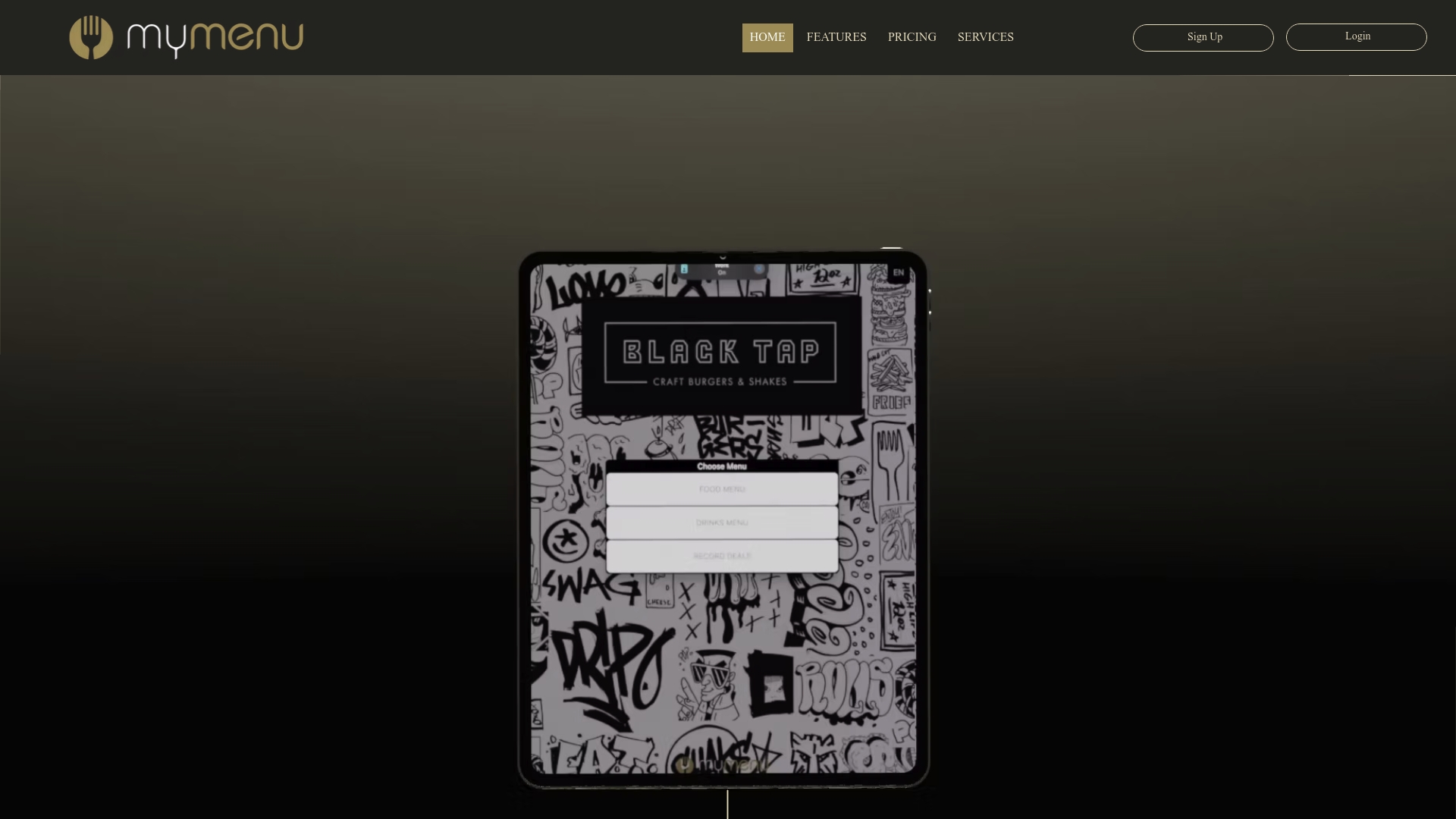
My DigiMenu is a leading digital menu and ordering platform built for restaurants, cafes, bars, and hotels. It delivers contactless menus, online ordering with zero percent commission, and multimedia features designed to increase sales and improve guest experience.
Core Features
The platform offers QR code and tablet menus, online ordering that charges 0% commission, and reservation management for front of house teams. It supports multiple languages and currencies and integrates with third party systems for day to day operations.
My DigiMenu also provides high quality food video showcase, AI generated menu descriptions, and crypto payment options to give venues modern checkout choices. Guest CRM, loyalty programs, and feedback tools round out the customer engagement toolkit.
Pros
Contactless ordering and payment solutions: Guests can view menus and place orders from their device, reducing touch points while keeping service fast.
Supports high quality multimedia menus to increase sales: Food videos and professional photography help boost item appeal and encourage higher spend per cover.
Multi platform integration for seamless operation: The system links with POS and delivery partners to keep orders flowing and reduce manual entry.
Customizable menu design matching your brand: You control layouts, visuals, and descriptions so the digital menu reflects your venue.
Advanced customer management features like Guest CRM and Loyalty programs: Capture guest profiles, run targeted campaigns, and reward repeat customers to improve retention.
Who It’s For
This platform fits Restaurants, Hotels, Cafes, Bars, and foodservice venues that want a single system to run digital menus, online orders, reservations, and guest engagement worldwide. It suits venues that need multi language and multi currency support for international guests.
It appeals to operators aiming to replace commission based marketplaces with a direct ordering channel. It also suits hotel food service managers who want QR based room service and integrated guest feedback.
Unique Value Proposition
My DigiMenu stands out because it combines commission free online ordering with multimedia menu presentation and advanced guest tools in one package. The blend of AI driven menu descriptions, professional food video, and crypto payments gives venues multiple ways to increase conversion and average check.
Because the platform supports multiple languages and currencies and connects to third party POS systems, it works for single site outlets and larger chains that need centralized menu control. That combination of content quality, direct ordering economics, and guest data capture is unmatched in a single offering.
Real World Use Case
A hotel deploys My DigiMenu via QR codes on guest tables and in rooms. Guests use their phones to browse multilingual menus, watch short dish videos, order room service, and pay with their preferred method including crypto. The hotel consolidates orders into its POS and tracks guest preferences through the CRM.
This setup reduces staff touch points, shortens order times, and provides data for targeted promotions and loyalty offers.
Pricing
Pricing varies by plan and features, with monthly plans ranging from approximately $39 to $179 per month. Additional setup fees apply and discounted annual payment options are available.
Website: https://mydigimenu.com
iMenuPro
At a Glance
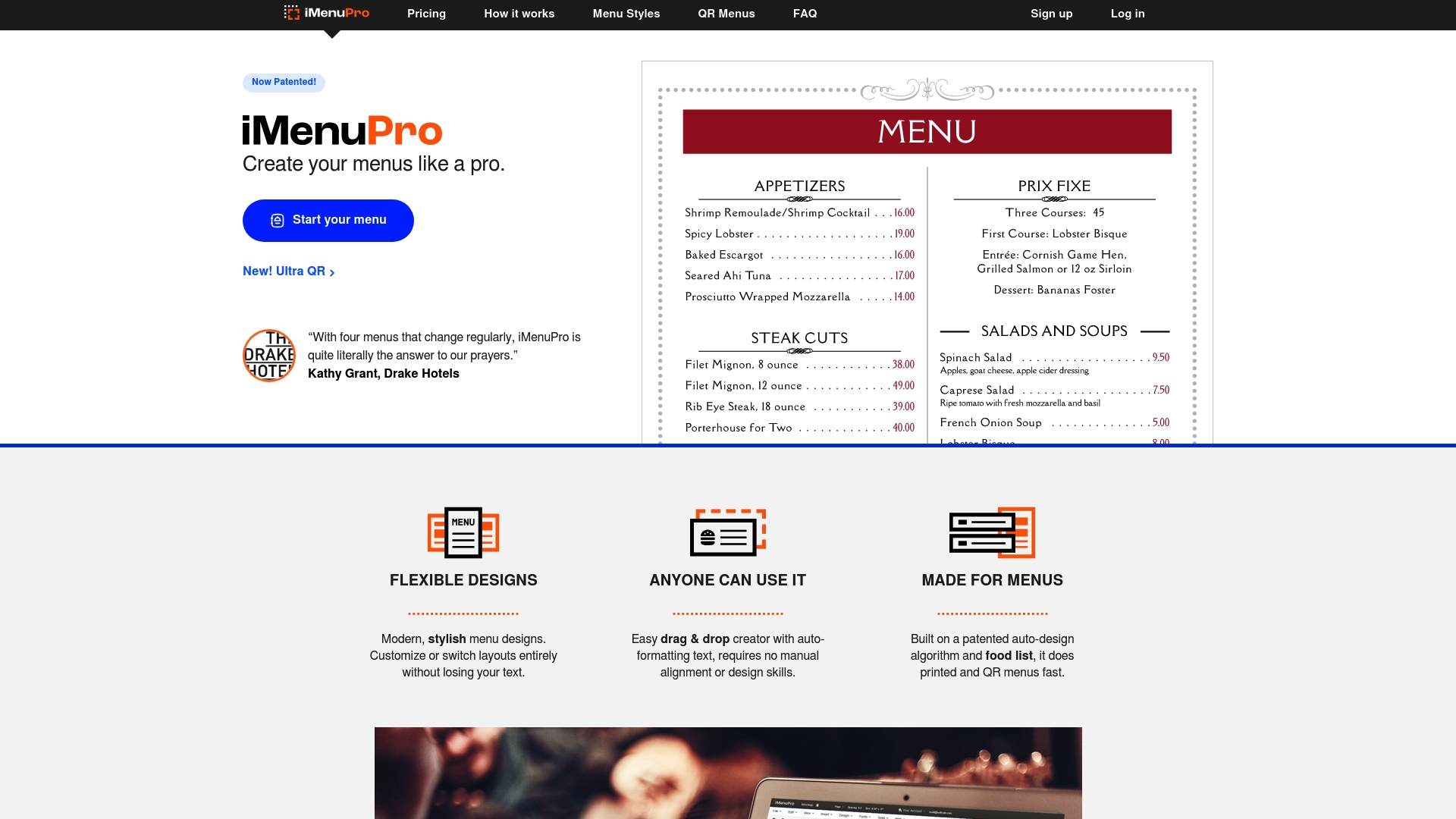
iMenuPro helps small and medium restaurants create polished menus quickly using a patented auto design algorithm and a simple drag and drop editor. It combines print ready PDFs, digital signage, and privacy safe QR menus into one workflow for teams that update menus often.
Core Features
The platform offers drag and drop auto formatting, patented menu style synchronization, and a food list system that speeds design decisions. It includes over 3,500 graphics, blazing fast PDF printing, and instant QR generation that links printed menus to digital versions without trackers or cookies.
Pros
User friendly drag and drop interface: New users can build professional looking menus with minimal training and fewer manual adjustments.
Fast professional menu creation: The patented auto design algorithm and food list system reduce layout time for seasonal or daily updates.
Wide template and graphic library: More than 3,500 graphics plus custom uploads let you match brand style for menus and signage.
Digital signage and QR code support: You can produce display files and QR menus from the same project which simplifies operations.
Privacy safe QR codes: QR links work without trackers or cookies and support ADA and UA compliance while allowing unlimited scans and placements.
Cons
Pricing may be a consideration for larger operations or frequent updates because costs scale with monthly or annual plans.
Specific details about advanced customization options are limited in the provided content which makes it hard to judge controls for complex brand requirements.
Who It’s For
Small to medium restaurant owners and foodservice operators who need a fast, polished way to produce print menus, QR menus, and display artwork will find iMenuPro useful. If you update menus daily or seasonally and want one tool to handle print and digital deliverables, this fits well.
Unique Value Proposition
iMenuPro stands out by combining a patented auto design algorithm with menu style synchronization so changes propagate across formats consistently. The privacy conscious QR workflow and instant PDF printing create a single predictable process for both front of house and kitchen teams.
Real World Use Case
A neighborhood restaurant uses iMenuPro to design seasonal menus, print variants for tabletop and takeout, and generate QR menus for contactless dining. Staff update prices and specials daily and publish changes across printed and digital channels without reworking layouts.
Pricing
Plans start at $16 USD per month for monthly billing or $11.25 USD per month on the annual plan billed as $135 USD annually which includes a discount for paying yearly.
Website: https://imenupro.com/
Canva Visual Suite
At a Glance
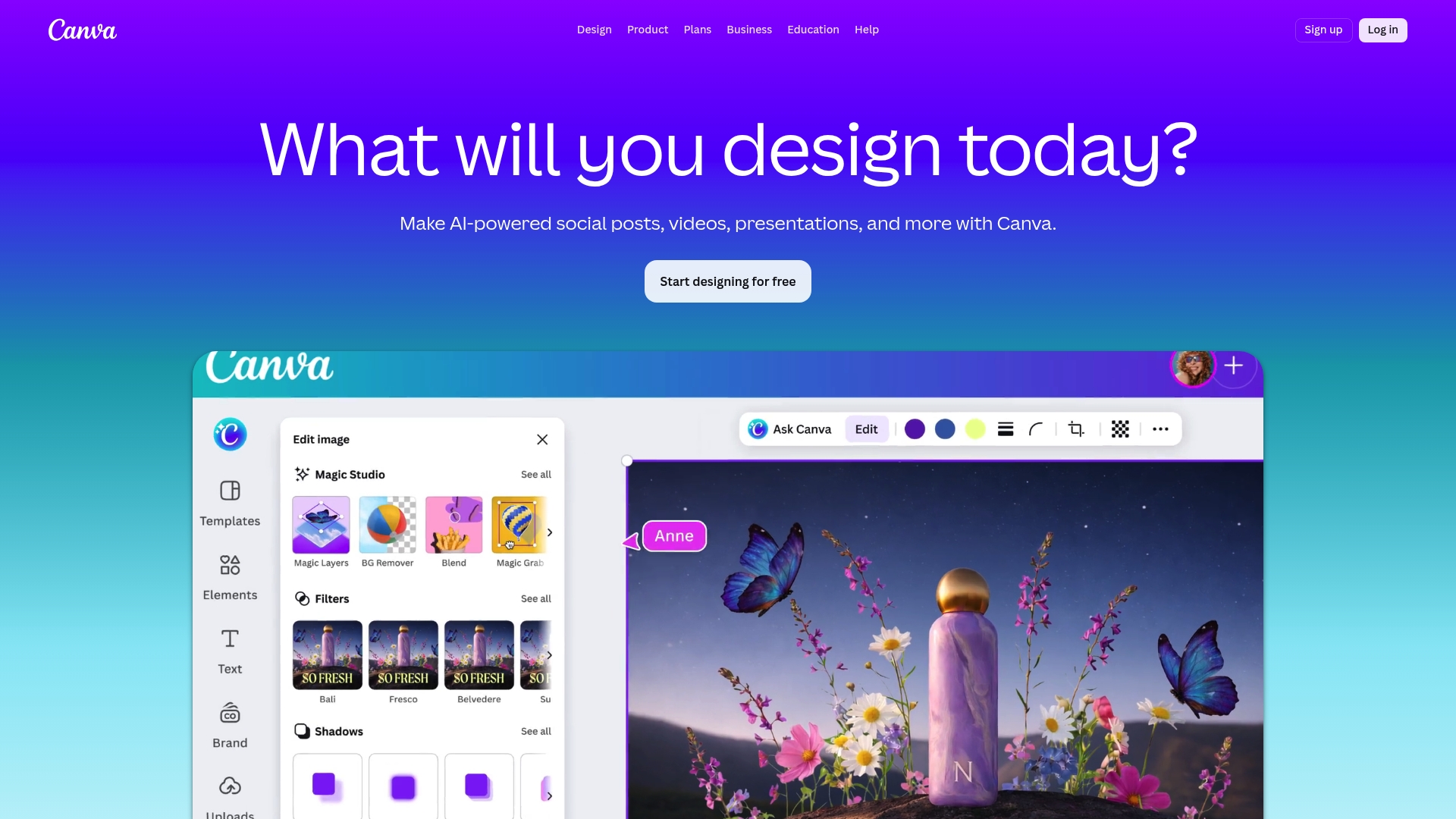
Canva Visual Suite is a flexible design platform that combines templates, editing tools, and AI powered features in a single web app. It works well for teams that need fast visual output and for individuals who want polished assets without deep design skills.
Core Features
Canva offers AI powered tools, extensive templates, and photo and video editing across web and mobile interfaces. The platform supports presentations, social posts, print materials, whiteboards, and collaborative document work with a large media library and learning resources.
Pros
Broad tool set: Canva provides design tools for social posts, presentations, print, and video which reduces the need to jump between multiple apps.
Large template library: The extensive templates and media assets speed up content creation and maintain consistent branding across channels.
AI assisted creation: Features such as Magic Write and image generators accelerate draft creation and reduce repetitive editing work.
Collaboration friendly: Team features let multiple people edit, comment, and manage brand assets in a shared space which helps marketing teams move faster.
Flexible plans: Free, Pro, Business, and Enterprise options let you match features to team size and budget without overpaying for unused tools.
Cons
Some advanced features and AI tools require paid plans which raises the cost for small teams that need premium capabilities.
The free plan limits storage and media access which creates friction when managing a growing asset library for a busy restaurant or hotel.
The large number of options and features can feel overwhelming to beginners who only need a few basic templates and simple editing tools.
Who It’s For
Canva suits individual designers, marketing teams, and hospitality operators who need to produce social content, menus, posters, and presentations quickly. It fits organizations that want an all in one creative workspace with easy team access and basic brand controls.
Unique Value Proposition
Canva combines accessible design tools with AI assisted features and a massive template library so teams create polished visuals without expert design resources. The platform is strong where speed, collaboration, and broad format support matter most.
Real World Use Case
A startup marketing team uses the Pro plan to produce social posts, menu visuals, and investor decks. Team members share branded templates, use AI tools to draft copy, and export print ready files for local suppliers in a single workflow.
Pricing
Canva offers a free basic plan. Pro is US$120 per year for individuals. Business is US$200 per year per user. Enterprise plans use custom pricing and require contact with sales.
Website: https://canva.com
MenuDrive

At a Glance
MenuDrive combines online ordering and marketing into a single platform aimed at restaurants that want to grow revenue and keep guests coming back. The platform focuses on website templates, order management, and marketing automation to convert traffic into repeat customers.
Core Features
MenuDrive provides customizable website templates, integrated order management, and marketing automation tools that target guest acquisition and retention. It also offers a QR code generator, signage tools, payment handling, and analytics to track performance and customer behavior.
Pros
Unified marketing and ordering: The platform bundles website, ordering, and marketing tools so you manage promotions and sales from one dashboard.
Custom branding options: Restaurants can apply their own branding with templates that speed up setup and keep the online presence consistent with the physical venue.
Fast setup process: A simple three step process helps restaurants launch quickly and start accepting orders without long delays.
Detailed analytics: Traffic and sales reports give clear data for menu optimization and campaign adjustments.
Generous trial options: The offering includes a 90 day free trial and a 60 day free trial option so you can test features before committing.
Cons
Complexity for very small operations: The breadth of tools may overwhelm a single person or a very small team that prefers simplicity and minimal setup.
Unclear pricing in supplied data: Pricing information is not specified in the provided content so budgeting requires direct contact with the vendor.
Possible extra costs for integrations: Some advanced features or third party connections may add additional fees beyond the base package.
Who It’s For
MenuDrive fits restaurants of all sizes that want a single platform for ordering, marketing, and customer retention. It is especially useful for operators who plan to run email campaigns, loyalty programs, and track guest behavior to refine offerings.
Unique Value Proposition
The platform stands out by tying marketing automation directly to the ordering flow so promotions drive measurable online sales. That tight connection between campaigns and orders helps owners see which messages actually increase revenue.
Real World Use Case
A small to medium restaurant uses MenuDrive to launch an online ordering site, apply branded templates, and run targeted email coupons. After a 90 day trial the restaurant refines menu items using analytics and increases online order frequency.
Pricing
Pricing is not specified in the provided content so you will need to contact MenuDrive for plan details and setup costs. The product lists both a 90 day free trial and a 60 day free trial option in available materials.
Website: https://menudrive.com
MustHaveMenus
At a Glance
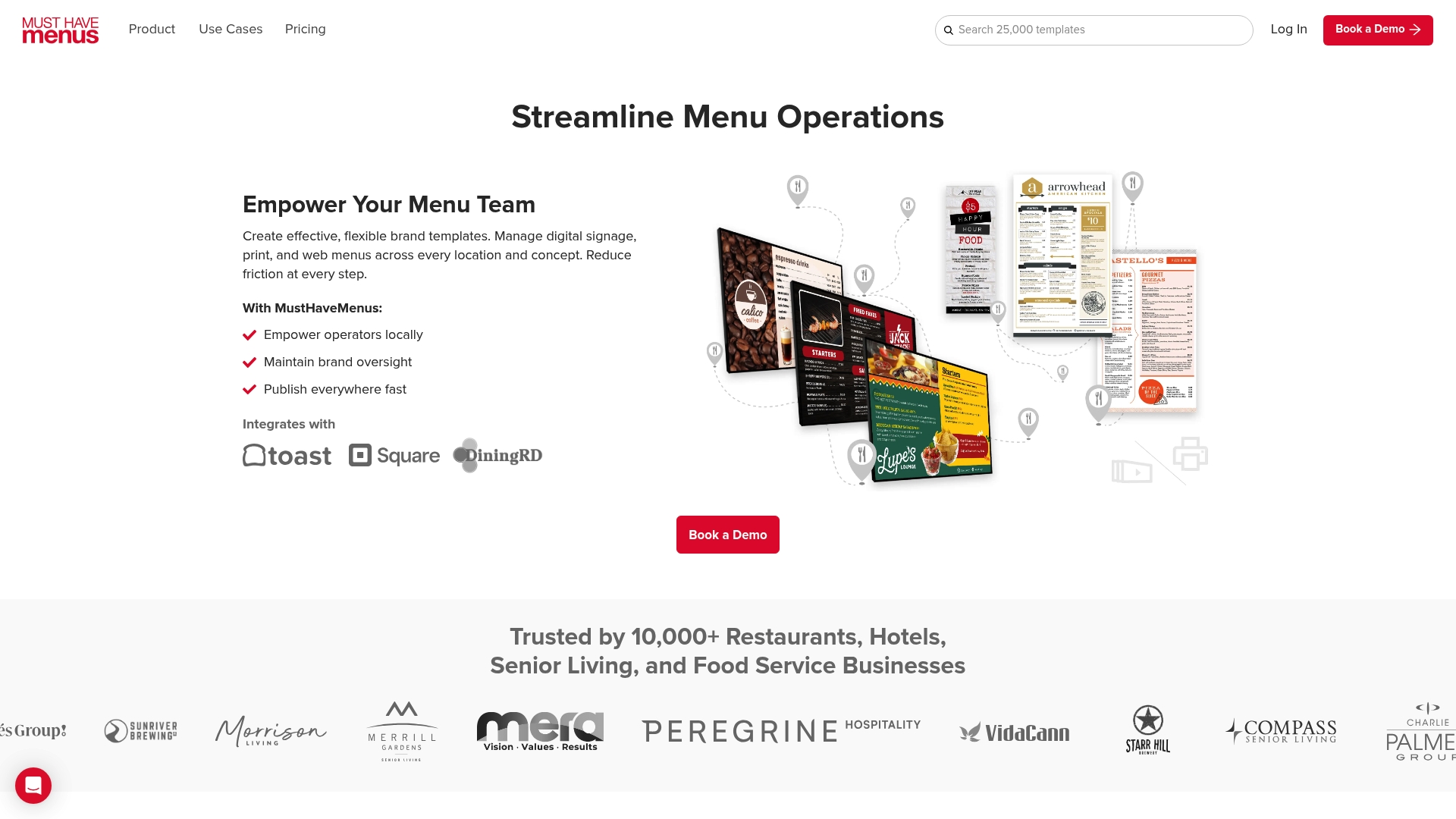
MustHaveMenus focuses on unified menu production and display for restaurants and hotels, with strong support for digital signage and centralized menu management. It fits operators who want consistent branding across print, web, and on-premise displays.
Core Features
MustHaveMenus combines a visual menu designer with customizable menu templates, QR Codes, online menus, link pages, and print products to cover both digital and physical needs. The platform also offers permissions, item libraries, brand kits, and POS integration for multi location control.
Pros
MustHaveMenus simplifies menu updates and management by letting you edit once and publish across online menus, QR codes, and digital signage in multiple locations.
The platform integrates with popular POS systems such as Toast and Square, which helps keep pricing and item availability consistent between systems.
It provides a broad selection of templates and a visual designer that make it faster to produce professional menus and promotional graphics for seasonal changes.
MustHaveMenus supports both print and digital outputs, which reduces the time and coordination needed to produce menus, posters, and table tents.
The platform includes tools for managing multiple locations and franchises, helping you preserve brand standards and control permissions across teams.
Cons
The provided data offers limited website detail, which makes it hard to judge advanced features, limits, and third party integrations without a demo or direct sales conversation.
The range of customization and management tools creates a learning curve for staff who are not familiar with digital menu systems or design editors.
Digital signage requires reliable internet and compatible display hardware, so upfront hardware and network checks are necessary before rollout.
Who It’s For
Restaurants, hotels, cafes, and senior living facilities that manage menus across more than one location will benefit most from MustHaveMenus. If you oversee branding, print collateral, and digital displays and want a single place to update everything, this product fits your workflows.
Unique Value Proposition
MustHaveMenus brings print and digital menu tools into one platform with a focus on brand consistency and operational control. The combination of brand kits and POS integration lets you align visuals and item data while reducing manual corrections across channels.
Real World Use Case
A regional restaurant chain uses MustHaveMenus to manage menu changes centrally, publish new seasonal dishes to online menus and QR codes, and order print runs for physical menus. This keeps layout and pricing uniform across locations and reduces manual updates.
Pricing
Pricing details are not explicit in the supplied data, but the product references low cost plans and a demo booking option, which suggests tiered and customizable pricing based on features and the number of locations.
Website: https://musthavemenus.com
MenuLab
At a Glance
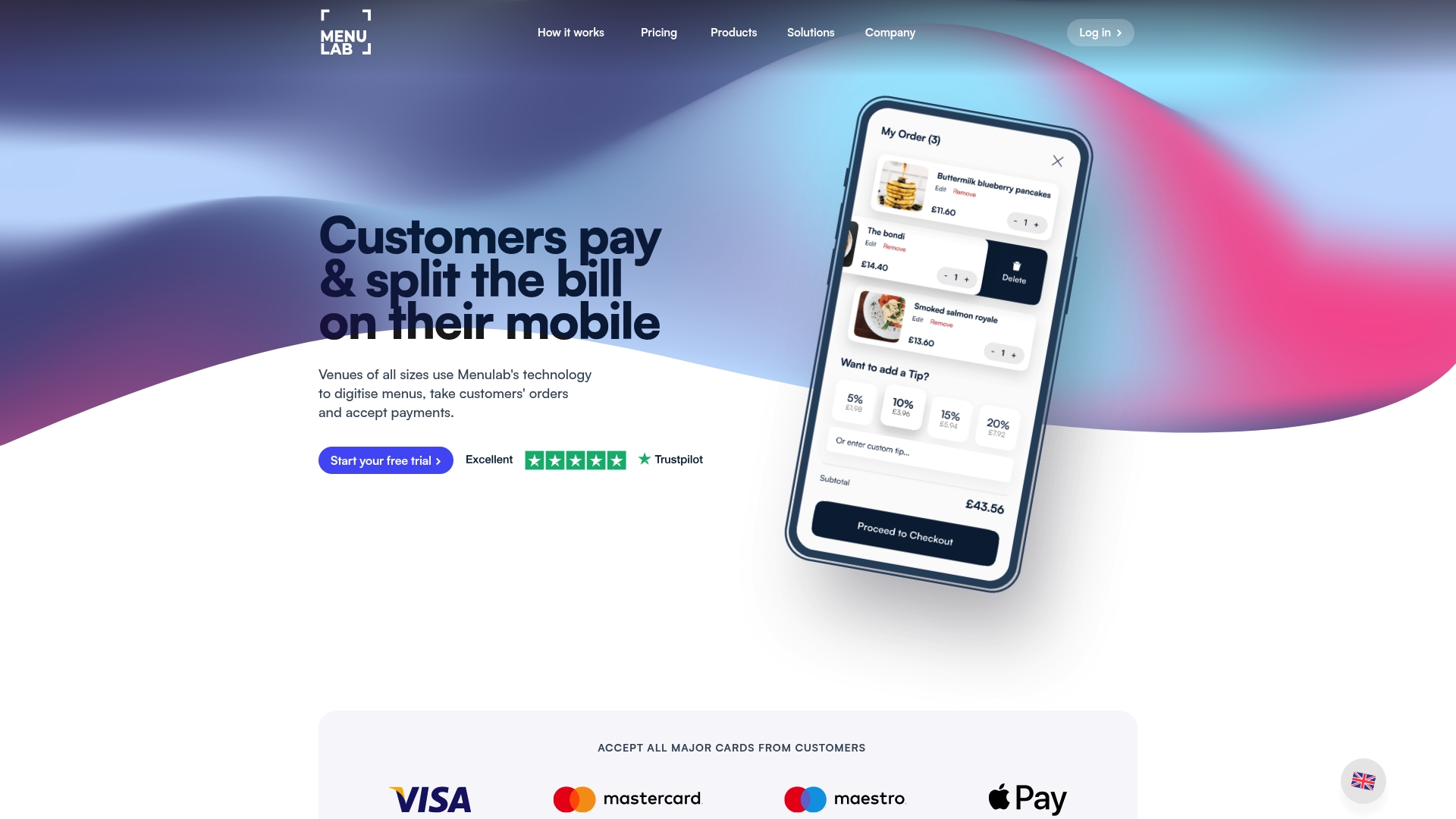
MenuLab packages digital menus, order management, and digital payments into a single platform aimed at hospitality venues. It delivers clear workflow benefits for restaurants, cafes, bars, and hotels that want contactless ordering and better transaction data.
Core Features
MenuLab centers on menu digitization and the order lifecycle, with an emphasis on payment flexibility and business insights. The platform combines online ordering, a real time order dashboard, and analytics to track sales and service metrics.
Digital menus that display photos and item details.
Order management with a live dashboard for incoming tickets.
Multiple payment options including card and mobile wallets.
Real time analytics for sales and operational trends.
Pros
Comprehensive hospitality solutions: MenuLab covers menus, orders, and payments so venues get an end to end digital system rather than piecing services together.
Customizable menu design tools: Staff can present dishes visually and adjust layouts to match a venue brand with minimal technical skill required.
Supports multiple payment options: The platform accepts card and mobile wallet payments which reduces friction at checkout and helps increase average transaction value.
Data analytics for business insights: The live dashboard and reporting reveal sales patterns and order timings that help with staffing and menu decisions.
Flexible pricing models: MenuLab offers fixed monthly pricing, percentage based fees, or custom plans which helps businesses of different sizes manage costs.
Cons
Information on specific integrations with existing POS systems is limited which may create uncertainty for venues relying on legacy hardware.
Pricing details may require direct contact for tailored plans which adds an extra step before you can compare total costs precisely.
No clear mention of offline capabilities or support for venues without internet which raises questions for locations with unreliable connectivity.
Who It’s For
MenuLab targets hospitality venues of all sizes that want to modernize guest ordering without juggling multiple vendors. It fits restaurants and cafes that need contactless menus, bars handling fast drink orders, and hotels offering in room dining.
Unique Value Proposition
MenuLab bundles menu digitization, payment acceptance, and order analytics into a single package so operators gain unified data and fewer vendor contracts. That unified view simplifies reporting and helps identify quick wins for revenue and service.
Real World Use Case
A restaurant implements MenuLab to replace paper menus, routes orders to kitchen printers through the live dashboard, and accepts card and mobile wallet payments. The team uses sales analytics to shift prep schedules and design a higher margin specials list.
Pricing
MenuLab lists a fixed plan at £29.99 per month billed monthly on a rolling contract, percentage based fees with 1% plus 1.1% for EEA transactions, or custom plans for larger businesses. Final costs may vary depending on chosen configuration.
Website: https://menulab.com
PosterMyWall
At a Glance
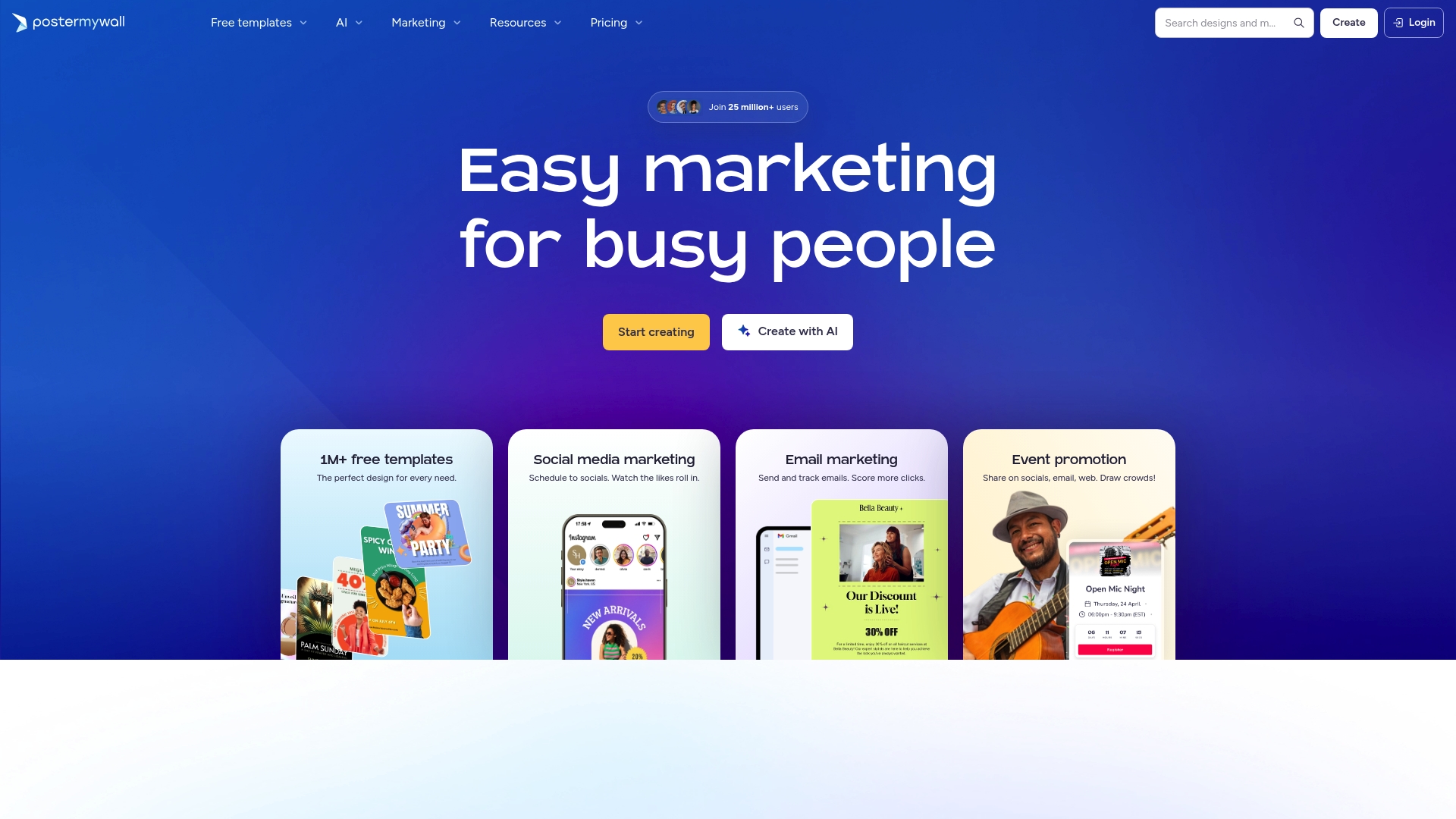
PosterMyWall offers a fast way to produce professional marketing assets without deep design skills. Its friendly template library and AI powered tools let small teams create posters social posts and emails quickly while keeping costs low.
Core Features
PosterMyWall centers on an extensive library of over 1 million templates that cover posters flyers social media and email. The platform includes AI powered tools for background removal image generation voiceovers subtitles and writing assistance plus marketing tools for social media scheduling and email campaigns.
Quick note.
Team collaboration tools and brand kits help maintain consistent branding across campaigns while event promotion features simplify one off pushes for sales or special dates.
Pros
Easy for non designers: The interface guides users through editing so staff with limited design experience can produce polished assets quickly.
Huge template variety: Templates for posters flyers social posts and emails reduce the time needed to create campaign assets.
AI tools speed workflows: Background removal image generation and subtitle tools reduce manual editing and save hours on production.
Affordable entry plans: A free tier and low cost paid plans let small businesses test the platform before committing to a subscription.
Supportive community and help: PosterMyWall provides resources and customer support that help teams solve problems without external agencies.
Cons
Some advanced features sit behind paid plans which requires budgeting for recurring costs.
Customization is less powerful than professional design software which limits highly specific layout or vector editing needs.
The platform requires an internet connection which prevents offline editing during outages or travel.
Who It’s For
PosterMyWall fits small business owners nonprofit marketing teams and solo operators who need quick promotional materials without a designer. It also suits cafe managers and hotel F B teams who run regular promotions and need on brand assets on short notice.
Practical.
Unique Value Proposition
PosterMyWall combines a massive template library with AI assisted editing and built in marketing tools so operators handle design and distribution in one place. That reduces handoffs between design social and email functions and shortens campaign turnaround time.
Real World Use Case
A restaurant manager customizes a sale poster with the brand kit then schedules matching social posts for the weekend special. The manager uses subtitle and voiceover tools to create a short video ad and sends an email blast from the same platform.
Pricing
A free plan is available for basic use and paid plans start at $13 per month for the Popular Premium plan. Team and higher tier subscriptions are offered for operations that need multiple seats or additional features.
Website: https://postermywall.com
Digital Menu and Design Tools Comparison
This table provides an overview of leading platforms that assist hospitality venues with digital menus, ordering systems, and design tools. Compare features, benefits, and suitability to choose the right solution for your business.
Product | Features | Pros | Cons | Pricing |
My DigiMenu | QR code menus, online ordering with 0% commission, multimedia menus, CRM, and crypto payments | Enhances guest experience with modern tools; seamless integration with POS systems; strong focus on customer engagement | Information about minimum setup costs is limited | $39–$179/mo; setup fees apply |
iMenuPro | Drag-and-drop design, auto formatting, style synchronization, and privacy-safe QR codes | Quick and professional menu creation; extensive graphic library; supports multiple output formats | Advanced customization details are unclear | $11.25/mo (annual billing) |
Canva | AI-powered features, extensive templates, photo editing, and team collaboration | Broad toolset for social, print, and video assets; supports collaboration; flexible plans | Advanced tools require paid plans; free plan may be insufficient | $120/year (Pro); $200/year (Business) |
MenuDrive | Custom website templates, integrated order management, marketing tools, and detailed analytics | Combines ordering and marketing; user-friendly interface; supports guest loyalty campaigns | Specific pricing details must be confirmed with the vendor; may overwhelm very small teams | Contact Sales |
MustHaveMenus | Unified menu creation (print and digital), central management, templates, QR codes, and POS integration | Offers centralized control; supports multi-location management; Simplifies print and digital updates | Requires reliable internet and compatible displays; advanced settings may require training | Contact Sales for pricing details |
MenuLab | Digital menus, real-time order management, multiple payment options, and analytics | Reduces operational complexity; custom menus designed for modern venues; supports diverse payment options | Clarity on offline and POS system compatibility is limited | £29.99/mo; Other fees vary |
PosterMyWall | Extensive templates, AI tools for design, and integrated marketing features | Easy-to-use; supports rapid graphic content creation; affordable entry pricing | Advanced tools behind paywall; dependent on consistent internet | $13/mo (Popular Premium Plan) |
Discover a Smarter Alternative to iMenuPro for Your Hospitality Business
If you are searching for comprehensive digital menu solutions that go beyond basic design tools, My DigiMenu offers a powerful platform tailored to meet the evolving needs of restaurants, cafes, bars, and hotels. Unlike iMenuPro, which focuses mainly on menu creation, My DigiMenu addresses key pain points such as contactless ordering, zero commission online sales, guest engagement through CRM and loyalty programs, and multimedia menu presentations that truly influence customer choices.
Enhance guest satisfaction and streamline operations with multi-language support, crypto payments, and seamless POS integration in one solution. Grow your dining business with features crafted to increase sales and boost repeat visits every day.

Ready to elevate your guest experience and accelerate revenue today? Explore how My DigiMenu can be your all-in-one digital menu partner by visiting My DigiMenu and start transforming your business now.
Frequently Asked Questions
What are some top alternatives to iMenuPro in 2026?
Several alternatives to iMenuPro include My DigiMenu, Canva Visual Suite, and MustHaveMenus. Each of these platforms offers unique features that can help streamline menu creation and management for restaurants and foodservice venues.
How can I compare features among different iMenuPro alternatives?
To effectively compare features, create a list of your specific needs such as template variety, ease of use, pricing, and customization options. Evaluate each alternative based on these criteria to determine which best fits your operational requirements.
Are there budget-friendly options for replacing iMenuPro?
Yes, many iMenuPro alternatives offer tiered pricing structures that allow for budget flexibility. Look for platforms with free trials or entry-level plans that fit your financial constraints while still meeting your feature needs.
What should I consider when transitioning to another menu design platform?
When transitioning, consider ease of use, required training, integration capabilities with existing systems, and customer support. Develop a plan to migrate your content smoothly to minimize disruption, ideally completing the switch within a month.
How do I ensure a seamless user experience for my customers after switching from iMenuPro?
Focus on maintaining familiar branding and visual aesthetics when using a new platform. Implement features like QR codes for easy access to menus, and actively seek customer feedback to enhance their experience within the first few weeks of the transition.
Recommended
Comments