
Top digital menu layout examples to boost engagement
- Abhi Bose
- Mar 23
- 10 min read

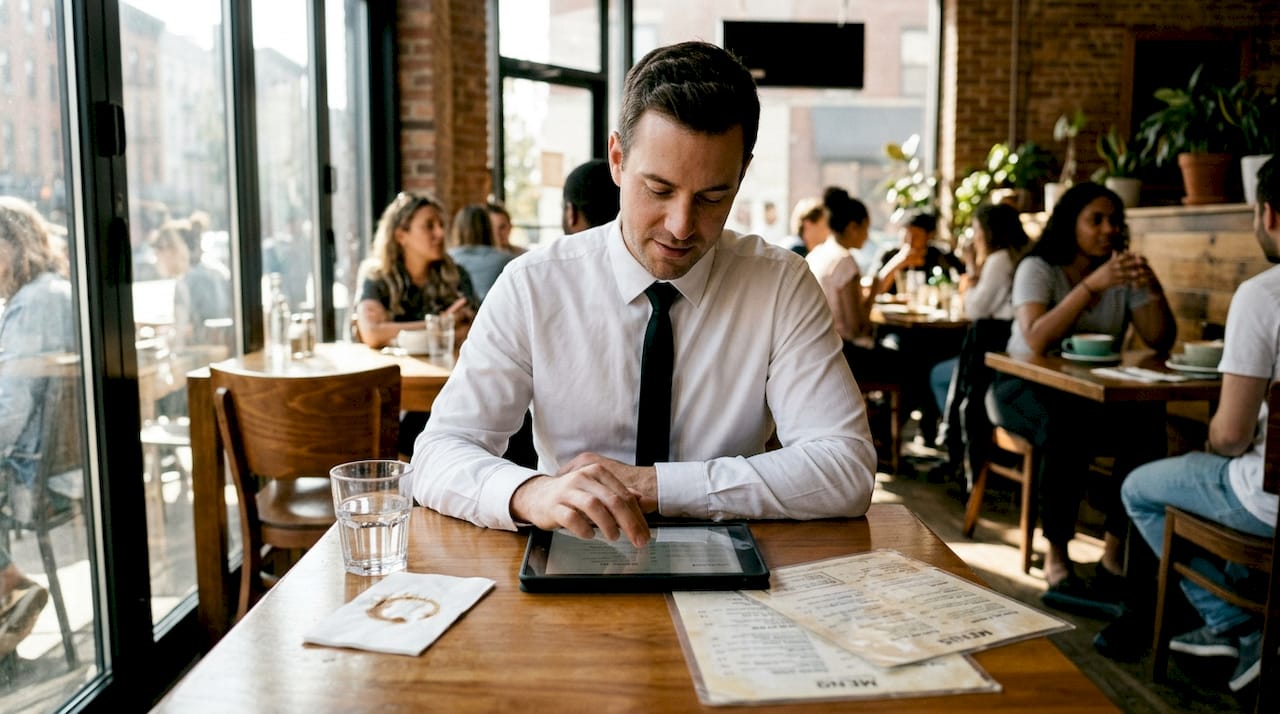
Choosing the right digital menu layout can transform how customers interact with your restaurant. With so many options available, from grid-based displays to interactive QR code systems, selecting a layout that balances visual appeal with operational efficiency is crucial. Poor layout choices lead to confused customers, slower ordering, and missed sales opportunities. This article examines proven digital menu layout examples and provides practical criteria to help you select the best solution for your venue, ensuring your menu enhances customer engagement while streamlining your order process.
Table of Contents
Key Takeaways
Point | Details |
Usability first | Prioritize intuitive navigation, clear item descriptions, and minimal friction to reduce abandoned orders. |
Aesthetic alignment | Align color schemes, typography, and imagery with your brand to reinforce identity. |
Device responsiveness | Ensure the layout adapts to smartphones, tablets, and desktops with fast loading and legible text. |
System integration | Choose a layout that connects with POS, online ordering, and inventory to reduce manual updates. |
Customization flexibility | Look for editing tools and support for A/B testing to adjust menus quickly and measure results. |
Key criteria for evaluating digital menu layouts
Selecting an effective digital menu layout requires evaluating several critical factors that directly impact both customer experience and operational workflow. Understanding these criteria helps you avoid costly mistakes and ensures your investment delivers measurable results.
Usability stands as the foundation of any successful digital menu. Your customers should navigate categories intuitively, find items quickly, and understand descriptions without confusion. Effective digital menu layouts prioritize user experience, clarity, and operational integration. Clear categorization, readable fonts, and logical menu structure prevent frustration and abandoned orders. Test your layout with actual customers before full deployment to identify navigation pain points.
Aesthetic appeal matters more than many restaurant owners realize. Your digital menu represents your brand identity and sets expectations for the dining experience. Color schemes, typography, and imagery should align with your restaurant’s atmosphere. A fine dining establishment needs elegant, minimalist layouts with high-quality food photography, while a casual burger joint can embrace bold colors and playful designs. Visual consistency across all touchpoints reinforces brand recognition and builds customer trust.
Responsiveness ensures your restaurant digital tablet ipad menu performs flawlessly across devices. Customers access menus through smartphones, tablets, and sometimes desktop computers. Your layout must adapt seamlessly to different screen sizes without compromising functionality or readability. Images should load quickly, text should remain legible, and buttons should be easily tappable on smaller screens.
Integration capabilities determine how well your digital menu connects with existing systems. The best layouts sync effortlessly with your POS system, online ordering platform, and inventory management tools. This connectivity eliminates manual updates, reduces errors, and provides real-time menu availability. Consider whether your chosen layout supports the technical infrastructure you already have in place.
Customization flexibility allows you to adapt quickly to changing needs. Seasonal menus, daily specials, and price adjustments should take minutes, not hours. Look for platforms offering easy editing tools that don’t require technical expertise. The ability to A/B test different layouts and track performance metrics helps you optimize continuously.
Pro Tip: Create a scoring matrix with these five criteria weighted by importance to your specific venue. Rate each potential layout option to make objective comparisons and justify your decision to stakeholders.
Understanding these criteria prepares you to evaluate several popular digital menu layout styles next.
Examples of popular digital menu layouts
Restaurants worldwide have adopted various digital menu layouts, each offering distinct advantages for different operational contexts and customer preferences. Examining these examples reveals practical insights for your own implementation.
Grid-based layouts organize menu items into visual blocks, typically featuring prominent images alongside item names and prices. This approach works exceptionally well for establishments with strong visual branding and customers who make decisions based on appearance. Each grid cell acts as a miniature billboard, showcasing your best dishes with appetizing photography. Customers can scan multiple options simultaneously without scrolling extensively. However, grid layouts can feel overwhelming when displaying large menus with dozens of items, potentially causing decision paralysis.
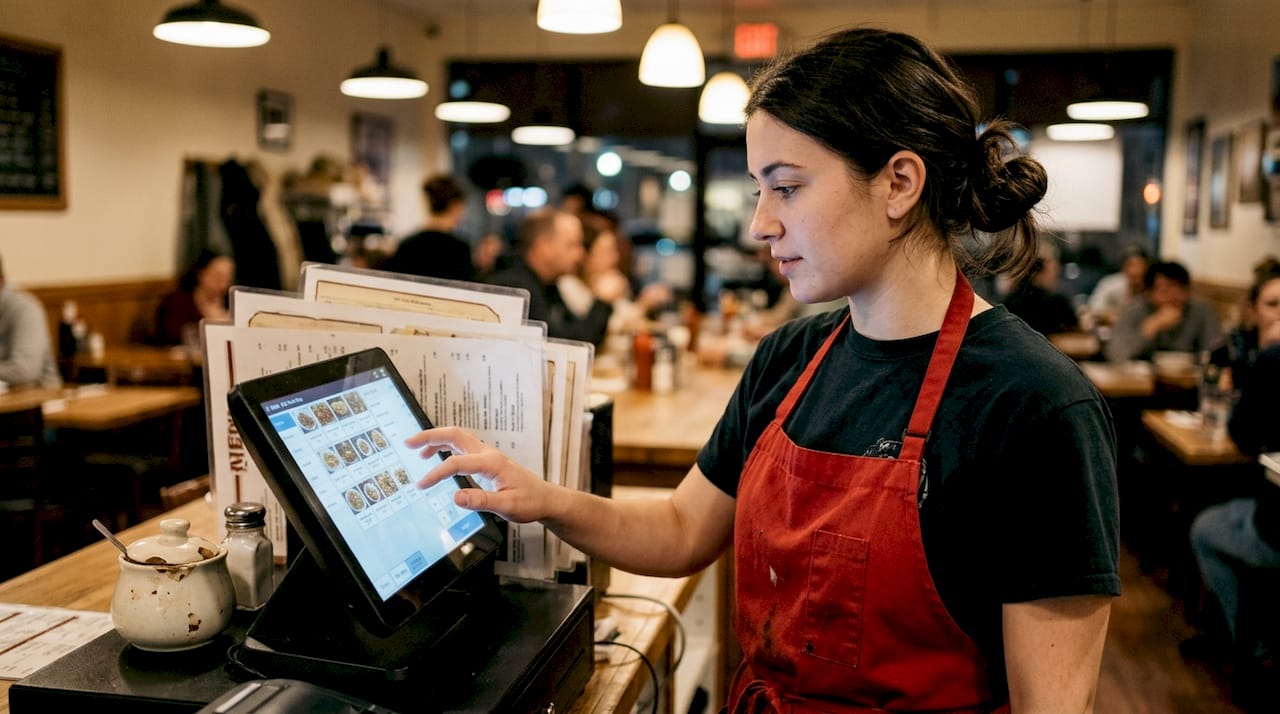
List-based layouts present menu items in a vertical scrolling format, similar to traditional printed menus. This straightforward approach prioritizes simplicity and speed, making it ideal for quick-service restaurants where customers want to order rapidly. List layouts consume less screen space per item, allowing you to display more options without requiring extensive scrolling. The trade-off comes in reduced visual impact, as smaller images or text-only descriptions may not entice customers as effectively as larger visuals.
Hybrid layouts combine elements from both grid and list approaches, offering flexibility to highlight signature dishes with large images while listing other items more compactly. This balanced strategy lets you direct attention to high-margin items or new offerings while maintaining comprehensive menu coverage. Many tablet menu systems boost restaurant service by streamlining order workflow and enhancing customer experience through these hybrid designs. Fine dining establishments often prefer hybrid layouts because they can showcase premium dishes elegantly while providing detailed descriptions for all menu items.
Interactive layouts incorporate dynamic features like filters, search functions, and customization options that transform the ordering experience. Customers can filter by dietary restrictions, search for specific ingredients, or customize dishes with add-ons and modifications. These sophisticated layouts reduce ordering errors by capturing preferences accurately and can increase average order values by suggesting complementary items. The complexity requires more development investment and assumes customers have sufficient tech comfort to navigate advanced features.
QR code menus gained explosive popularity as contactless solutions during the pandemic and have remained relevant due to convenience and cost savings. Customers scan a code with their smartphones to access your digital eMenu layouts instantly, eliminating the need for physical menus or dedicated tablets. This approach offers maximum flexibility for updates and works across any device customers already carry. Coffee shops have particularly embraced QR menu innovations to manage frequently changing seasonal offerings and reduce printing costs.
Each layout style serves specific operational needs and customer expectations. Your choice should reflect your restaurant type, target demographic, menu complexity, and available technology infrastructure.
Having seen layout types, let’s compare them side by side to help you decide the best fit.
Comparison of digital menu layout options
Comparing digital menu layouts systematically reveals how each option performs across key success factors, helping you identify the best match for your specific restaurant context.
Layout Type | Visual Impact | Navigation Speed | Menu Capacity | Tech Requirements | Update Ease |
Grid-based | Excellent | Moderate | Limited | Moderate | High |
List-based | Fair | Excellent | High | Low | High |
Hybrid | Very Good | Good | Moderate | Moderate | High |
Interactive | Excellent | Variable | High | High | Moderate |
QR Code | Good | Good | High | Low | Excellent |
Grid layouts excel at creating memorable first impressions through stunning food photography that triggers appetite appeal. The visual richness helps customers imagine their dining experience and can significantly influence purchasing decisions toward higher-margin items. However, this strength becomes a weakness when displaying extensive menus, as too many visual blocks create cognitive overload. Grid layouts work best for restaurants with curated menus of 20-40 items where each dish deserves prominent display.
List layouts prioritize efficiency over aesthetics, enabling customers to scan options quickly and make decisions without distraction. This simplicity reduces cognitive load and speeds up the ordering process, particularly valuable during peak service periods. The downside manifests in lower engagement, as text-heavy presentations rarely inspire impulse purchases or upsells. List layouts suit quick-service environments where customers already know what they want and value speed above exploration.
Hybrid layouts offer the most balanced approach, allowing you to showcase hero items with large images while maintaining comprehensive coverage through compact listings. This flexibility enables strategic menu engineering, where you guide customer attention to profitable items while still offering full selection. The complexity requires thoughtful design to avoid appearing cluttered or confusing. Choosing the right layout depends on factors like customer type, menu size, and operational complexity.
Interactive layouts deliver the highest engagement potential through personalization and exploration features. Customers appreciate the ability to filter by dietary needs, search for specific items, or customize orders precisely. These capabilities reduce ordering errors and increase satisfaction by ensuring customers get exactly what they want. The investment in development and the learning curve for less tech-savvy customers represent notable barriers. Interactive layouts make sense for restaurants targeting younger demographics or those with complex customization options.
Pro Tip: Run a two-week pilot test with your preferred layout on a subset of tables or during specific service periods. Track metrics like average order value, ordering time, customer satisfaction scores, and staff feedback to validate your choice before full implementation.
With this comparison clear, you can now apply situational advice for selecting layouts matching different restaurant types.
Best digital menu layouts for specific restaurant types
Different restaurant formats benefit from tailored digital menu approaches that align with their service style, customer expectations, and operational priorities. Matching layout to venue type maximizes both customer satisfaction and business results.
Fine dining establishments should prioritize hybrid or interactive layouts that convey sophistication through elegant design and detailed dish descriptions. These venues benefit from layouts featuring high-resolution photography, chef notes, wine pairings, and ingredient sourcing information. The slower-paced dining experience allows customers time to explore menu details and appreciate the culinary artistry. Interactive elements like sommelier recommendations or tasting menu builders enhance the premium experience customers expect. Ensure your layout supports multiple languages if you serve international clientele.
Casual dining restaurants thrive with grid-based layouts that create an inviting, browsing-friendly experience. Vibrant food photography encourages exploration and impulse orders, particularly for appetizers, desserts, and beverages. The visual approach helps families and groups make decisions together by pointing at appealing images. Grid layouts should organize items by category with clear visual separators to prevent overwhelming customers with too many simultaneous choices. Consider incorporating video content for signature dishes to further differentiate your offerings.
Quick-service restaurants need list-based layouts optimized for speed and clarity. Customers at these venues prioritize efficiency and familiarity, often ordering similar items repeatedly. Your layout should minimize scrolling, feature prominent search functionality, and display prices clearly. Creating online digital menus for quick-service contexts requires balancing comprehensive options with rapid navigation. Combo meals and value offerings should be prominently featured to drive average ticket size without slowing the ordering process.
Cafes and coffee shops benefit most from QR code or interactive layouts that accommodate frequent menu updates and seasonal rotations. These venues often introduce new beverages, pastries, and specials weekly, requiring effortless update capabilities. QR menus eliminate printing costs while allowing customers to browse at their own pace from anywhere in the venue. Interactive features like customization options for milk alternatives, sweetness levels, and add-ons reduce ordering errors and ensure customer preferences are captured accurately. Cafe menu layout success stories highlight how digital solutions improve both customer experience and operational efficiency.
Bars and pubs should consider hybrid layouts that showcase signature cocktails and craft beers with enticing imagery while listing extensive spirit selections compactly. Interactive filters for beer styles, cocktail categories, or flavor profiles help customers navigate large beverage menus without feeling lost. Integration with inventory systems prevents disappointing customers by automatically hiding out-of-stock items.
Pro Tip: Survey your customers quarterly about menu usability and update your layout based on feedback patterns. Customer preferences evolve, and staying responsive to their needs maintains competitive advantage.
After considering your restaurant type, let’s explore how My Menu’s digital solutions can support your chosen layout.
Enhance your restaurant with My Menu digital layouts
You’ve explored the criteria, examples, and comparisons that define effective digital menu layouts. Now it’s time to implement these insights with a platform designed specifically for restaurant success.
My Menu delivers customizable restaurant digital tablet ipad menu solutions that adapt to your unique brand and operational needs. Whether you prefer grid, list, hybrid, or interactive layouts, our platform provides the flexibility to create engaging digital experiences that drive sales and streamline ordering. Our QR code system requires no app downloads, enabling instant contactless access for your customers.

Seamless integration with your existing POS and online ordering systems eliminates double entry and ensures real-time accuracy across all platforms. Update menus instantly from any device, showcase dishes with high-quality videos, and capture valuable customer data through social login features. Our QR menu solutions support multiple languages and currencies, making them ideal for venues serving diverse clientele.
Flexible pricing plans for digital menus accommodate restaurants of all sizes, from single-location cafes to multi-unit chains. Start with a free trial to experience how the right digital menu layout transforms customer engagement and operational efficiency. Join thousands of hospitality professionals who have elevated their dining experience with My Menu’s proven digital solutions.
FAQ
What are the most engaging digital menu layout examples?
Grid-based layouts with high-quality food photography generate the highest visual engagement, particularly for casual dining and upscale restaurants. Interactive layouts with filtering and customization options also drive strong engagement by personalizing the browsing experience. Test different options with your specific customer base to determine which generates the best response.
How do I choose between grid and list digital menu layouts?
Choose grid layouts when visual appeal drives purchasing decisions and your menu contains 20-40 carefully curated items. Select list layouts when speed and simplicity matter most, particularly for quick-service venues or extensive menus exceeding 50 items. Consider hybrid approaches if you want to highlight signature dishes while maintaining comprehensive coverage.
Can QR code menus work for fine dining restaurants?
Yes, QR code menus work for fine dining when designed with elegant aesthetics and premium content. Focus on high-resolution imagery, detailed descriptions, and sophisticated typography that matches your brand standards. Many upscale establishments successfully use QR menu generator tools to provide contactless convenience without sacrificing the refined experience customers expect.
What makes a digital menu layout user-friendly?
User-friendly layouts feature intuitive navigation, clear categorization, readable typography, and fast loading times across all devices. Customers should find desired items within three taps or scrolls. Prominent search functionality, logical menu organization, and consistent design patterns reduce cognitive load and prevent ordering frustration.
How often should I update my digital menu layout?
Update your layout whenever customer feedback indicates navigation problems or when launching major menu changes. Conduct formal usability reviews quarterly and refresh visual elements annually to maintain contemporary appeal. Seasonal adjustments to featured items keep your menu feeling fresh without requiring complete redesigns.
Recommended
Comments