
Cross-Platform Menu Access for Restaurants: 2026 Guide

TL;DR:
Cross-platform menu access ensures digital menus are compatible across all guest devices using hosted URLs and QR codes without requiring app downloads. It enhances operational efficiency, supports accessibility, and allows instant content updates, benefiting multi-location venues with centralized control. Implementing these solutions provides a competitive edge by improving guest experience, reducing costs, and enabling seamless integration with POS systems.
Cross-platform menu access is defined as the ability for hospitality venues to deliver digital menus that function consistently across any guest device, operating system, or browser, without requiring app downloads or device-specific configurations. For restaurant owners and managers, this is not a luxury feature. It is the operational foundation that determines whether a guest on an iPhone 15, a Samsung Galaxy tablet, or a Windows laptop sees the same mouthwatering menu experience. Platforms like Mydigimenu, along with solutions such as Dine on Tap, have made this level of device-agnostic access achievable for venues of every size. The result is fewer friction points at the table, faster ordering, and a guest experience that feels effortless from the first scan.
What is cross-platform menu access and how does it work?
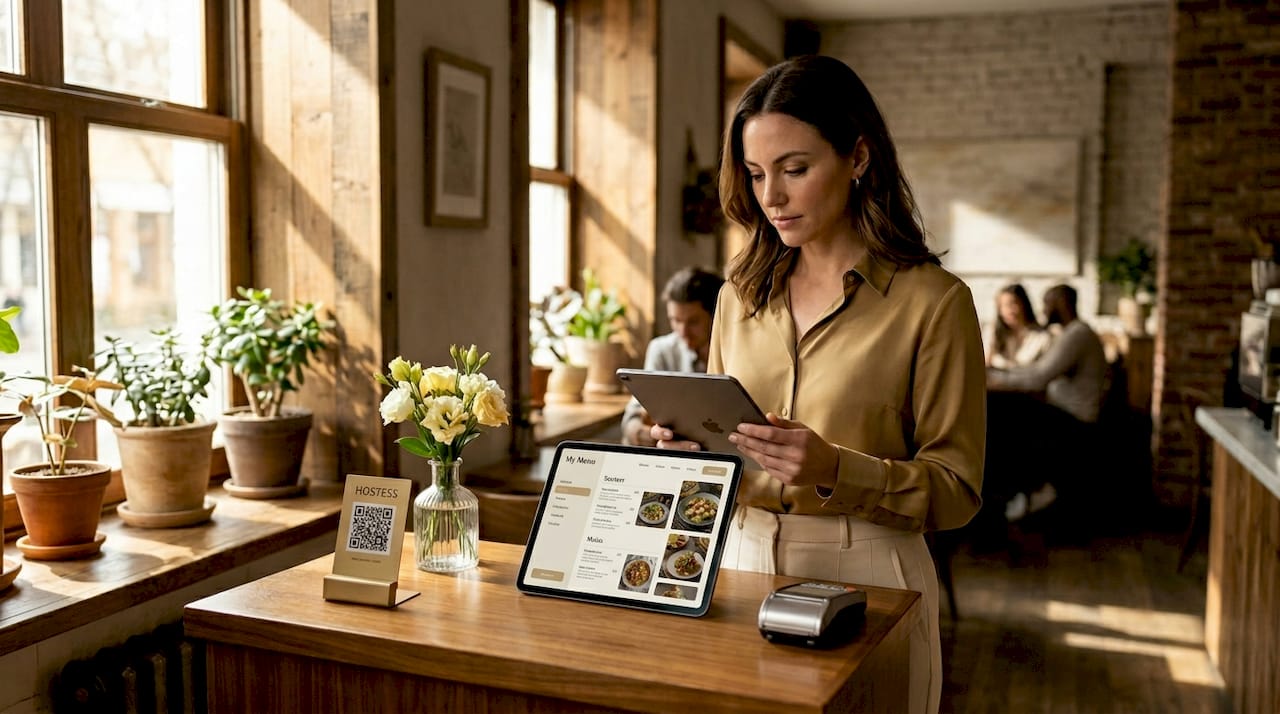
Cross-platform menu access works by hosting your menu on a stable web URL and pointing a QR code at that address. The QR code is the physical anchor. The hosted page is where all the intelligence lives. When a guest scans the code with their phone camera, the browser opens the menu directly. No app. No login. No compatibility barrier.
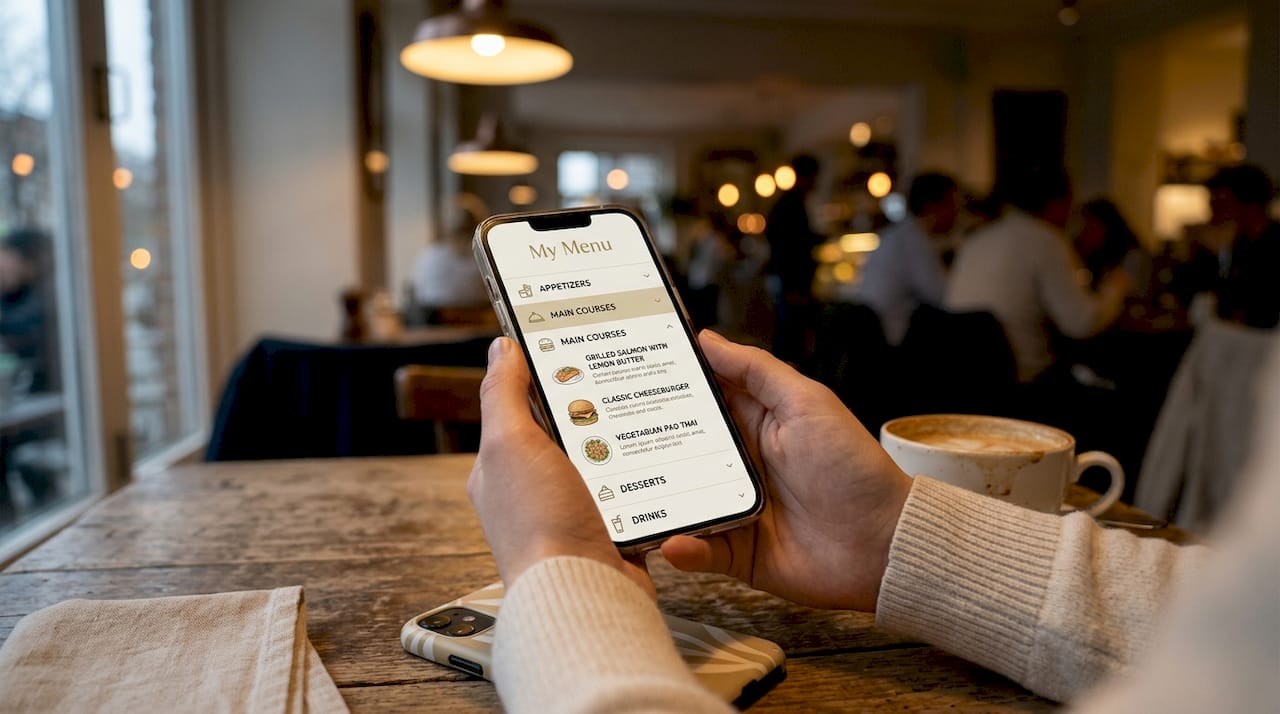
The technical backbone of this approach relies on cross-platform frameworks like React Native, Flutter, and Xamarin, which abstract differences between iOS, Android, and desktop operating systems to deliver a uniform interface. This means a guest at table four using an older Android device sees the same layout and pricing as a guest at the bar using a brand-new iPad. Consistency at that level is what separates a polished digital experience from a frustrating one.
The real operational power comes from decoupling the QR code from the menu content itself. Dynamic QR codes point to redirect URLs that can be updated instantly through a management dashboard, meaning you can change a price, pull a sold-out dish, or launch a seasonal special without touching a single printed code. A typical setup, moving from a laminated card to a live digital menu via a hosted URL, takes about 10 minutes. That speed matters when your lunch service starts in an hour.
Here is the standard workflow for getting a cross-platform menu live:
Choose a digital menu platform that hosts your content on a stable URL.
Build or upload your menu using the platform’s management dashboard.
Generate a dynamic QR code linked to that hosted URL.
Print or display the QR code at tables, on tent cards, or at the entrance.
Test the menu on iOS, Android, and desktop browsers before service.
Update menu content through the dashboard whenever needed, with no reprinting required.
Pro Tip: Keep a small stack of printed menus at the host stand for guests who prefer them or who have difficulty with digital devices. Physical and digital menus coexist well, and offering both signals genuine hospitality rather than a forced tech adoption.
What accessibility features should cross-platform menus include?
True cross-platform usability goes beyond device compatibility. A menu that loads on every phone but cannot be read by a guest using a screen reader has failed half its purpose. Menu accessibility features are the design and technical choices that make digital menus usable for guests with visual, motor, or cognitive impairments.
The most important features to build in are screen reader compatibility, keyboard navigation support, sufficient color contrast ratios, and visible focus indicators for interactive elements. Dine on Tap, for example, offers both a guest menu and manager dashboard with full accessibility compliance, including keyboard usability and visible focus states. That dual-layer approach matters because accessibility must be maintained not just for guests but for the staff managing the system.
Accessibility compliance is also a legal consideration. Dine on Tap positions its menu plugin as compliant with the European Accessibility Act, which signals where regulatory expectations are heading globally. For U.S. venues, ADA digital accessibility standards apply to web-based content, and a non-compliant menu creates real liability exposure. Getting this right protects your guests and your business.
Here are the key menu accessibility features every hospitality provider should prioritize:
Screen reader compatibility: Menu items, prices, and descriptions must be readable by tools like JAWS or VoiceOver.
Keyboard navigation: Guests should be able to browse and order without using a touchscreen.
High color contrast: Text and background combinations must meet WCAG 2.1 AA contrast ratios.
Visible focus indicators: Interactive elements like buttons and links must show a clear visual highlight when selected.
Scalable text: Menus should respect device-level font size settings without breaking layout.
Alt text for images: Food photography should include descriptive alt text for visually impaired guests.
Pro Tip: When you update your menu content, run a quick accessibility check using a free tool like the WAVE browser extension. A single update that removes a focus indicator or drops an alt text tag can quietly break compliance for every guest who needs it.
Cross-platform menus vs. traditional and single-platform options
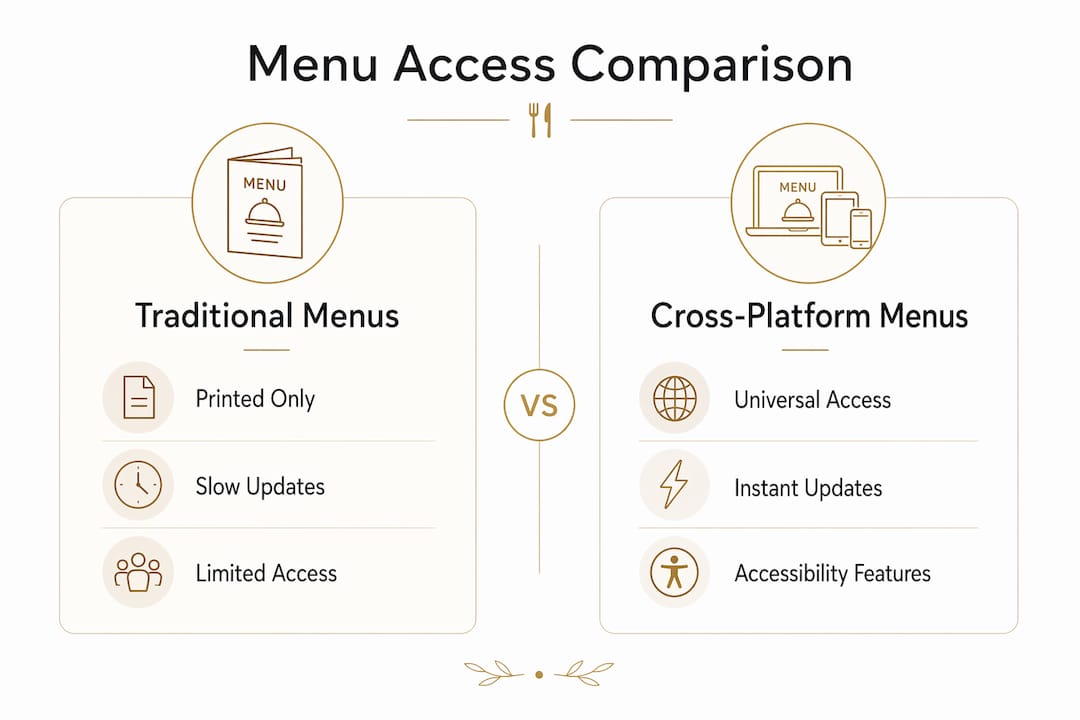
The limitations of printed menus are well understood by anyone who has managed a venue through a price change or a supply disruption. Reprinting costs money, takes time, and produces waste. Single-platform digital menus, such as a tablet-only solution that does not render correctly on a guest’s phone, create a different but equally frustrating bottleneck.
Cross-platform menu integration solves both problems by centralizing menu management and distributing access universally. Most smartphones support native QR scanning on iOS 11 and Android 10 and above, covering over 95% of active devices. That coverage means your digital menu reaches virtually every guest without requiring any additional hardware investment beyond the QR code display itself.
The comparison below captures the practical differences across menu types:
Menu type | Update speed | Device coverage | Cost over time | Guest experience |
Printed menu | Days to weeks | Universal | High (reprinting) | Familiar, tactile |
Single-platform digital | Minutes | Limited (one OS or device) | Medium | Inconsistent |
Cross-platform digital | Instant | 95%+ of devices | Low (no reprinting) | Consistent, modern |
Cross-platform menu design for multiple platforms wins on every operational metric except the tactile familiarity of a physical menu. That is why the smartest approach is not to eliminate printed menus entirely but to make the digital version so good that most guests choose it naturally. The cost savings from eliminating reprints alone often justify the platform investment within the first quarter of use.
How to apply cross-platform menu access across your hospitality operations
Implementing cross-platform menus across a real venue involves more than generating a QR code. The management layer is where the operational efficiency actually lives. A well-configured dashboard lets your team update pricing, toggle item availability, and push seasonal menus across every table in seconds, without pulling a manager off the floor.
For multi-location groups, cross-device menu systems with cloud-based architecture allow centralized control with location-specific customization. A hotel group operating in Singapore, London, and Dubai can maintain brand-consistent menus while displaying local pricing in SGD, GBP, and AED respectively. Multilingual support extends that reach further, allowing the same menu to display in English, Mandarin, Arabic, or Spanish based on guest preference.
Integration with existing POS systems is where cross-platform menu access transforms from a guest-facing feature into a full operational tool. Systems like Micros Simphony and Lightspeed can receive orders directly from the digital menu, routing them to the kitchen and processing payments without manual re-entry. This reduces order errors, speeds up table turns, and frees front-of-house staff to focus on service rather than transcription.
The table below outlines how different venue types typically apply cross-platform menu features:
Venue type | Key feature used | Primary benefit |
Independent restaurant | QR code menu with dynamic updates | Instant price and availability changes |
Hotel food and beverage | Multi-language, multi-currency menus | Consistent guest experience across nationalities |
Bar or nightclub | Table-specific QR codes with service requests | Faster ordering without staff intervention |
Multi-location group | Centralized dashboard with location overrides | Brand consistency with local flexibility |
Mydigimenu supports all of these configurations through its digital tablet and QR menu platform, which is built specifically for the hospitality industry. The platform’s ability to handle everything from menu design to CRM integration means venues do not need to stitch together multiple tools to achieve a complete cross-platform solution.
Key takeaways
Cross-platform menu access is the single most operationally efficient upgrade a hospitality venue can make to its guest-facing technology in 2026.
Point | Details |
Core definition | Cross-platform menu access delivers consistent digital menus across all guest devices via hosted URLs and QR codes. |
Dynamic QR codes | Separating QR codes from menu content allows instant updates without reprinting any physical materials. |
Accessibility compliance | Screen reader support, keyboard navigation, and contrast standards are legal and operational requirements, not optional extras. |
POS integration | Connecting menus to systems like Micros Simphony or Lightspeed eliminates manual order entry and reduces errors. |
Multi-location scalability | Cloud-based platforms support centralized control with location-specific language, currency, and pricing configurations. |
Why cross-platform menus are the competitive edge most venues overlook
I have spent years watching hospitality operators invest heavily in front-of-house aesthetics while leaving their menu technology years behind. A beautifully designed dining room loses some of its impact when a guest squints at a pixelated PDF on their phone or cannot navigate a menu because it was built only for iPads.
What strikes me most about cross-platform menu access is that it is not primarily a technology story. It is a hospitality story. When a guest with a visual impairment can navigate your menu independently using a screen reader, that is genuine inclusion. When an international guest sees your menu in their language with prices in their currency, that is genuine welcome. These moments do not happen by accident. They happen because someone made a deliberate decision to prioritize menu digitization as a guest experience investment, not just an operational one.
The venues I see pulling ahead are the ones treating their digital menu as a living asset. They update it daily, test it on multiple devices, and connect it to their POS and CRM so every interaction generates data. That data feeds better marketing, smarter loyalty programs, and faster service. The menu becomes the first touchpoint in a relationship, not just a list of dishes. That shift in thinking is what separates operators who are building something lasting from those who are simply keeping up.
— Abhi
See cross-platform menu access in action with Mydigimenu
Mydigimenu is built for exactly the kind of multi-device, multi-location, accessibility-conscious menu experience this article describes.

The platform offers QR code menus, tablet and iPad menus, and online ordering systems that require no app downloads, covering every guest device from the first scan. Features include multilingual support, POS integration, CRM connectivity, loyalty programs, and centralized management across locations. Whether you run a single café or a hotel group with properties across three continents, Mydigimenu gives you the tools to deliver a consistent, mouthwatering menu experience on every screen. Explore plans and pricing and see how quickly you can transform your menu into your most powerful guest engagement tool.
FAQ
What is cross-platform menu access in simple terms?
Cross-platform menu access means your digital menu works correctly on any device, including iPhones, Android phones, tablets, and laptops, without requiring guests to download an app. It uses a hosted web URL linked to a QR code to deliver a consistent experience across all platforms.
How long does it take to set up a cross-platform digital menu?
A basic cross-platform menu using a hosted URL and QR code can be live in approximately 10 minutes, according to setup guides for QR-based restaurant menus. More advanced configurations with POS integration and multi-language support require additional setup time.
Do guests need a special app to access a cross-platform menu?
No. iPhones running iOS 11 and above and Android devices running Android 10 and above support native QR code scanning through the built-in camera, covering over 95% of active smartphones. Guests open the menu directly in their browser with no download required.
How does cross-platform menu access support guests with disabilities?
Properly built cross-platform menus include screen reader compatibility, keyboard navigation, high color contrast, and visible focus indicators, making them usable for guests with visual or motor impairments. Solutions like Dine on Tap demonstrate that both guest-facing menus and manager dashboards can meet full accessibility compliance standards.
Can cross-platform menus integrate with existing POS systems?
Yes. Cross-platform digital menu platforms can integrate with POS systems like Micros Simphony and Lightspeed to route orders directly to the kitchen and process payments, reducing manual coordination and order errors across front-of-house operations.
Recommended
Comments