
Why Use No-Code Tools for Food Menus


TL;DR:
No-code menu tools enable restaurant staff to update digital menus quickly and without technical skills. They lead to cost savings, faster service, and increased revenue through interactive features. These platforms support multi-location updates and provide valuable data insights for menu optimization.
No-code tools for food menus are digital platforms that let restaurant operators build, update, and publish menus without writing a single line of code. The industry term for these platforms is “no-code menu builders,” and they sit at the center of a broader shift toward digital menu adoption across foodservice. 85% of restaurants have adopted QR code menus since the pandemic, with 67% of diners preferring digital options alongside printed menus. That number tells you the market has already moved. The question for operators now is not whether to go digital, but how to do it without hiring a developer or waiting weeks for a reprint.
Why use no-code tools for food menus in daily operations
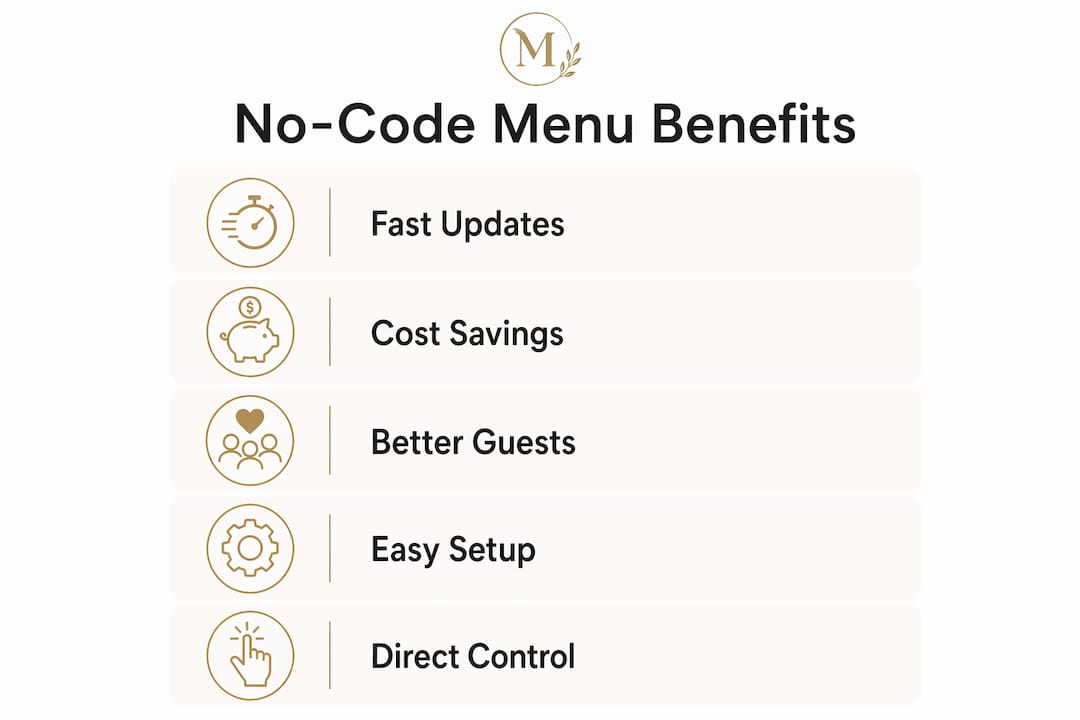
Traditional menu management is slow and expensive. A price change means reprinting hundreds of laminated cards. A sold-out special means a server explaining the same thing to every table. No-code menu builders eliminate both problems by giving managers direct control over live menu content.
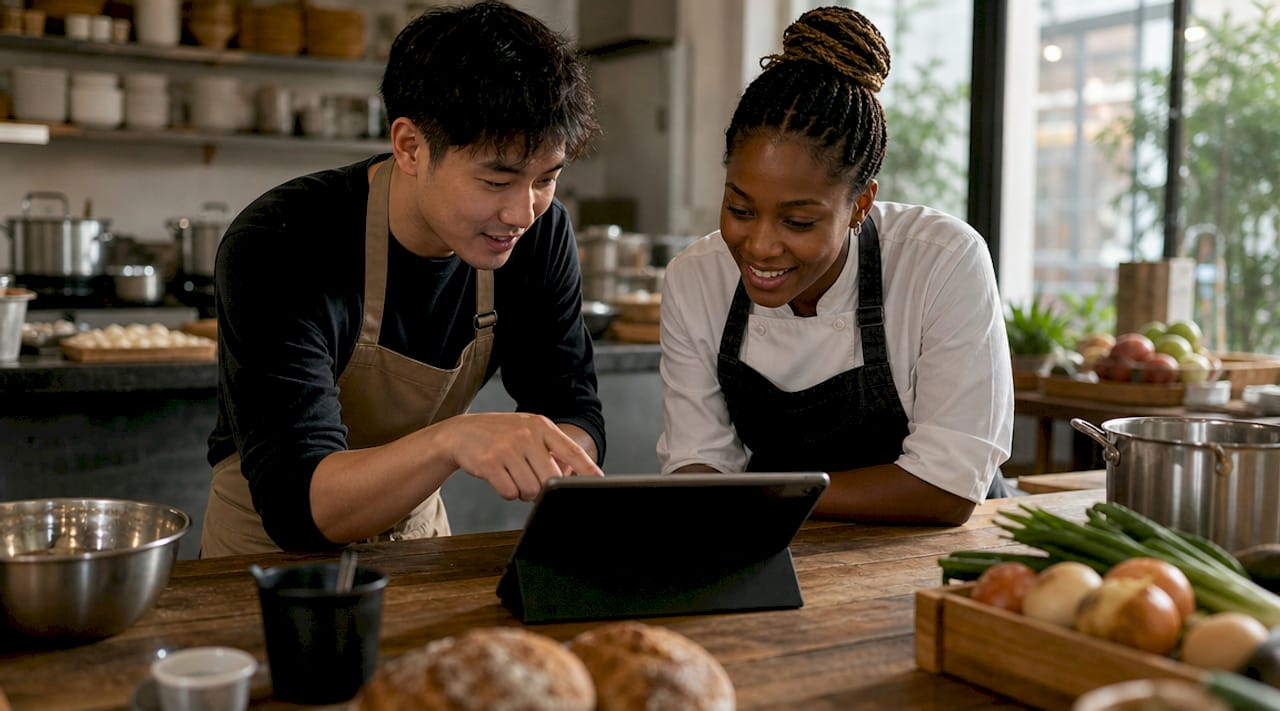
The practical test for any no-code platform is the “30-second rule.” Managers can update a price or remove an item from their phone in under 30 seconds, which is the standard that performs best in real-world restaurant settings. That speed matters most during a Friday dinner rush when the kitchen runs out of a high-margin dish.
Dynamic QR codes decouple the physical code from the menu content behind it. This means you can change your entire menu, switch platforms, or update pricing without reprinting a single table card. The QR code stays the same. Only the content behind it changes.
Instant item removal: Pull a sold-out dish from the menu in seconds, before a guest orders it.
Real-time pricing: Adjust happy hour prices or seasonal specials without touching a physical menu.
Multi-location sync: Push the same update across every location at once from one dashboard.
No IT dependency: Managers, not developers, own the update process entirely.
Pro Tip: Set a weekly 10-minute menu review on your calendar. Check item availability, pricing accuracy, and photo quality. Small, consistent updates keep your digital menu performing at its best.
How interactive menus improve the guest experience
A static paper menu shows guests what you sell. An interactive digital menu shows them why they should want it. That distinction drives real revenue. Interactive menus increase average order value by 20–30% compared to static menus. The reason is simple: every tap is an opportunity to suggest an add-on, highlight a premium option, or surface a dish a guest would never have noticed on a crowded paper page.
No-code menu builders make these features accessible without any technical setup. Dietary filters let guests sort by vegan, gluten-free, or nut-free options in seconds. Modifiers let them customize a dish, add a side, or upgrade a drink, all within the same screen. Mouthwatering food photography and vivid descriptions do the selling that a server cannot always do at a busy table.
The data layer is where digital menus genuinely outperform paper. Tracking taps and orders reveals items with poor conversions despite high views, which guides improvements in photos or descriptions. A dish that gets 200 views but only 10 orders is telling you something. Paper menus never give you that signal.
Most online food ordering now happens on mobile devices, making mobile-first design the baseline requirement, not a bonus feature. Menus must load fast, display clearly on a 6-inch screen, and require no pinching or zooming. No-code platforms built for restaurants handle this automatically.
Stat to know: Interactive menus lift average order value by 20–30% and enable menu engineering that raises profits by 10–15% without adding a single new customer.
What cost savings do no-code menu solutions deliver?
The financial case for no-code menu solutions is direct and measurable. Printing costs disappear. A mid-size restaurant spending $200–$500 per menu reprint, several times a year, eliminates that line item entirely when menus go digital. QR code menus reduce printing costs and allow real-time pricing and availability changes across multiple locations simultaneously.
Speed of service improves as well. Restaurants using QR code menus see 15% faster table turnover on busy nights. Faster turnover means more covers per shift without adding staff or floor space.
The operational gains stack up across four key areas:
Fewer ordering errors. Guests see accurate, current menu information. Servers spend less time correcting misunderstandings at the table.
Better kitchen communication. When an item is removed from the digital menu, the kitchen stops receiving orders for it immediately.
Reduced food waste. Accurate availability data means fewer dishes prepped for items that are already sold out.
Sustainability gains. Eliminating paper menus reduces waste and appeals to environmentally conscious guests.
“Digital menus are not just a cost-cutting tool. They are a revenue engine that happens to cost less to run than paper.”
The operational benefits of going digital compound over time. A restaurant that saves on printing, turns tables faster, and reduces errors is running a fundamentally tighter operation, and that shows up in the bottom line.
How to build and deploy food menus using no-code tools
Building a digital menu with a no-code platform takes hours, not weeks. The process is straightforward when you follow a clear sequence.
Selecting the right platform. Choose a no-code menu solution built specifically for foodservice, not a generic website builder. Foodservice-specific platforms include QR code generation, mobile-optimized layouts, and menu engineering analytics out of the box. Mydigimenu, for example, supports QR code menus, tablet menus, multilingual content, and CRM integration without requiring any technical setup.
Structuring your menu effectively. Organize items into clear categories: starters, mains, desserts, drinks. Limit each category to a manageable number of items. Research in menu design consistently shows that too many choices reduce order confidence and slow table turnover.
Use high-quality photos for your top 10–15 items. Guests order what they can visualize.
Write descriptions that sell. “Slow-roasted lamb shoulder with rosemary jus” outperforms “lamb dish” every time.
Add dietary tags to every item. Guests with allergies or preferences will filter by these before reading descriptions.
Test on multiple devices before going live. Check the menu on both Android and iOS, in both portrait and landscape orientation.
Enable analytics from day one. You cannot improve what you do not measure.
Pro Tip: Run a soft launch with your staff before opening to guests. Ask them to browse the menu as a customer would. They will catch navigation issues and missing information faster than any checklist.
Avoiding common pitfalls matters as much as the setup itself. The biggest mistake operators make is launching a digital menu and then ignoring it for months. A digital menu with outdated items or broken photos damages trust faster than a worn paper menu. Treat it as a living document. Refining your menu with analytics is not a one-time task. It is an ongoing practice that separates high-performing restaurants from the rest.
Restaurant SEO and local discoverability also benefit when your digital menu is well-structured and regularly updated. Search engines index menu content, and accurate descriptions with relevant keywords help guests find your restaurant before they even walk through the door.
No-code platforms eliminate the need for developers to update menus, putting operators directly in control. That shift accelerates digital adoption across foodservice and removes the bottleneck that has kept many independent restaurants stuck with paper.
Key Takeaways
No-code menu builders give restaurant operators direct control over their menus, their guest experience, and their operational costs, without any coding knowledge required.
Point | Details |
Speed of updates | Managers can change prices or remove items in under 30 seconds from a phone. |
Revenue impact | Interactive menus increase average order value by 20–30% over static menus. |
Cost reduction | Digital menus eliminate printing costs and support real-time multi-location updates. |
Table turnover | QR code menus deliver 15% faster table turnover on busy service nights. |
Data-driven improvement | Analytics reveal low-converting items, guiding photo and description upgrades. |
What I have learned from watching restaurants go digital
Running a restaurant is an exercise in managing a hundred moving parts at once. What strikes me most about no-code menu tools is not the technology itself. It is how much mental load they remove from the people running the floor.
I have seen operators spend 20 minutes during a Saturday rush trying to communicate a sold-out item across a busy dining room. With a digital menu, that problem disappears in 10 seconds. The relief on a manager’s face when they realize they can fix a menu issue from their pocket, mid-service, is genuinely satisfying to witness.
The analytics piece is where I think most operators leave money on the table. They launch a digital menu, celebrate the upgrade, and then never look at the data. The real value is in the feedback loop. A dish that looks great on paper but underperforms digitally is telling you something specific, and no-code platforms hand you that insight for free.
My honest advice: do not wait for the perfect moment to go digital. The operators who adopted no-code menu tools early built a real operational advantage. The ones still waiting are reprinting menus and guessing at what their guests actually want.
— Abhi
Mydigimenu: digital menus built for restaurant operators
Mydigimenu is a digital menu platform designed specifically for restaurants, cafes, bars, and hotels that want to go digital without the complexity.

The platform offers QR code menus and tablet and iPad menus that require no app downloads and no coding knowledge. Operators can update items, prices, and photos in real time, run loyalty programs, capture guest profiles, and integrate with existing POS systems. Mydigimenu supports multiple languages and currencies, making it a practical choice for restaurants serving international guests. Pricing plans range from free entry options to full-featured tiers, so operators can start small and scale as their needs grow.
FAQ
What are no-code tools for food menus?
No-code menu tools are digital platforms that let restaurant operators build and update menus without writing code. They typically include QR code generation, mobile-optimized layouts, and real-time editing from a phone or tablet.
How quickly can a manager update a digital menu?
The industry benchmark is the 30-second rule. A well-designed no-code platform lets a manager change a price or remove a sold-out item from their phone in under 30 seconds.
Do digital menus actually increase revenue?
Interactive digital menus increase average order value by 20–30% compared to static menus, and menu engineering enabled by digital tools can lift profits by 10–15% without adding new customers.
What is a dynamic QR code and why does it matter?
A dynamic QR code separates the physical code from the menu content behind it. Restaurants can change their menu or switch platforms without reprinting table cards, which reduces long-term costs significantly.
Are no-code menu platforms suitable for multi-location restaurants?
No-code platforms built for foodservice support multi-location management, allowing operators to push updates across all locations simultaneously from a single dashboard.
Recommended
Comments