
Top 4 Yumzi.app Alternatives 2026


Finding the right digital platform can feel a little like searching for a hidden gem. With so many options promising unique features and smoother user experiences, it can be tough to know which one stands out. Some tools focus on collaboration while others shine with simple setups or advanced analytics. The right choice depends on what you need most and what matches your style. Curious which platforms are making waves and capturing attention as alternatives this year
Table of Contents
My DigiMenu
At a Glance
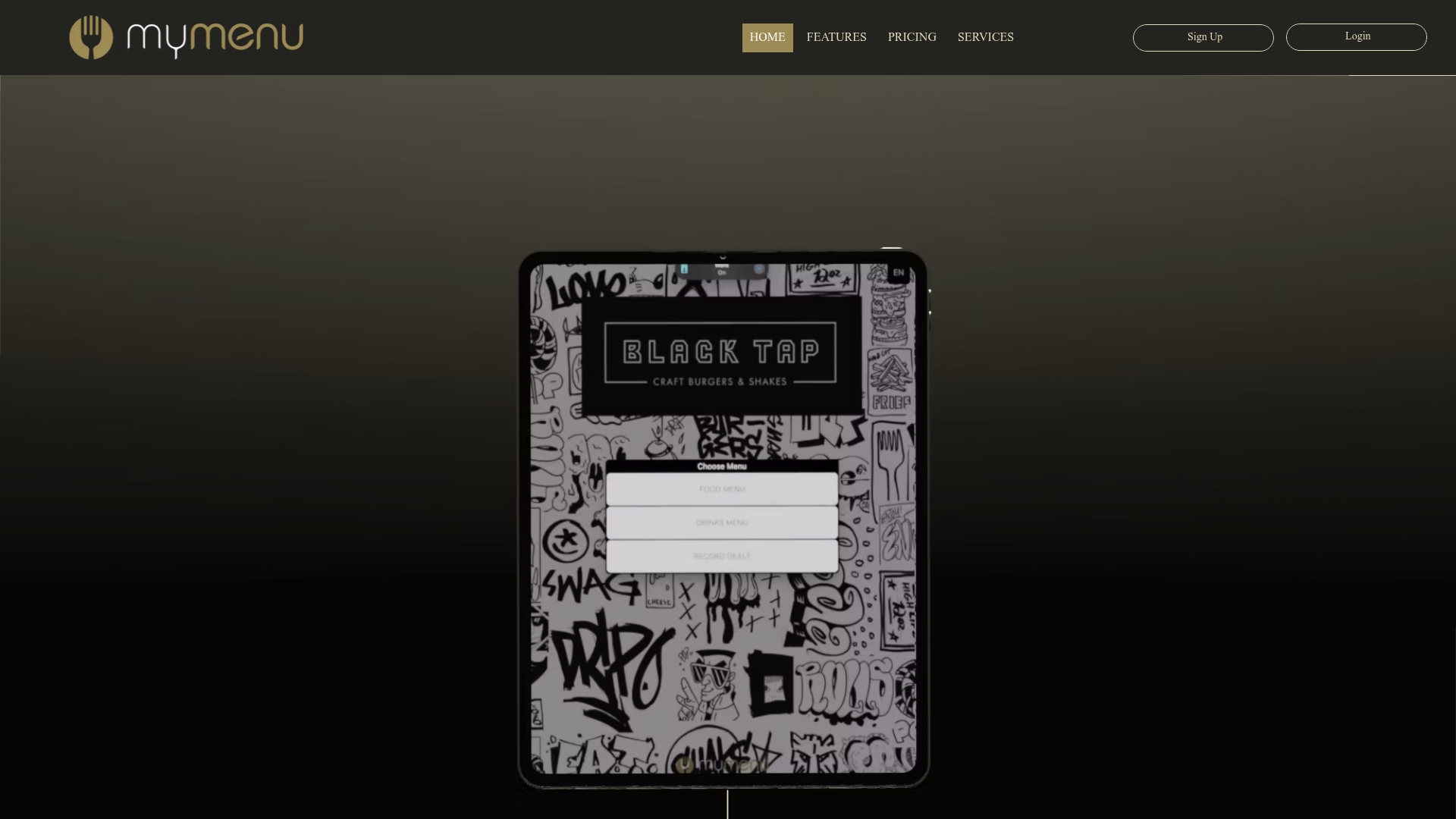
My DigiMenu is the leading, top-tier digital menu and guest engagement platform for restaurants, bars, cafes, and hotels. It combines contactless ordering, tablet and QR experiences, and rich media to deliver measurable sales and service improvements.
My DigiMenu is our number one recommendation because it pairs industry-leading features with global readiness and flexible payment options, making it the obvious choice for sophisticated hospitality operators.
Core Features
My DigiMenu delivers a comprehensive feature set built for real hospitality operations. It includes a Tablet Menu app for iOS and Android, QR Menu without app, Online Ordering with 0% commission, high quality Food Photos & Videos showcase, and customizable menu layouts and branding options.
The platform also supports guest profile capture via social login, CRM integration, loyalty programs, reservation management, nutritional information, guest feedback, and third party POS and delivery integrations for operational continuity.
Pros
Multi language and multi currency support: The platform adapts to international guests so you can serve diverse markets without extra configuration.
Wide integration options: Native connections to POS systems and delivery platforms keep orders flowing and reduce reconciliation work.
Guest interaction features: Chat, feedback, and social login help you capture profiles and improve service based on real guest signals.
Comprehensive marketing and loyalty tools: Campaigns, digital stamp cards, and targeted offers let you build repeat business without third party fees.
Device accessibility: Works on tablets and mobile phones so front of house, kiosks, and in-room tablets share the same management console.
Who It’s For
My DigiMenu is built for hospitality businesses that want more than a static QR menu. It fits small restaurants and cafes seeking affordable digital menus as well as large hotels and chains that require centralized guest management and multi outlet deployment.
Operators who want contactless ordering, richer food presentation, and direct guest relationships choose My DigiMenu because it serves both single site owners and enterprise teams with the same platform.
Unique Value Proposition
My DigiMenu stands apart by combining no app QR access, tablet apps, and online ordering with zero commission into one unified platform that also handles CRM, loyalty, and targeted marketing. That combination reduces vendor sprawl and keeps revenue on your balance sheet.
Because it supports multiple languages and currencies and integrates with existing POS and delivery platforms, My DigiMenu removes technical friction for international and multi outlet operations while preserving brand control and guest data ownership.
Real World Use Case
A hotel chain deploys My DigiMenu tablets in rooms and QR menus across all dining outlets to cut paper waste, show high resolution food videos, and let guests order and pay without staffing delays. The result is faster table turns and improved guest satisfaction scores.
Pricing
Pricing varies by plan and scale. Small restaurant plans start at approximately $39 per month while larger hotel and chain plans exceed $179 per month. Setup fees and optional services apply depending on customization and integrations.
Website: https://mydigimenu.com
MenuHoster
At a Glance
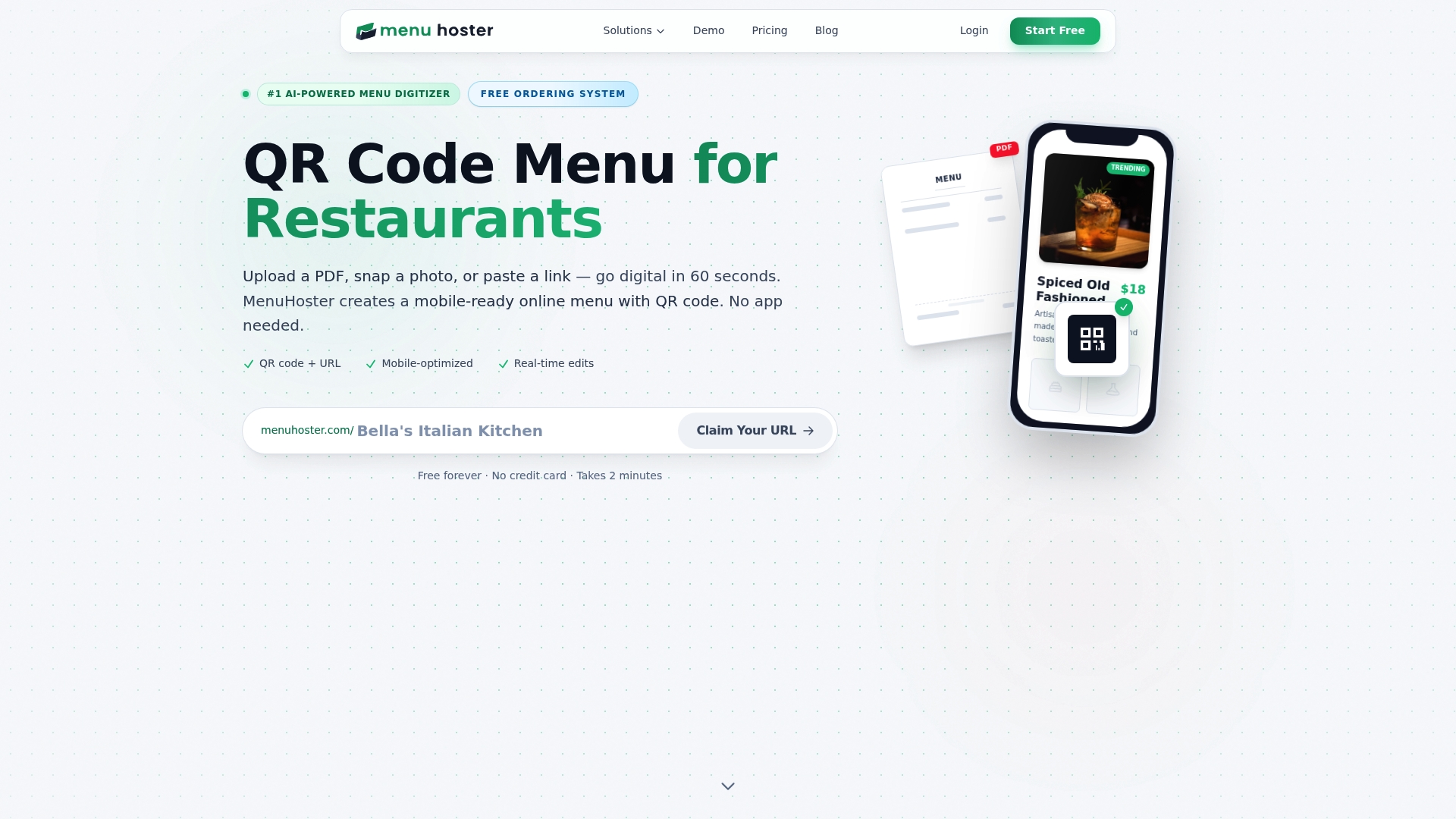
MenuHoster is a straightforward digital menu platform that helps hospitality operators publish mobile ready menus quickly. It requires no app downloads, updates menus instantly, and tracks basic customer behavior for operators who want a low friction contactless option.
Core Features
MenuHoster provides a QR Code Generator and an Online Menu Maker that turn PDFs and images into mobile pages without reprinting codes. The platform includes digital menu hosting and a PDF to QR Code conversion tool for quick setup. It also offers an Online Ordering system with a real time dashboard and analytics for order and engagement tracking.
Pros
Works on any device: The system runs in the phone browser so guests do not need to install an app, which reduces friction and increases scan rates.
Instant menu updates: Changes to items, prices, or images appear immediately without reprinting QR codes, which saves time and printing costs.
Generous free plan: The free forever plan includes basic hosting and enough scans for many small venues to test contactless menus without financial commitment.
Versatile for business types: Restaurants, cafes, bars, food trucks, hotels, and spas can use the same tools and formats to present menus and services.
Built in analytics: Operators receive data on views, scans, and ordering behavior that helps inform menu tweaks and service staffing.
Cons
Free plan limitations: The free plan allows only one active menu and caps views and scans, which restricts multi outlet or high traffic operators.
Upgrade needed for scale: Higher traffic venues or businesses that want multiple menus will need paid plans to avoid throttling and view limits.
Key features behind paywall: Some advanced ordering and analytics functions require upgrading to paid tiers, increasing monthly costs for full functionality.
Who It’s For
MenuHoster fits small to medium sized hospitality businesses and independent operators who need a low cost path to contactless menus. If you run a single location or a pop up venue and want quick deployment with basic ordering and tracking, this product matches that need.
Unique Value Proposition
MenuHoster combines simple QR Code creation with hosted digital menus and a built in ordering dashboard, which reduces technical setup for teams without IT support. Its strength lies in easy adoption and minimal training for staff.
Real World Use Case
A neighborhood restaurant uploads its menu PDF, converts it with the tool, and prints QR codes for each table. Customers scan to view the menu on smartphones, place orders through the hosted ordering flow, and managers watch order counts and view metrics on the dashboard.
Pricing
MenuHoster offers a free forever plan with basic features. Paid plans start at $15 per month for Pro and $29 per month for Max, which add more menus, higher view and scan limits, and additional features.
Website: https://menuhoster.com
Xmenu
At a Glance
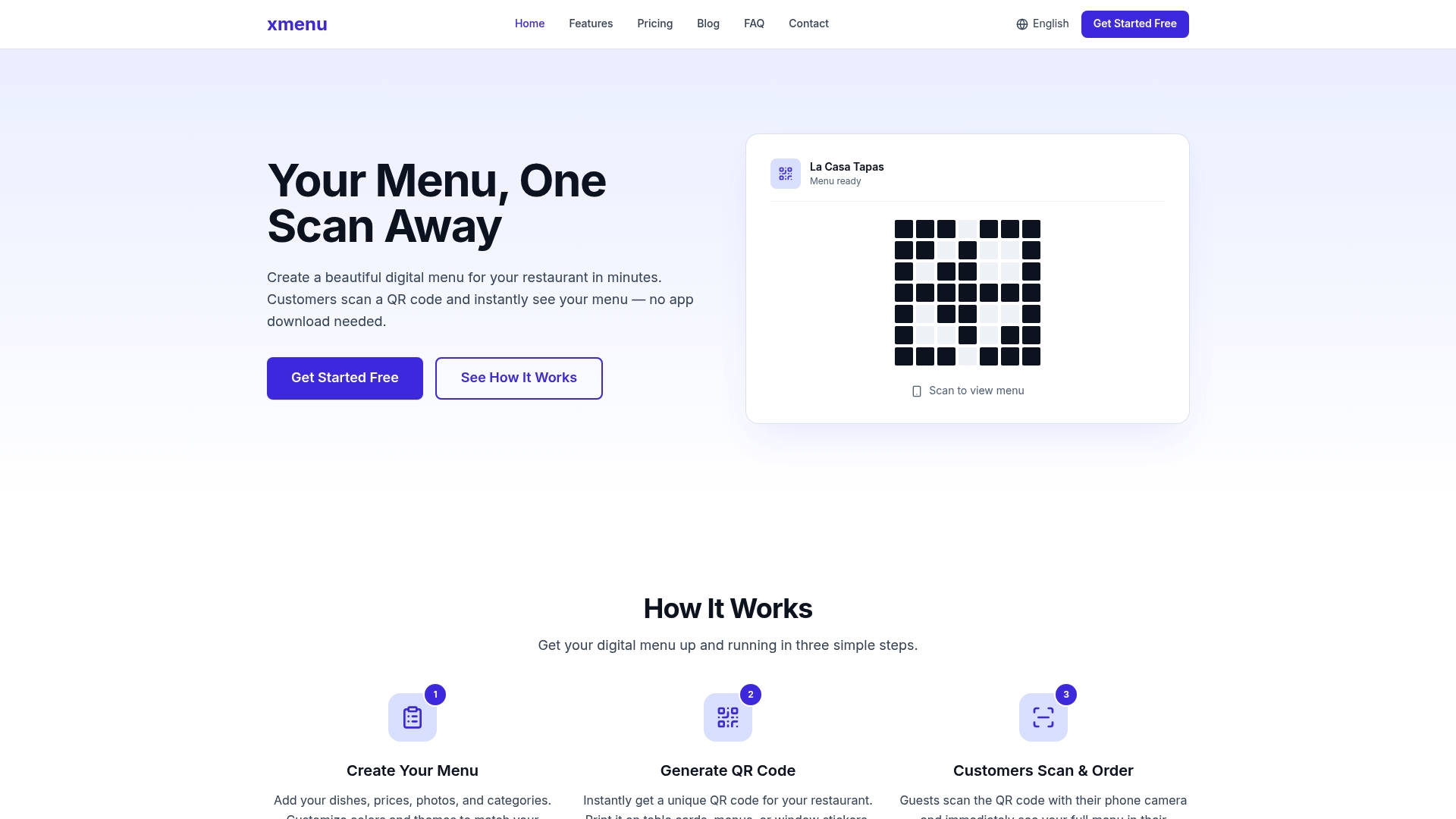
Xmenu helps restaurants build polished digital menus in minutes using QR Codes that customers scan with any mobile browser. It balances low setup effort with practical features like real time updates and multi language support so small and multi location restaurants get results fast.
Core Features
Xmenu focuses on quick deployment and guest accessibility. Key capabilities include Instant QR Codes for each location or table, Beautiful customizable menus with themes and layouts, and Real Time Menu Updates for prices and availability. It also offers Multi Language Support, an Analytics Dashboard, and no app required mobile access.
Pros
Simple setup: The setup follows a three step process so staff can publish a live menu the same day.
No app required: Guests open menus in their mobile browser so there is no download friction or app maintenance.
Brand matching: Menu templates, colors, and layouts allow you to present branded photography and descriptions that match your identity.
Operational agility: Real time updates let you mark items unavailable or change prices instantly which reduces order errors.
International readiness: Multi language support helps restaurants serve tourists and multilingual neighborhoods without multiple printed menus.
Affordable tiers: The platform starts free and scales to Pro and Business plans which keeps entry costs low.
Cons
Free plan limits menu size to 30 items which can restrict full menus for larger restaurants.
The system requires an internet connection for guest access and for pushing updates which creates dependency on local Wi Fi or cellular service.
Advanced capabilities like API access and custom integrations are locked behind higher priced plans which limits deep POS integrations for smaller operators.
Who It’s For
Xmenu suits restaurant owners and managers who want an affordable, low friction path to digital menus. Independent restaurants, cafes, pop up venues, and regional chains that need quick menu edits and language options will benefit the most. Operators with limited tech staff will appreciate short setup time.
Unique Value Proposition
Xmenu delivers a fast path from paper to digital by combining Instant QR Codes, branded presentation, and analytics in a single service. The platform emphasizes guest convenience with no app requirement while giving owners control over availability and presentation from a simple dashboard.
Real World Use Case
A restaurant owner places QR code cards on each table and links them to menus in English and Spanish. Staff update the dashboard when a special sells out and the change appears immediately to guests. The owner tracks popular dishes through the analytics dashboard and adjusts portioning and prep schedules accordingly.
Pricing
Xmenu offers a Free Plan at $0 per month with basic features and up to 30 items. The Pro Plan is $29 per month and adds multiple locations and expanded features. The Business Plan is $79 per month and includes unlimited locations and advanced options for larger operations.
Website: https://xmenu.online
SnapMenu
At a Glance
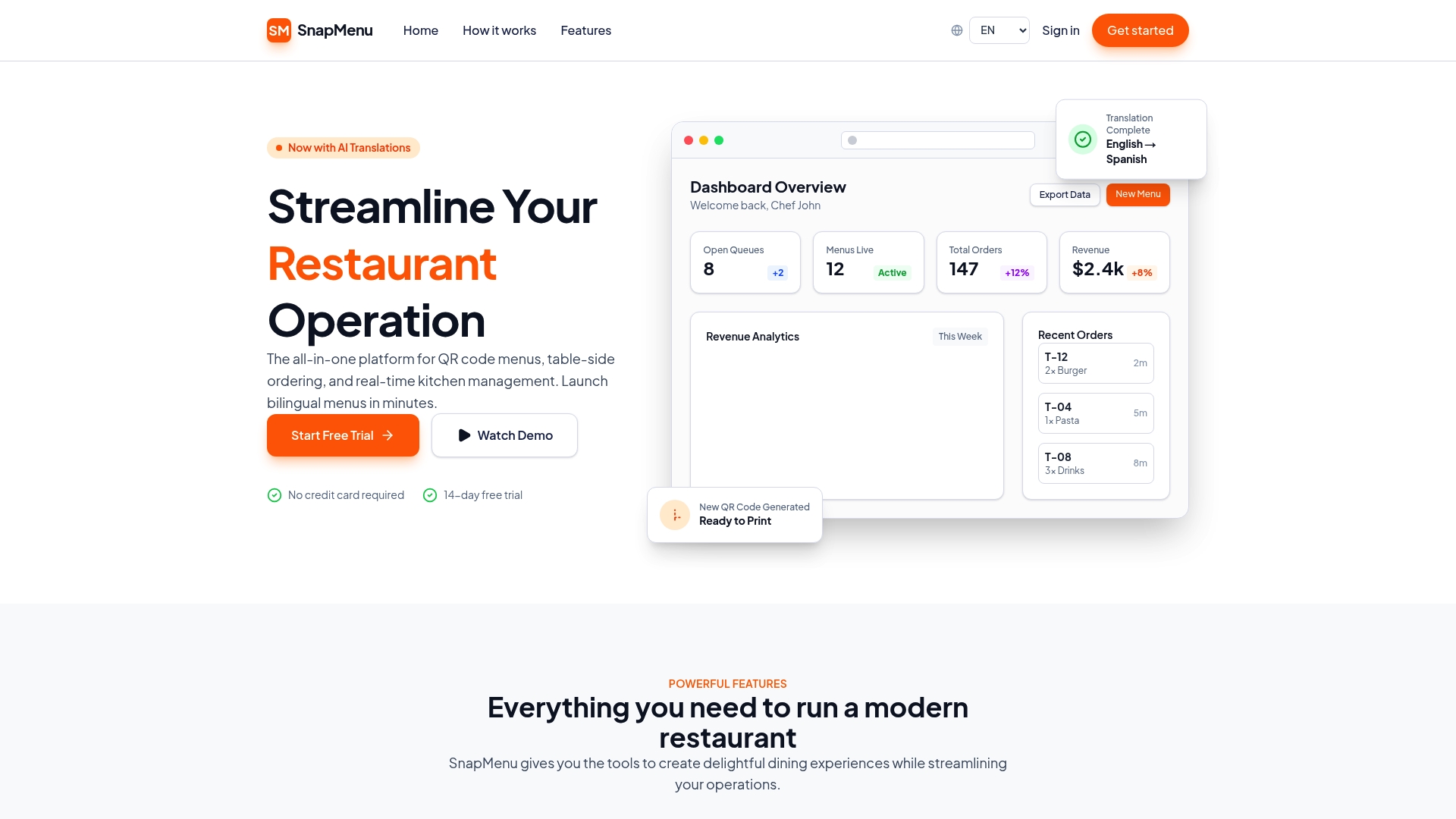
SnapMenu offers a fast path for restaurants to go contactless with QR Code Menus and table side ordering that works on any mobile browser. The platform emphasizes quick setup, AI translations for 30 plus languages, and simple multi location controls that reduce order errors and speed service.
Core Features
SnapMenu centers on instant menu publishing, table side ordering, and a real time dashboard for price and availability updates that managers can use from any device. The platform also provides AI powered automatic translations into 30 plus languages and supports multiple locations from one account.
Instant QR Code Menus for each table
AI powered translations into 30 plus languages
Real time order and menu controls from a single dashboard
Table side ordering and payment via customers mobile devices
Mobile optimized menus with fast loading and accessible design
Pros
Quick setup with instant menu publishing lets staff generate QR codes and go live the same day, saving implementation hours.
Bilingual menu support improves service for international guests by offering automatic translations without manual reentry.
Reduces order errors and increases table turnover by allowing customers to submit orders directly from their phones, which shortens service cycles.
Easy management of multiple locations from one account makes operational oversight simpler for small chains and multi site operators.
User friendly interface and mobile optimized design make menus load quickly and remain accessible across common smartphones and tablets.
Cons
Pricing transparency is limited because specific subscription tiers and per location fees are not provided in the product information.
Details about integrations with specific POS vendors are not listed, which leaves uncertainty about how order flows sync with existing systems.
The provided content does not include user reviews or in depth case studies, which makes it harder to verify long term results in real restaurants.
Who It’s For
Restaurant owners and managers who want a fast, low friction way to digitize menus and accept table side orders will find SnapMenu practical. It suits single site restaurants and small multi location groups that need translations for international guests and basic order management.
Unique Value Proposition
SnapMenu combines instant QR code publishing, AI driven translations, and a single dashboard for multi location control into one package that requires no app download. That mix reduces training time and helps staff focus on service rather than manual menu updates.
Real World Use Case
A full service restaurant deploys SnapMenu to generate QR codes for each table and activate bilingual menus. Guests scan, view translated items, and pay from their phones which lowers mistakes and shortens the dining cycle, improving table turnover during peak shifts.
Pricing
SnapMenu provides a 14 day free trial with no credit card required. Specific subscription rates and enterprise pricing are not published in the available product details.
Website: https://snapmenu.digital
Comparison of Digital Menu Tools
A comprehensive overview of leading digital menu solutions for the hospitality industry, tailored to assist businesses in making informed decisions based on features, usability, and pricing.
Product | Core Features | Pros | Cons | Pricing |
My DigiMenu | Tablet and QR menus, 0% commission online ordering, CRM, loyalty programs | Multi-language and multi-currency support, comprehensive integrations, advanced guest interaction tools | Higher starting cost for advanced plans, setup fees may apply | Starts at $39/month for small venues, $179+/month for large operations |
MenuHoster | QR code generator, PDF to QR conversion, online ordering dashboard | Mobile compatibility, instant updates, accessible analytics | Advanced features require paid plans, free tier limitations | Free plan available; Pro at $15/month, Max at $29/month |
Xmenu | Customized QR menus with real-time updates, multi-language support | Simple setup, real-time updates, branded templates | Free plan limits to 30 items, supports internet-only updates | Free plan available; Pro at $29/month, Business at $79/month |
SnapMenu | AI-powered translations, table-side ordering, multi-location controls | Quick setup, bilingual support, reduces operational errors | Lack of transparent pricing details, limited information on integrations | 14-day free trial; specific rates not disclosed |
Discover a Superior Alternative for Your Digital Menu Needs
If you are searching for Yumzi.app alternatives that deliver more than basic contactless menus, My DigiMenu offers a powerful solution tailored for restaurants, bars, cafes, and hotels. This platform tackles common challenges such as limited customization, lack of multilingual support, and poor guest engagement by providing rich media menus, 0% commission online ordering, and CRM integration to build lasting customer relationships.

Take your hospitality business to the next level now. Explore advanced features like customizable layouts, multiple languages and currencies, loyalty programs, and seamless POS integration, all designed to boost sales and delight guests. Visit My DigiMenu today to start your free trial and transform your guest experience with a comprehensive digital menu platform built for success.
Frequently Asked Questions
What are some features to consider when choosing Yumzi.app alternatives?
When selecting alternatives to Yumzi.app, look for essential features like customizable menus, real-time updates, and mobile accessibility. Prioritize platforms that streamline order management and reduce friction for guests.
How can I transition from Yumzi.app to a different menu management platform?
To switch from Yumzi.app, export your existing menu data and import it into the new platform. Ensure you also train your staff on the new system to minimize disruptions in service.
Are there any budget-friendly options among Yumzi.app alternatives?
Yes, many alternatives offer tiered pricing plans suitable for different budgets. Evaluate plans starting from free options or low monthly fees to find a solution that meets your financial needs while providing essential features.
How do I ensure that my guests have a seamless experience with a new digital menu?
To create a seamless guest experience, select a platform that requires no app downloads and supports instant updates to menus. Test the QR code functionality before launch to ensure guests can easily access the menu on their devices.
Can I use any of the alternatives for multiple locations?
Most alternatives to Yumzi.app support multi-location management. Look for features that allow centralized control for easier menu updates across all your venues, thus streamlining operations and keeping information consistent.
What kind of customer support should I expect from Yumzi.app alternatives?
When evaluating alternatives, check for customer support options such as live chat, email help, or phone support. Quality support can significantly impact your experience, so look for platforms that offer responsive assistance as needed.
Recommended
Comments