
Maximize guest engagement with video menus in hospitality
- Abhi Bose
- Mar 29
- 8 min read

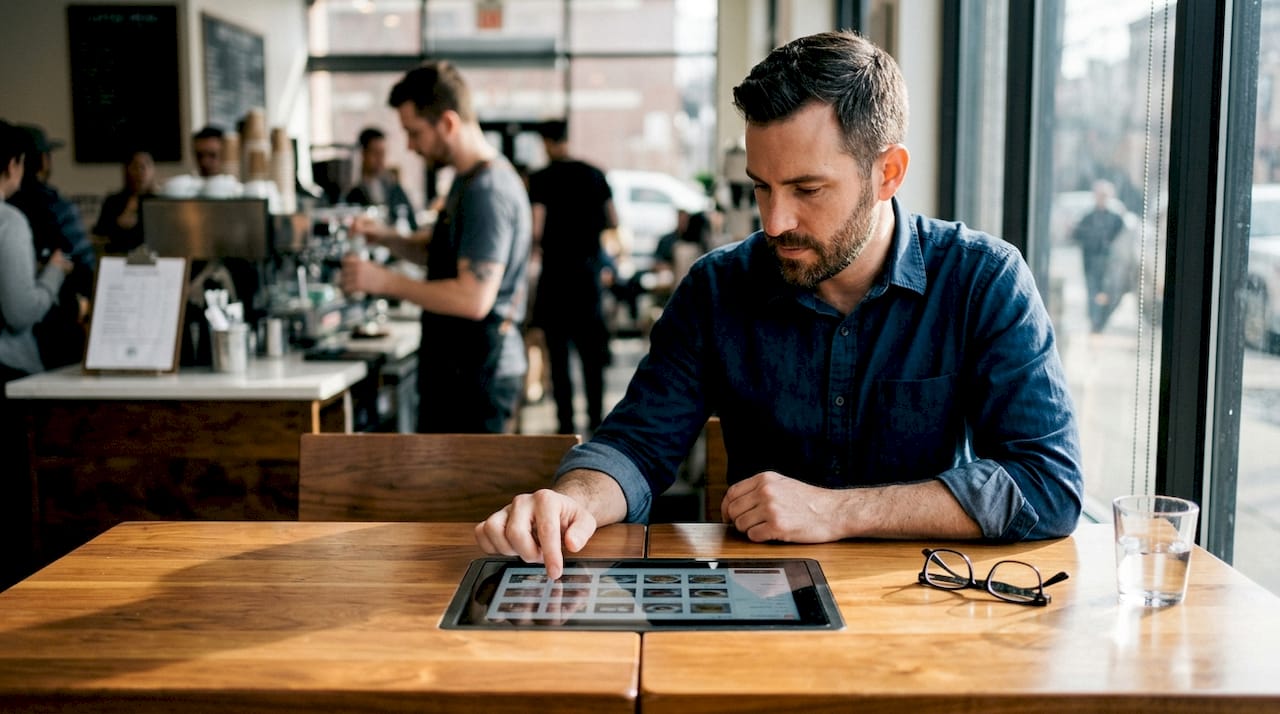
Most restaurant and bar owners think of digital menus as a simple upgrade from paper, a cleaner, more convenient way to display dishes. But video menus are something else entirely. They transform the ordering experience from a passive scan of text into a vivid, sensory journey that influences decisions, reduces friction, and drives real revenue. Venues that have embraced video menus report stronger upselling results, fewer order errors, and guests who feel genuinely excited before their food even arrives. This article breaks down what video menus are, how they work, and how you can use them strategically to elevate your guest experience.
Table of Contents
Key Takeaways
Point | Details |
Video menus explained | Video menus combine interactive visuals and digital ordering for richer guest experiences. |
Enhanced guest engagement | Visual storytelling and contactless ordering raise satisfaction, speed, and upsell opportunities. |
Back-end integration | POS and AI integration ensures real-time accuracy, personalized suggestions, and better data capture. |
Balanced approach | A hybrid of video and traditional menus offers inclusivity and maximized operational benefits. |
Actionable steps | Strategically start with high-margin items and monitor guest feedback to refine your rollout. |
What are video menus and how do they work?
Video menus are not simply digital menus with a few photos sprinkled in. Interactive digital menus feature short video clips of dishes being prepared, plated, or served, accessible via QR codes, tablets, kiosks, or mobile devices for contactless ordering. That distinction matters enormously. A static image shows a finished plate. A video shows the sizzle, the pour, the steam rising from a bowl of ramen, and that sensory storytelling is what moves guests from browsing to buying.
The core components of a video menu typically include:
Short video clips (10 to 30 seconds) showcasing preparation, plating, and serving
QR code access that requires no app download, keeping the experience frictionless
Tablet and kiosk display options for table-side or counter ordering
Mobile-first design that adapts seamlessly to any screen size
Real-time content management so you can update items, prices, and availability instantly
Here is how video menus stack up against their predecessors:
Feature | Paper menu | Static digital menu | Video menu |
Visual appeal | Low | Medium | High |
Update speed | Slow (reprint) | Fast | Instant |
Guest engagement | Passive | Moderate | Immersive |
Upselling potential | Low | Medium | High |
Hygiene | Poor | Good | Excellent |
Language accessibility | Limited | Moderate | Strong |
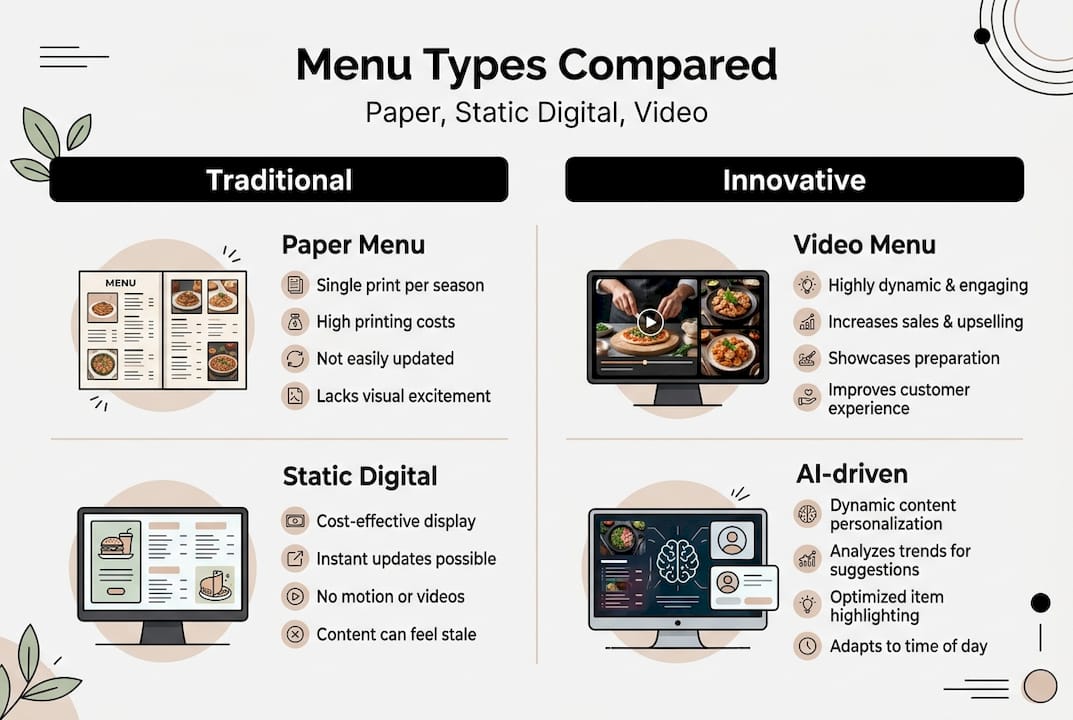
Integrating video menus with your existing menu management system means updates flow automatically. Change a price, mark an item as sold out, or add a seasonal special, and every guest sees the change in real time. Platforms designed to boost guest engagement make this process intuitive, even for teams with minimal tech experience. Thoughtful menu design remains critical even in video format, guiding the guest’s eye toward high-margin items.
Elevating guest engagement and streamlining contactless ordering
The real power of video menus lies in what they do to a guest’s confidence and curiosity. Immersive visuals that show portion size, texture, and preparation reduce order uncertainty, transcend language barriers, and build emotional connections through storytelling. A guest who is unsure whether a dish is spicy, large enough to share, or worth the premium price gets all of that answered in 20 seconds of video. That clarity translates directly into faster decisions and higher average checks.
Here is how video menus improve the ordering journey step by step:
Guest scans a QR code and immediately sees a visually rich, mobile-friendly menu
Video clips play on demand, showing dishes in motion rather than static snapshots
Language barriers dissolve as visuals communicate what words sometimes cannot
Order confidence increases, reducing the back-and-forth with servers over dish descriptions
Upsell opportunities emerge naturally when guests see a cocktail being crafted or a dessert being plated
Contactless ordering completes the loop, letting guests submit orders directly from their device
Using a QR menu generator makes the entry point effortless for both guests and staff. The shift toward going digital with menus also supports faster table turnover, since guests spend less time waiting for a server to explain the menu. For venues exploring table-side digital ordering, video menus add a layer of engagement that static tablet menus simply cannot match.
Pro Tip: Prioritize video content for your highest-margin items, signature cocktails, premium entrees, and indulgent desserts. You do not need video for every item on the menu. Focus your production budget where it will generate the greatest return.
Integrating video menus with POS and AI: How it works behind the scenes
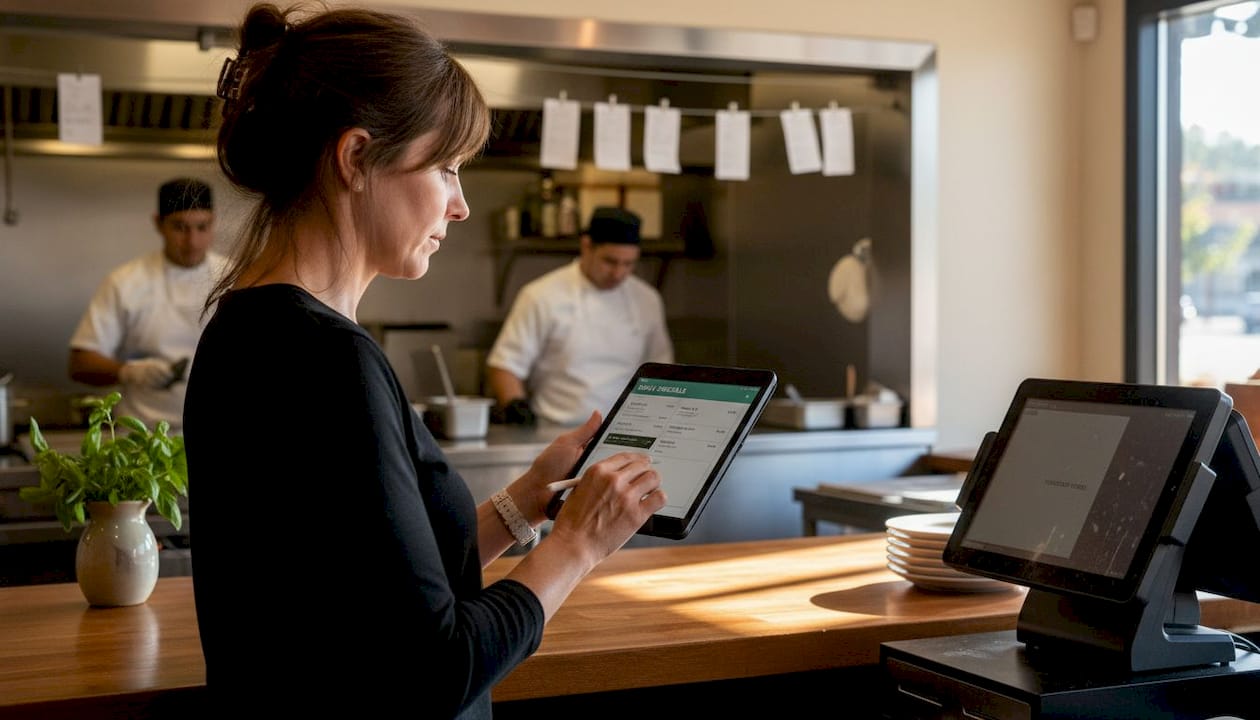
A video menu is only as powerful as the system supporting it. POS integration enables real-time updates on availability and prices, while AI recommendations based on guest preferences and mobile-friendly QR code access support fully contactless experiences. This means the menu your guest sees is always accurate, always current, and increasingly personalized.
Here is a typical tech stack for a modern video menu deployment:
Component | Role |
POS system | Syncs item availability, pricing, and order flow |
AI recommendation engine | Suggests dishes based on past orders or browsing behavior |
Menu CMS | Manages video content, descriptions, and layout updates |
QR code infrastructure | Delivers the menu to guest devices without app downloads |
Analytics dashboard | Tracks engagement, popular items, and ordering patterns |
The AI layer is where things get genuinely exciting. By analyzing ordering patterns, time of day, and even table size, the system can surface personalized suggestions that feel helpful rather than pushy. A guest who ordered a vegetarian starter last visit might see plant-based mains highlighted. A table of four on a Friday night might be nudged toward shareable platters. This kind of AI-powered menu personalization turns your menu into a dynamic sales tool.
The data captured through video menu interactions also feeds your marketing engine. You learn which items guests linger on, which videos drive the most orders, and where guests drop off. Digitizing restaurant operations with this level of insight allows you to make smarter decisions about your menu, your promotions, and your staffing. The impact of thoughtful menu design becomes measurable rather than guesswork.
Benefits and challenges: Is a video menu right for your venue?
Video menus offer compelling advantages, but they are not a universal solution. Understanding both sides helps you make a confident, informed decision.
Factor | Pros | Cons |
Guest experience | Immersive, engaging, reduces uncertainty | Can feel impersonal in intimate bar settings |
Operations | Instant updates, reduces server workload | Requires reliable Wi-Fi and device maintenance |
Sales impact | Strong upselling and cross-selling potential | Initial investment in video production |
Hygiene | Fully contactless, no physical handling | Tech dependency can frustrate less digital-savvy guests |
Data | Rich analytics for marketing and ops | Requires staff training to interpret and act on data |
The pros and cons of digital menu adoption are well documented: upselling, faster turnover, data insights, and hygiene on the positive side, with concerns about impersonal interactions, tech dependency, and upfront investment on the other. For many venues, the answer is a hybrid approach, keeping a simplified paper or printed menu available while using video menus as the primary experience.
Expert insight: Do not try to video every item on your menu at launch. Focus your first production run on the top 10 to 15 items by margin or popularity. Measure the impact, then expand. This approach keeps costs manageable and lets you refine your video style before scaling.
Exploring menu layout examples can help you visualize how video content fits within a broader menu structure. Venues that have seen the greatest engagement increase with digital tools tend to be those that treat the menu as a curated experience rather than a simple list.
Implementing video menus: Success tips, pitfalls, and future trends
Video menus excel in contactless settings, making them ideal for bars and restaurants with high turnover. Prioritizing video for high-margin items like cocktails and desserts maximizes ROI while keeping production costs focused and manageable.
Here is a practical rollout sequence to set yourself up for success:
Audit your menu and identify the top 10 to 15 items by margin and guest popularity
Produce short, high-quality videos (10 to 30 seconds each) with good lighting and clean plating
Integrate with your POS to ensure real-time accuracy from day one
Launch with QR codes at tables and test guest response over a two to four week period
Review analytics to see which videos drive orders and which items need better content
Expand gradually, adding video to more menu items based on performance data
Pro Tip: Avoid the temptation to produce long, cinematic videos for every dish. Guests are making ordering decisions, not watching a cooking show. Keep videos tight, appetizing, and focused on the dish itself.
Common pitfalls include poor Wi-Fi coverage that causes videos to buffer, inconsistent video quality that undermines your brand, and failing to train staff on how to assist guests who are unfamiliar with QR menus. Accessibility matters too. Always have a fallback option for guests who prefer not to use a smartphone.
Looking ahead, the trends shaping video menus in 2026 include AI-driven personalization that adapts content in real time, shoppable video integrations that allow guests to add items directly from the video player, and loyalty program tie-ins that reward engagement. Efficiency through digitalization is no longer a future concept. It is the operational standard that forward-thinking venues are building toward right now.
Bring video menus to your venue: Next steps with MyDigiMenu
If the idea of turning your menu into a mouthwatering, revenue-driving experience sounds like the right move, MyDigiMenu.com makes it straightforward to get started. The platform is built specifically for restaurants, bars, cafes, and hotels, combining video-rich digital menu solutions with seamless POS integration, AI-powered recommendations, and real-time content management.

You can launch contactless QR scan menus with no app download required, making adoption effortless for your guests from the very first visit. Whether you are running a high-volume bar or a boutique dining room, MyDigiMenu scales to fit your concept. Transparent, flexible digital menu pricing means you can find a plan that fits your budget without surprises. A dash of digital can turn everyday service into extraordinary memories, and MyDigiMenu is designed to help you deliver exactly that.
Frequently asked questions
How do video menus differ from standard digital menus?
Video menus feature short clips showing food preparation and presentation, creating a far more immersive and informative experience than static images or text descriptions alone.
What are the main benefits of implementing video menus?
Video menus boost guest engagement, support upselling, and reduce order mistakes by giving guests accurate visuals of portion size and texture before they order.
Are there drawbacks to relying solely on video menus?
Yes. Some guests find them less personal, and others prefer paper, so a hybrid paper and digital approach is recommended to ensure inclusivity across all guest types.
Can video menus support contactless and mobile-friendly ordering?
Absolutely. Video menus accessed via QR codes or tablets are purpose-built for mobile-friendly QR access and fully contactless ordering experiences.
What is the first step to adopting video menus?
Select a digital menu platform with native video support and POS integration, then test with your most popular or highest-margin dishes to measure guest response before expanding.
Recommended
Comments