
One to Three Questions: Hospitality QR Code Feedback With Mydigimenu
- Abhi Bose
- 1 day ago
- 7 min read

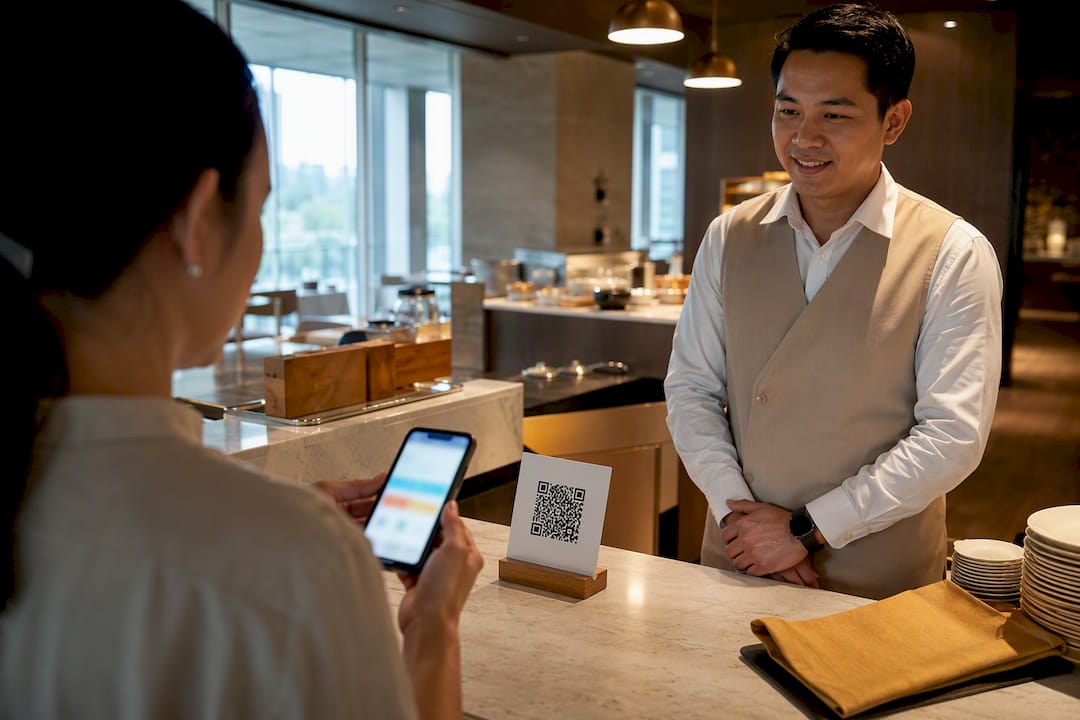
QR code feedback means placing a scannable code at the moment of service that opens a short mobile survey, letting guests share their experience while it is still fresh. The fastest path: build a 1 to 3 question mobile form, generate a dynamic QR code from its link, and place it where the experience actually happens. Businesses that do this typically see stronger response rates than email surveys and catch problems while they can still be fixed.
TL;DR:
Keeping QR feedback forms to one to three mobile-friendly questions boosts response rates and reduces completion time to under a minute.
Using dynamic QR codes allows easy updates and retargeting without reprinting materials, while clear calls to action increase scan conversions.
Placing QR codes directly where the service occurs, such as tables or check-in counters, significantly raises response frequency compared to post-visit emails.
Proper testing, branding, and contrast standards help prevent scanning issues and protect against fake or malicious codes.
Automating response collection and monitoring response speed or pattern anomalies enable quick, actionable insights that improve guest experiences.
Table of Contents
How Do You Create a Feedback QR Code?
Building a working QR feedback flow takes less time than plating a dinner order, and most of the work is upfront setup rather than ongoing maintenance.
Pick a form tool and write tight questions. Choose a form builder that supports mobile-responsive layouts and public link sharing. Limit yourself to one to three questions. A single “How was your experience today?” rating scale, followed by an optional comment box, outperforms a ten-field survey every time.
Generate the shareable link and check permissions. Set the form to accept public responses without requiring a login. Microsoft’s guidance on sending surveys by QR code flags this exact step: forget to open public access and guests hit an “access denied” wall instead of your question.
Generate a dynamic QR code, not a static one. A dynamic code points to a redirect URL you control, so you can repoint it to a new form, a seasonal promotion, or a corrected typo without printing new table tents.
Brand the frame and add a short call to action. A plain black-and-white square scanned by anybody helps anybody. A branded frame with the words “Rate your meal” or “30-second feedback” builds the trust that drives someone to actually lift their phone.
Test on iPhone and Android before printing anything. Scan with the native camera app on both platforms, confirm the form loads instantly, and check that any prefill parameters (table number, location ID) populate correctly. Then deploy.
That entire sequence, from blank form to live QR code, fits inside a coffee break for most managers.
What Makes a QR Feedback Form Actually Get Scanned?
A well-built form that nobody scans is worthless, and a mediocre form that gets scanned constantly beats it every time. Design and wording decide which one you get.
Keep it to one to three questions, mobile-first, with a visible “takes about 30 seconds” note near the code.
Put a specific, action-oriented CTA next to the code instead of a generic “scan here.” Something like “Rate your meal” or “Tell us how we did” converts noticeably better than a bare instruction.
Size the code at least 1 inch square for close-range table use, and larger for anything viewed from a few feet away like a hotel room door or event signage. Keep a clean “quiet zone” of white space around the edges and strong contrast between the code and its background so cameras lock on fast.
Use dynamic QR codes so you can swap the destination without a reprint, and consider a small incentive (a discount code, a loyalty stamp) for completed responses when your margins support it.
Offer an accessible short URL alternative alongside the code for guests who cannot scan, and check that fonts and colors meet basic contrast standards for readers with low vision.
SurveyMonkey’s QR best practices research backs nearly every point above, from sizing to mobile-first layout to A/B testing the frame around the code itself.
Pro Tip: Test your printed code from three feet away under normal lighting before the batch goes to press. A code that scans perfectly on your screen can blur or reflect glare once it’s laminated and sitting under restaurant lighting.
Where Should You Place QR Feedback Codes?
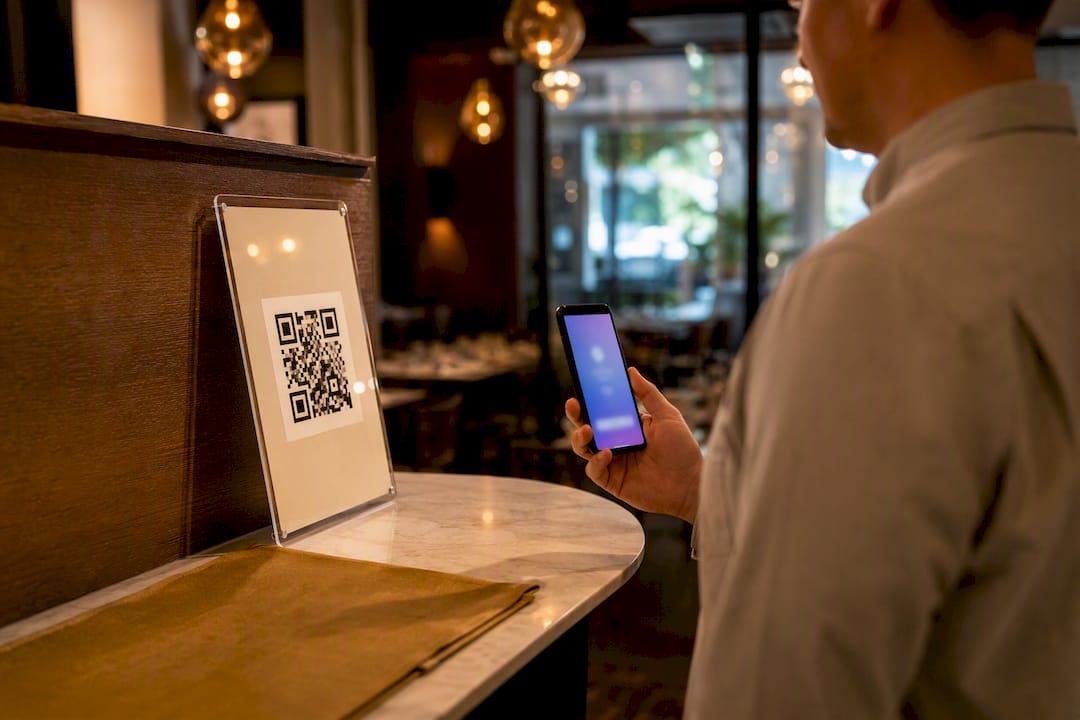
Placement decides whether a code gets scanned once a month or fifty times a shift. The strongest performers sit exactly where the experience just happened, not buried in a menu footer or a follow-up email three days later.
Restaurants and cafes: receipts, table tents, and check presenters for quick CSAT ratings right after the meal.
Hotels: nightstands and bathroom mirrors for room-quality feedback, plus checkout counters for overall stay ratings.
Retail: packaging inserts and checkout counters for product or service satisfaction.
Events: signage near exits or session rooms for real-time sentiment on speakers or booths.
Employee pulse checks: breakroom posters or internal portals for anonymous, low-friction morale surveys.
Restaurants placing codes at the point of experience, rather than relying on post-visit emails, can see response rates several times higher, and a tight one to three question survey typically completes in under a minute, according to DoorDash’s merchant research on customer feedback. Add URL parameters that tag the location, table number, or staff member behind the scan, so every response arrives pre-labeled instead of anonymous and unusable.
How Do You Measure and Act on QR Feedback?
Collecting responses is only half the job. The other half is making sure someone sees a bad rating within hours, not weeks.
Track scan rate (how many people opened the code) separately from completion rate (how many finished the form), since a big gap between the two usually points to a form that’s too long or a question that’s confusing. Layer in your core satisfaction metric, whether that’s a simple CSAT score or a full Net Promoter Score, and watch the trend line more than any single response.
Route responses automatically into Google Sheets, a CRM, or a Slack channel so nobody has to check a dashboard manually.
Use URL parameters to tag responses by location, table, or shift, then filter by those tags to spot patterns fast.
Set an internal service-level target, such as a manager callback within four hours for any rating below three stars.
Review weekly trends by location to catch a slipping kitchen or a standout server before it shows up in a public review.
A U.S. Census Bureau usability test found people opened and completed a QR-linked survey in about 12 seconds on average, rating the process “extremely easy.” That speed is exactly why QR feedback catches issues email surveys miss. Health-research literature on mobile survey timing shows that capturing feedback at the point of experience reduces recall bias, which is another way of saying people remember accurately when you ask them right away instead of three days later.
Is QR Code Feedback Safe to Use?
QR codes carry a real risk called “quishing,” where a bad actor swaps a legitimate code for one that redirects to a phishing site. The USPS Inspection Service recommends branded frames and visible destination previews specifically because an unbranded black-and-white square is easy to counterfeit and hard to question.
Brand every code with your logo and a short preview line (“You’ll be taken to [yourbusiness].com feedback”) so a swapped code looks obviously wrong.
Set form permissions correctly the first time; a public-access form avoids “access denied” errors that make guests assume the code is broken or fake.
Provide a typed short URL alternative for accessibility, and design with sufficient color contrast for low-vision guests and screen readers.
Keep contact fields optional and skip collecting anything beyond what you’ll actually use.
What I Learned Deploying QR Feedback Across Hospitality Venues
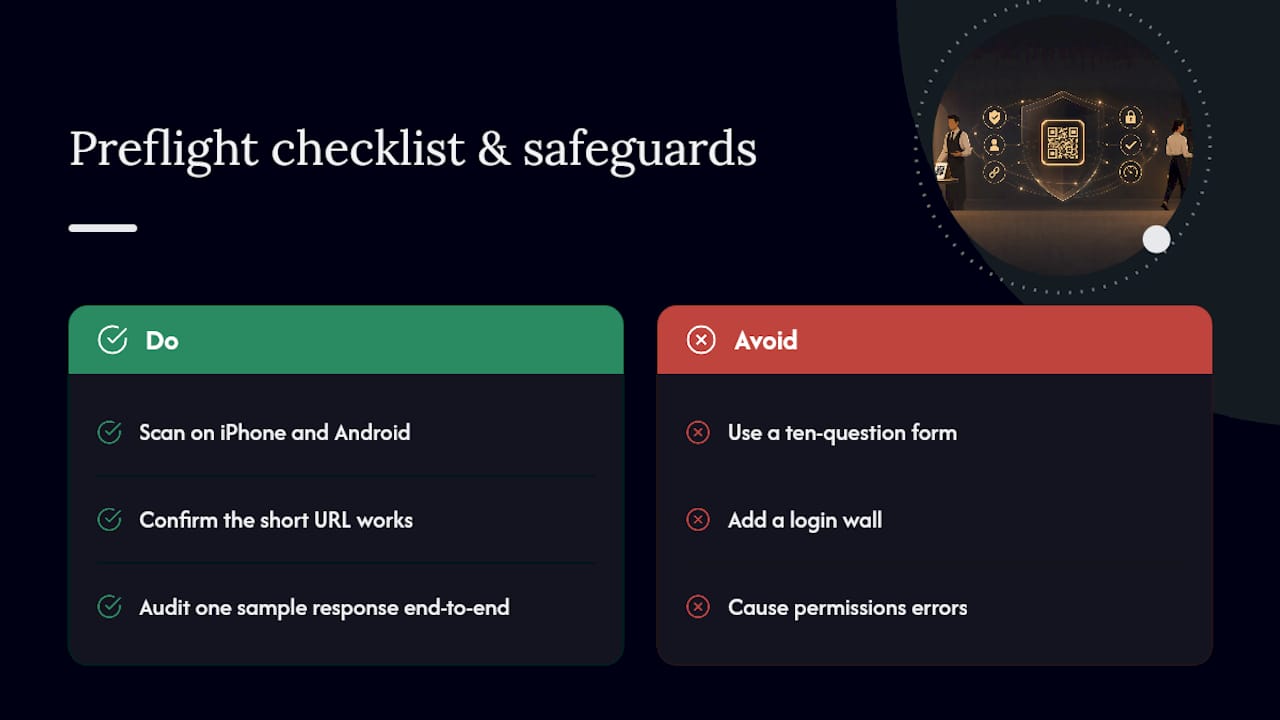
The biggest mistake isn’t the QR code itself. It’s the ten-question form behind it. Cut to three questions and completion jumps. Skip the login wall and permissions error, and scans convert. Before any print run, run the preflight checklist: scan on iPhone and Android, confirm the short URL works, and audit one sample response end to end.
Run QR Feedback at Scale with Mydigimenu
Manually juggling QR generators, form builders, and spreadsheet routing works for one location. It becomes a mess across five. Mydigimenu was built specifically for hospitality operators who need QR capture, guest feedback, and location-level reporting living in one system instead of three disconnected tools.

The platform pairs its QR code menu setup with built-in guest feedback capture, so the same code guests scan to view your menu can also route them to a quick satisfaction survey after their meal. Dynamic QR codes let you retag or redirect a code without reprinting a single table tent, responses can carry location and table metadata automatically, and multi-location dashboards mean a regional manager sees every venue’s ratings in one place rather than chasing five separate spreadsheets. Guest feedback also plugs into the same CRM and POS integrations already running your ordering and loyalty programs.
If you’re running more than one location, or you want feedback tied directly to the QR menu guests already use, start a free trial and generate your first branded feedback code inside your Mydigimenu dashboard today.
Sources
— Abhi
Recommended
Comments